
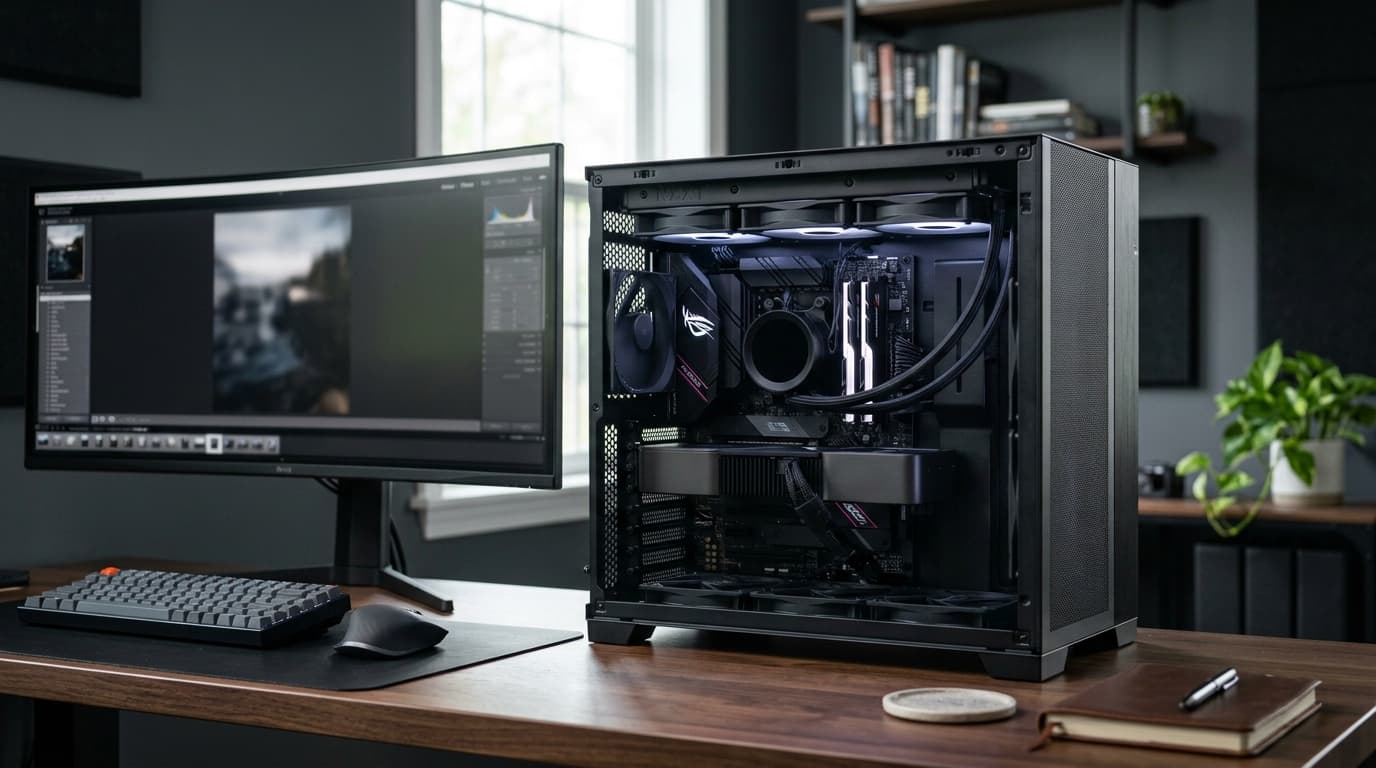
When you are building a PC, upgrading an old computer, or shopping for a new laptop, the CPU is one of the most important components to understand. It affects how quickly your computer handles instructions, runs applications, processes data, and responds to demanding workloads. But choosing the right processor is not simply a matter of picking the model with the highest number or the fastest clock speed.
Modern processors have become much more sophisticated. Core counts, thread counts, cache, boost frequencies, integrated graphics, power requirements, platform compatibility, and specialized features can all influence the experience you get from a computer.
That can make CPU shopping confusing, especially when two processors appear similar on a specification sheet but perform very differently in real-world applications.
This guide explains what a CPU does, which specifications actually matter, how processors affect gaming and productivity, and what you should consider before buying one.
What Is a CPU?
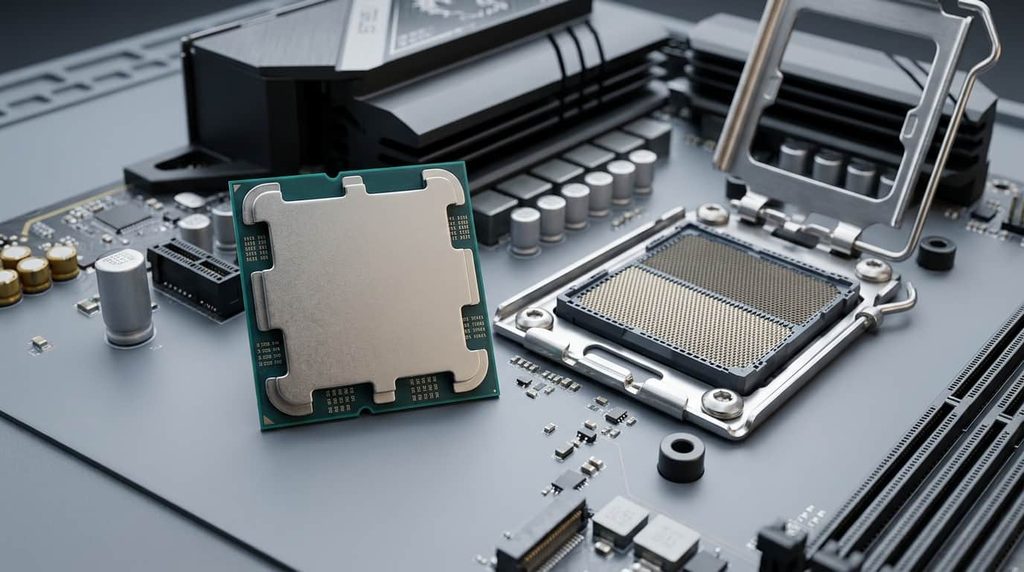
A CPU, or central processing unit, is the primary general-purpose processor in a computer. It executes instructions provided by the operating system and software, performs calculations, manages tasks, and coordinates many of the operations taking place inside the system.
You can think of the CPU as the computer’s main problem-solving engine.
When you open a browser, launch an application, install software, compress files, run calculations, or load a game, the CPU is involved in processing the instructions required to perform those tasks.
However, the CPU is not responsible for everything by itself. A modern computer is a collection of components that work together.
For example:
- CPU: Handles general processing and instructions
- GPU: Handles graphics and parallel visual workloads
- RAM: Provides fast temporary storage for active data
- SSD: Stores the operating system, applications, and files
- Motherboard: Connects the major components
- Power supply: Provides electrical power to the system
This is why buying the most expensive processor does not automatically create the fastest computer. Overall performance depends on how well the components work together.
What Does a CPU Actually Do?
At a basic level, a processor repeatedly fetches instructions, interprets them, performs operations, and produces results.
That sounds simple, but modern CPUs can execute an enormous number of operations in a short period.
Your processor may simultaneously deal with operating-system tasks, browser tabs, background applications, security software, file operations, and other workloads. In demanding situations, such as video rendering or compiling software, it may keep many cores busy at the same time.
The processor’s architecture determines how efficiently it can perform these operations.
This is one reason you should not compare processors solely by clock speed. A newer CPU can outperform an older processor with a higher advertised frequency because architectural improvements can allow it to accomplish more work during each clock cycle.
CPU Cores Explained
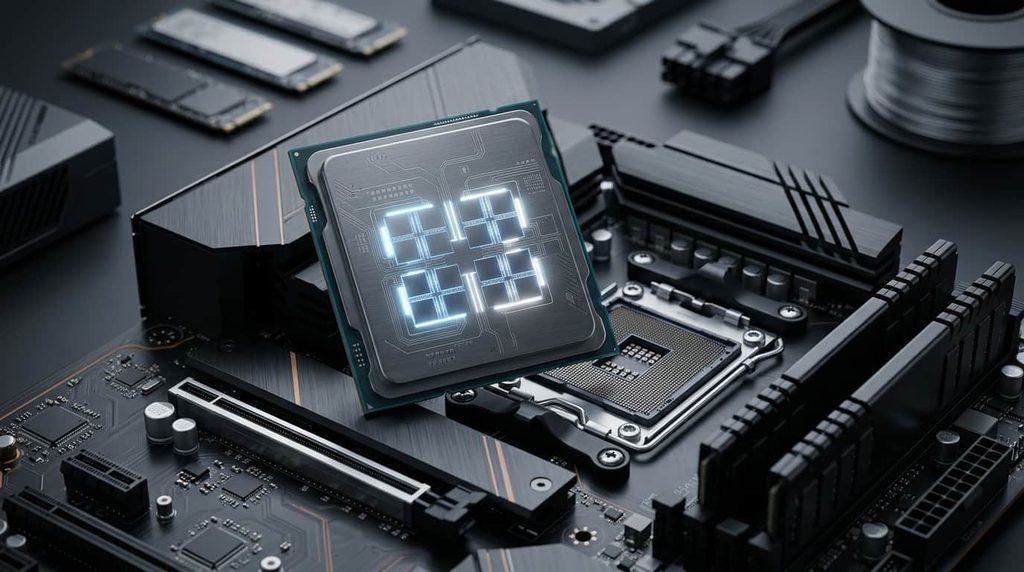
One of the first specifications you will encounter is core count.
A CPU core is an individual processing unit within the processor. Modern processors typically have multiple cores, allowing them to handle multiple workloads more effectively.
For example, a six-core processor can handle multiple processing tasks simultaneously, while a higher-end processor may have considerably more cores for demanding workloads.
More cores can be particularly useful for:
- Video editing
- 3D rendering
- Software development
- Streaming
- Content creation
- Large-scale multitasking
- Data processing
- Professional applications
However, more cores do not automatically mean better performance in every situation.
Some applications benefit heavily from additional cores, while others depend more on strong single-core performance. Games can use multiple cores, but the exact benefit varies depending on the game engine.
Therefore, instead of asking, “How many cores should I get?” ask, “How many cores does my workload actually benefit from?”
What Are CPU Threads?
Threads represent the work a processor can handle through its processing resources.
Modern CPUs may support technologies that allow individual cores to work on multiple software threads. However, thread counts should not be interpreted as simply meaning that a processor with twice as many threads is twice as fast.
Different CPU architectures handle threads differently.
A processor with fewer but faster cores can outperform a processor with more slower cores in some workloads. Likewise, a CPU with strong multi-core performance may be significantly better for rendering or encoding while providing little advantage in a lightly threaded application.
This is why real-world benchmarks are more useful than simply comparing core and thread numbers.
CPU Clock Speed: What Does GHz Mean?
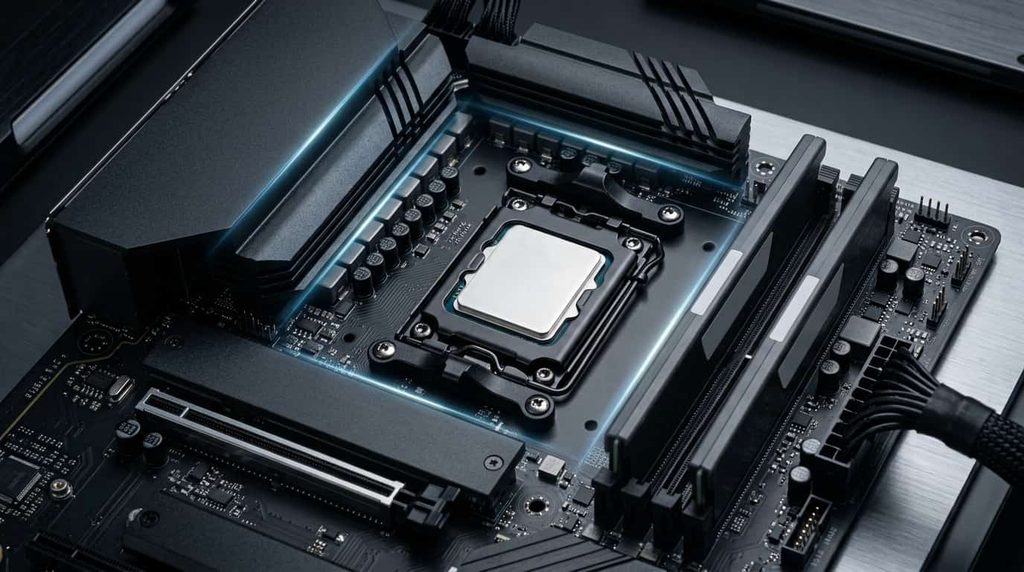
Clock speed is usually measured in gigahertz, or GHz.
In simple terms, it represents the frequency at which the processor operates. A CPU running at 5 GHz, for example, operates at a much higher clock frequency than one running at 3 GHz.
But there is an important catch: GHz should not be used as a universal measurement of CPU performance.
A processor’s architecture, instructions-per-cycle capability, cache design, core configuration, and power limits all affect how much work it can actually perform.
Clock speed is most useful when comparing processors within the same generation or closely related product families.
Modern CPUs also commonly have different base and boost frequencies. A processor may operate at a lower base frequency during normal workloads and increase its frequency when additional performance is available within its thermal and power limits.
For a deeper explanation, Intel’s CPU clock speed guide explains why clock speed should be considered alongside other factors when evaluating processor performance.
What Is CPU Cache?
Cache is a small amount of very fast memory located close to or within the processor.
Its purpose is to keep frequently needed data and instructions available so the CPU can access them quickly rather than repeatedly waiting for slower system memory.
You will commonly see specifications such as:
- L1 cache
- L2 cache
- L3 cache
L1 is extremely fast and small, while L2 and L3 generally provide larger amounts of cache with different performance characteristics.
Cache can have a meaningful impact on certain workloads, but it is another specification that should not be evaluated in isolation.
Two CPUs with similar core counts and clock speeds can perform differently because their architectures and cache configurations are different.
Why CPU Architecture Matters
CPU architecture is one of the biggest reasons comparing processors purely by specifications can be misleading.
A modern processor may offer improvements in efficiency, instruction processing, cache organization, core design, memory support, connectivity, and power management compared with an older generation.
This is why a newer midrange processor can sometimes outperform an older high-end model in particular workloads.
Intel’s recent desktop Core Ultra processors, for example, use a hybrid architecture that combines Performance-cores and Efficient-cores. The two types of cores are designed for different workload characteristics.
AMD also offers processors across several performance classes, including Ryzen models with different core counts, cache configurations, power requirements, and integrated graphics capabilities.
The takeaway is simple: compare the actual processor models, not just the numbers printed on the box.
CPU vs. GPU: What’s the Difference?
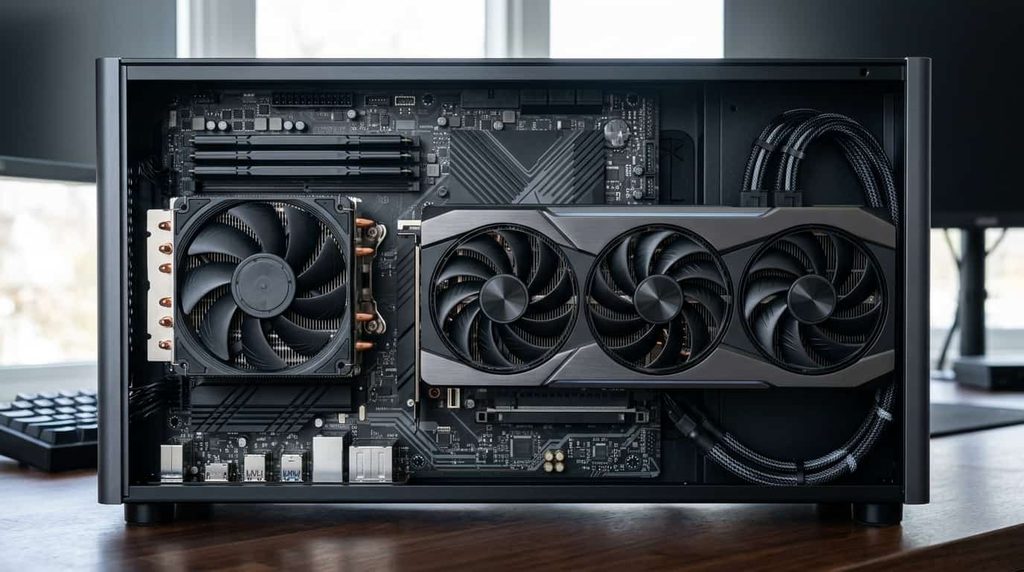
The CPU and GPU perform different types of processing.
The CPU is designed as a general-purpose processor. It handles a wide range of instructions and tasks required by the operating system and applications.
A GPU is designed to perform many calculations in parallel and is especially important for graphics-intensive workloads.
For gaming, the two components work together.
The CPU handles tasks such as game logic, physics, artificial intelligence, simulation, and other instructions, while the GPU typically handles most of the visual rendering.
This means a powerful graphics card can still be limited by a weak processor in certain games and scenarios.
Likewise, upgrading the CPU may not significantly increase gaming performance if the graphics card is already the primary limitation.
How Important Is a CPU for Gaming?
Your processor can have a major effect on gaming performance, particularly when playing at lower resolutions, targeting very high frame rates, or using a powerful graphics card.
A strong gaming CPU can help with:
- High frame rates
- Consistent frame times
- Game-world simulation
- Artificial intelligence
- Physics calculations
- Background applications
- Game streaming
However, gaming performance is not determined by the CPU alone.
Resolution and graphics settings can shift more of the workload toward the GPU. At higher resolutions, the graphics card often becomes the dominant limitation.
This is why you should consider the complete system instead of buying the most expensive CPU available.
For gaming, benchmarks are especially valuable because different games place different demands on the processor. Intel’s guidance similarly emphasizes core count, clock speed, and workload-specific testing when evaluating gaming processors.
Choosing a CPU for Everyday Use
If your computer is mainly used for web browsing, email, Microsoft Office, streaming video, online shopping, schoolwork, and general productivity, you probably do not need a high-end processor.
A modern entry-level or midrange CPU can provide a responsive experience when paired with enough RAM and a fast SSD.
For a general-purpose computer, prioritize:
- Good single-core performance
- A modern processor generation
- Sufficient cores for multitasking
- Low or reasonable power consumption
- Integrated graphics if you do not need a dedicated GPU
- A platform with useful upgrade options
- Good overall value
Spending additional money on a high-end processor can make sense if you regularly perform demanding work, but it is unnecessary if your typical workload is relatively light.
Choosing a CPU for Gaming
Gaming systems have different priorities.
If gaming is your primary goal, look for a processor with strong gaming benchmarks rather than simply chasing the highest core count.
A good gaming CPU should provide strong single-threaded performance while also having enough cores for modern games and background tasks.
You should also consider the graphics card you plan to use.
Pairing a very expensive CPU with a modest GPU may not provide the best balance. On the other hand, pairing a high-end GPU with an underpowered CPU can create a processor bottleneck in CPU-heavy games.
Your monitor matters too. A 60Hz display does not require the same CPU strategy as a high-refresh-rate gaming monitor where you are trying to maintain very high frame rates.
Choosing a CPU for Video Editing and Content Creation
Video editing, rendering, encoding, 3D work, and other professional applications can benefit from additional CPU resources.
If you regularly work with large video projects, 3D scenes, complex effects, or other demanding workloads, a processor with stronger multi-core performance may be worthwhile.
But even here, there is no universal “best” CPU.
Your software matters.
Some applications scale extremely well across many cores, while others benefit more from fast individual cores. Certain video workflows can also make significant use of GPU acceleration.
Before spending money on a high-end processor, check benchmarks for the specific software you use.
How Much CPU Do You Actually Need?
A practical way to choose a processor is to start with your workload instead of your budget.
For basic everyday computing
Focus on efficiency, responsiveness, and value. You do not need an enthusiast-class processor.
For school and office work
A capable mainstream CPU with sufficient RAM and an SSD should provide a comfortable experience for documents, spreadsheets, presentations, research, and multitasking.
For gaming
Prioritize strong gaming performance and pair the CPU appropriately with your graphics card.
For streaming
Consider a processor that can handle the game and streaming workload simultaneously, while also considering GPU-based encoding options.
For video editing
Look for strong multi-core performance and check benchmarks in your editing software.
For 3D rendering and professional workloads
Higher core counts can become significantly more valuable, particularly when the application scales well across multiple threads.
Don’t Forget the CPU Cooler
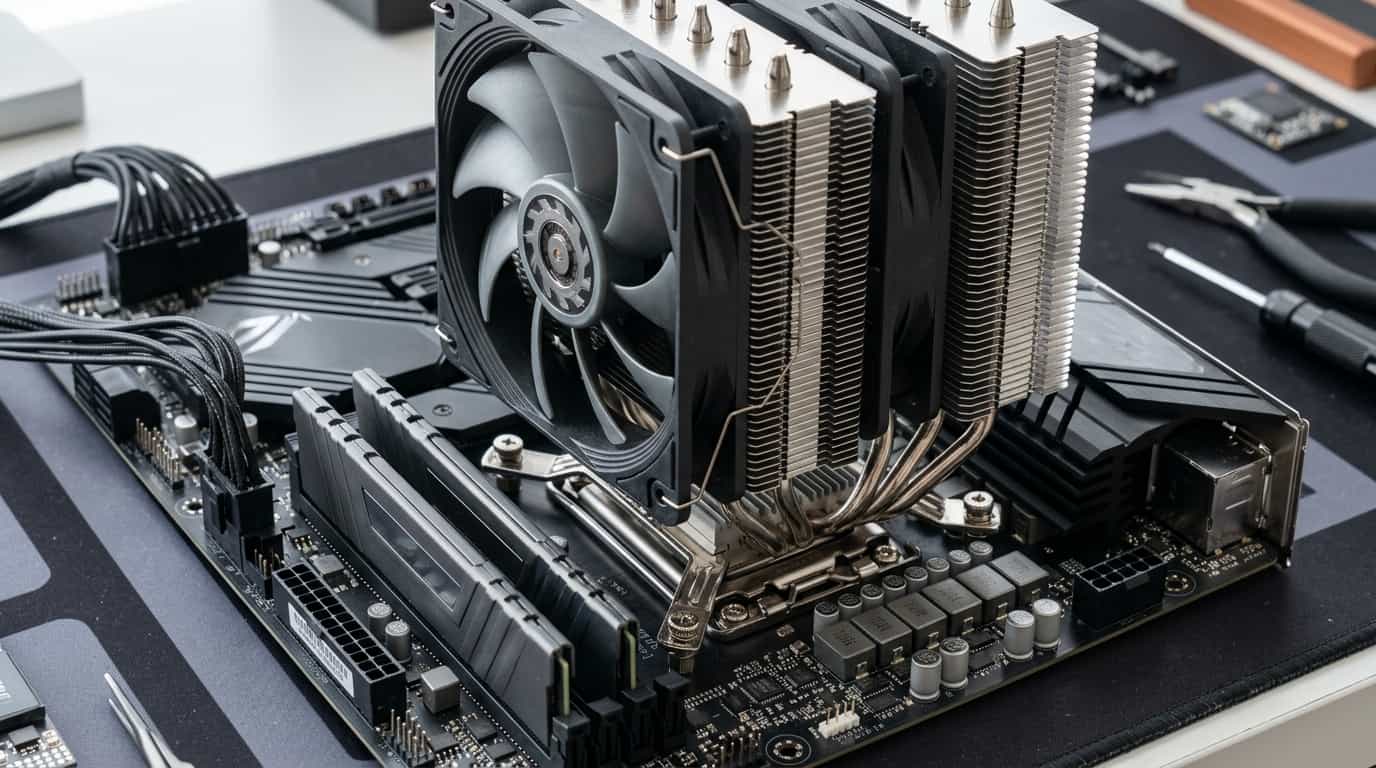
Cooling is an important part of choosing a processor, especially for desktop systems.
A powerful CPU can generate considerable heat under sustained workloads. If the processor is not adequately cooled, it may reduce its operating frequency to manage temperatures.
When buying a CPU, check whether a cooler is included. Some processors come with a basic cooling solution, while many higher-performance models are sold without one.
If you need to purchase a separate CPU cooler, make sure it is compatible with the processor socket and capable of handling the processor’s thermal demands.
Cooling also depends on the entire system. Case airflow, room temperature, fan configuration, and cooler installation can all influence temperatures.
CPU Compatibility: The Mistake You Don’t Want to Make
One of the easiest mistakes when building or upgrading a desktop PC is buying a processor that is incompatible with the motherboard.
A CPU needs to match the motherboard platform and socket.
But socket compatibility alone is not always enough. You should also check:
- Motherboard chipset
- BIOS support
- Memory compatibility
- Power delivery
- CPU cooler mounting compatibility
- PCIe support
- Available motherboard features
If you are upgrading an existing computer, identify the motherboard model first. Then check the manufacturer’s supported CPU list before purchasing anything.
This can prevent the frustrating situation of buying an expensive processor only to discover that your existing motherboard cannot properly support it.
AMD vs. Intel: Which CPU Brand Is Better?
There is no permanent winner between AMD and Intel.
Both companies offer processors covering entry-level systems, mainstream desktops, gaming PCs, laptops, workstations, and specialized workloads.
Instead of choosing a brand first, choose based on:
- Your workload
- Your budget
- Current processor performance
- Platform cost
- Motherboard options
- Power consumption
- Upgrade plans
- Real-world benchmarks
Processor lineups also change over time, so a recommendation that made sense several years ago may no longer provide the best value today.
This is especially important when buying a CPU in 2026. Current processor families include newer designs with different naming systems, core architectures, AI-related capabilities, memory support, and platform requirements.
For example, Intel’s current naming structure includes Core and Core Ultra families, while AMD’s current desktop lineup includes Ryzen processors across several performance tiers.
Should You Buy the Most Expensive CPU?
Usually, no.
The most expensive processor is designed for users who actually need its performance.
If you mainly browse the web and use productivity applications, spending heavily on a flagship CPU could provide little noticeable benefit.
The same applies to gaming. If the graphics card, monitor, or other component is the limiting factor, spending hundreds of dollars more on the CPU may not improve your experience proportionally.
A better approach is to identify the performance level you need and spend the remaining budget where it will have the greatest impact.
How to Compare CPUs Before Buying
Once you have narrowed your choices down to a few models, compare them systematically.
Look at:
1. Real-world benchmarks
Benchmarks are usually more useful than specification sheets because they show how processors perform in actual workloads.
2. Core and thread configuration
Consider whether your software benefits from additional cores.
3. Single-core performance
This can matter significantly for gaming and applications that are not heavily threaded.
4. Power consumption
A processor’s power requirements affect cooling, noise, and overall system design.
5. Integrated graphics
If you are not purchasing a dedicated graphics card, integrated graphics can be extremely useful.
6. Platform cost
Don’t forget the motherboard and memory when calculating the actual cost of an upgrade.
7. Upgrade potential
A newer platform may provide a better path for future upgrades, depending on your plans.
Common CPU Buying Mistakes
Choosing based only on GHz
Higher clock speed does not automatically mean higher overall performance.
Assuming more cores are always better
Additional cores are valuable only when your workload can take advantage of them.
Ignoring the motherboard
A processor is only part of a compatible PC platform.
Forgetting cooling
A high-performance CPU needs an appropriate thermal solution.
Spending too much on the processor
Your money may produce better results when balanced across the entire system.
Ignoring benchmarks
Specifications tell you what a CPU has. Benchmarks help show what it can actually do.
Buying an old high-end CPU because it looks powerful
A newer mainstream processor may offer better performance, efficiency, platform features, and upgrade options.
Is a CPU Upgrade Worth It?
A CPU upgrade can be worthwhile when your processor is consistently limiting the tasks you perform.
Signs that an upgrade may help include:
- Applications feel slow during CPU-heavy workloads
- CPU usage frequently reaches very high levels
- Games show CPU limitations
- Rendering or exporting takes too long
- Multitasking causes noticeable slowdowns
- Your current processor is several generations old
- New software requires capabilities your current system lacks
However, diagnose the bottleneck before buying anything.
If your GPU is running at full capacity while your CPU has plenty of available performance, a CPU upgrade may not solve your gaming problem.
Similarly, if your computer has insufficient RAM or a slow storage drive, replacing the processor alone may not produce the improvement you expect.
Frequently Asked Questions About CPUs
What is a CPU?
A CPU (Central Processing Unit) is the main general-purpose processor in a computer. It executes instructions, performs calculations, runs applications, and handles many of the tasks required by the operating system and software.
How many CPU cores do I need?
It depends on how you use your computer. Basic users can be comfortable with a mainstream processor, while gamers and multitaskers may benefit from more cores. Video editors, 3D artists, developers, and other professionals can benefit from higher core counts when their software supports multi-core processing.
Is a higher GHz CPU always better?
No. GHz measures clock speed, but it does not tell the whole story. CPU architecture, core performance, cache, power limits, and workload all affect real-world performance. A newer CPU with a lower clock speed can outperform an older processor with a higher GHz rating.
Is CPU more important than GPU for gaming?
Neither component is always more important. The CPU handles game logic, simulation, and other processing tasks, while the GPU handles most graphics rendering. Your ideal balance depends on the games you play, resolution, graphics settings, refresh rate, and the rest of your hardware.
Do I need a CPU cooler?
Desktop CPUs need adequate cooling. Some processors include a basic cooler, while others require you to purchase one separately. Higher-performance processors may benefit from a more capable CPU cooler, particularly during sustained workloads.
How do I know if a CPU is compatible with my motherboard?
Check the processor’s socket and platform requirements against your motherboard’s specifications. You should also verify chipset support, BIOS compatibility, memory support, and cooler compatibility before purchasing a CPU.
Should I buy an AMD or Intel CPU?
Both AMD and Intel offer strong processors. The better choice depends on your budget, workload, current prices, performance requirements, motherboard options, power consumption, and upgrade plans. Comparing specific CPU models is more useful than choosing a brand based solely on reputation.
How long does a CPU usually last?
A good CPU can remain useful for many years. Its practical lifespan depends on your workload and performance expectations. A processor may continue working perfectly while becoming less competitive as newer software and hardware appear.
Can upgrading the CPU make my computer faster?
Yes, if the CPU is currently limiting performance. However, an upgrade may have little effect if another component—such as the GPU, RAM, or storage—is the main bottleneck. Checking your system’s actual performance limitations before upgrading can help you spend your money more effectively.
What should I look for when buying a CPU?
Start with your intended workload and budget. Then compare real-world benchmarks, core and thread counts, single-core performance, power requirements, integrated graphics, platform compatibility, motherboard cost, cooling requirements, and future upgrade options.
Final Thoughts
The right CPU is not necessarily the one with the highest clock speed, the most cores, or the biggest price tag. It is the processor that matches your workload, budget, graphics card, motherboard, cooling system, and long-term plans.
For everyday users, a modern mainstream processor can provide plenty of performance. Gamers should focus on real-world gaming benchmarks and system balance. Content creators and professionals may benefit from additional cores and stronger multi-core performance, particularly in software that can take advantage of them.
The most important lesson is to look beyond the specification sheet.
Compare processors using real-world benchmarks, check compatibility before purchasing, consider cooling and power requirements, and think about how you will actually use the computer.
If you approach CPU shopping this way, you are much more likely to buy a processor that feels fast, remains useful for years, and gives you better value for your money.