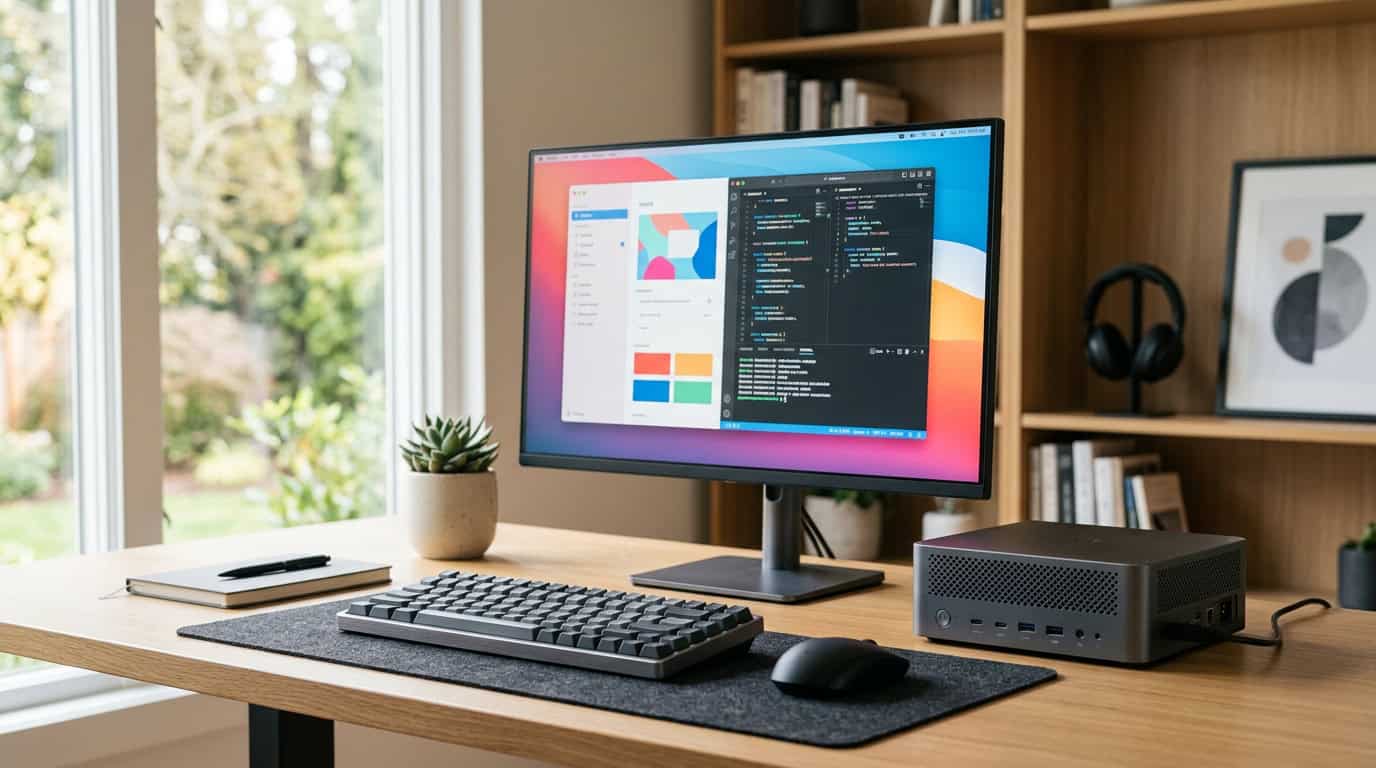
A few years ago, “small” and “powerful” didn’t belong in the same sentence. If you edited 4K video, compiled large codebases, or ran 3D software, you bought a tower and accepted the noise, the heat, and the desk space it took.
That has changed. A modern mini workstation can sit in the palm of your hand, draw a fraction of the power of a tower, and finish many professional tasks just as fast. It won’t win every race, though, and anyone who says otherwise is selling something.
This guide covers where these machines beat full-size PCs, where they fall short, and which models fit which jobs in 2026.
What Is a Mini Workstation, Exactly?
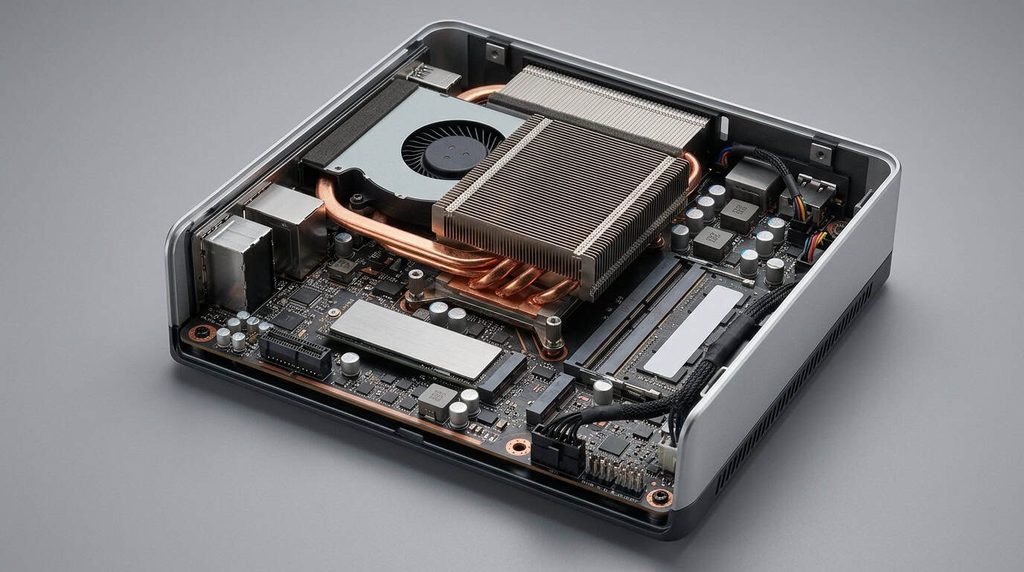
The term gets used loosely, so here is a practical definition. A mini workstation is a compact desktop, usually under three liters in volume, built for sustained professional work rather than casual browsing. That usually means:
- A high-core-count processor with strong sustained performance
- 32 GB of RAM or more, often upgradeable to 64 GB or higher
- Fast NVMe storage
- Several high-speed ports (Thunderbolt or USB4, plus multiple display outputs)
- Cooling designed to hold performance under long loads
Some models add professional graphics, ECC memory, or ISV certification, which means software vendors like Autodesk or Adobe have tested the hardware with their apps. A cheap mini PC for email and streaming isn’t a workstation, however small it is.
Where Mini Workstations Beat Full-Size PCs
“Outperform” depends on what you measure, so here are the areas where small machines win.
Performance per watt. Apple’s M-series chips and AMD’s latest mobile-class processors deliver very strong multi-core results at low power. A mini workstation that draws 40 to 100 watts under load can keep up with desktops pulling several times that for many CPU-bound tasks, such as code compilation, photo batch processing, and 1080p-to-4K video exports.
Noise and heat. Smaller chips with efficient designs run quieter. If you record audio, stream, or work in a shared space, a near-silent machine is a real upgrade.
Memory for local AI. This is the biggest shift of the last two years. Machines with unified memory, where the CPU and GPU share one large pool, can load AI models that a typical 12 GB or 16 GB graphics card can’t hold. Some current systems offer up to 128 GB of shared memory in a chassis smaller than a shoebox. For running large language models locally, that matters more than raw gaming-style GPU speed.
Space and flexibility. You can mount one behind a monitor, tuck it on a shelf, or carry it between a home office and a studio. People who want a portable workstation without paying for a laptop screen and battery they never use are a large part of this market. You bring the box, plug into any monitor, keyboard, and mouse, and your whole setup is there.
Running costs. Lower power draw adds up over years, especially if the machine runs all day or doubles as a home server.
Where Full-Size PCs Still Win
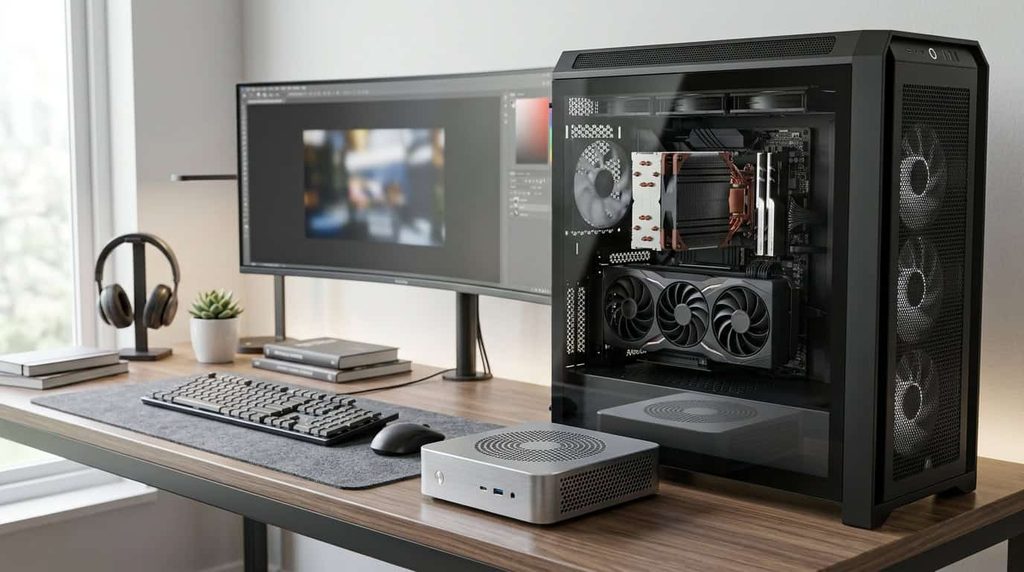
A mini workstation isn’t the right answer for everyone.
- High-end graphics. A full tower with a top-tier desktop GPU will beat any compact machine in 3D rendering, GPU video effects, and heavy gaming. Physics and cooling set that limit, not price.
- Upgrade paths. Many mini systems let you swap RAM and storage, but few let you replace the CPU or GPU. A tower can evolve for a decade.
- Sustained all-core loads. In multi-hour renders, a larger cooler usually holds higher clocks than a small chassis.
- Expansion. Capture cards, multiple GPUs, and extra drive bays still need a tower.
If your daily work is GPU rendering, a mini workstation will frustrate you. If it’s coding, design, photo and video editing, data work, or AI experimentation, a mini machine is often the smarter buy.
Best Mini Workstation Picks for 2026
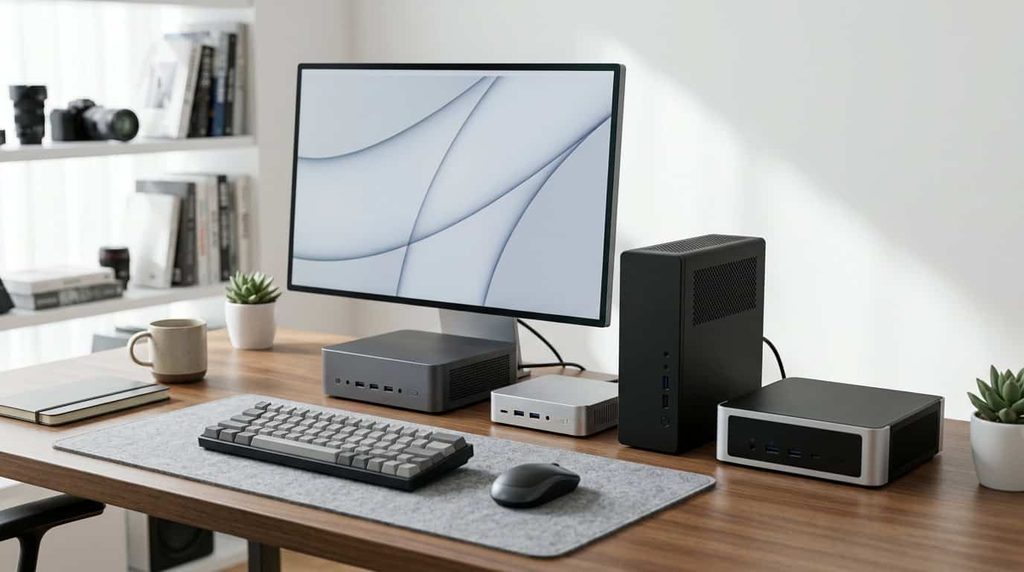
Lineups change quickly and prices shift week to week, so treat the figures below as rough ranges and check current listings before you buy.
Best for Creative Professionals: Apple Mac mini (M4 and M4 Pro)
The Mac mini remains the most practical entry point for video editors, photographers, designers, and developers who like macOS. The M4 Pro configuration adds more cores, higher memory bandwidth, and Thunderbolt 5, and it handles 4K timelines in apps like Final Cut Pro and DaVinci Resolve comfortably. Apple lists current configurations and specs on its Mac mini page.
The trade-offs are real. Memory and storage are fixed at purchase, and Apple’s upgrade pricing is steep, so buy the RAM you’ll need over the machine’s whole life.
Best for Professional Software Certification: HP Z2 Mini and Lenovo ThinkStation P3 Tiny
If you work in CAD, engineering, or architecture, certification and support matter. HP’s Z2 Mini line and Lenovo’s ThinkStation P3 Tiny are designed for business buyers: ISV-certified configurations, professional-grade build quality, remote management features, and on-site warranty options. Some configurations offer workstation-class graphics, and HP’s newer Z2 Mini models use AMD’s high-memory Ryzen AI Max PRO processors. Dell’s Pro Max Micro line serves the same audience.
Expect to pay noticeably more than for an enthusiast mini PC with similar raw specs. You’re paying for validation, warranty, and a company that picks up the phone.
Best for Local AI and Big Memory: Ryzen AI Max+ Mini Systems
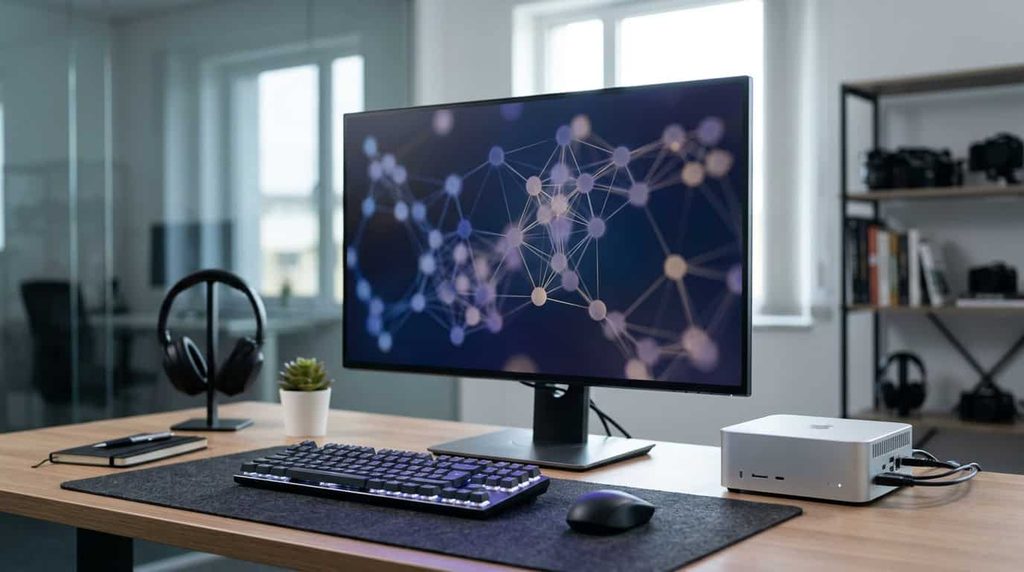
AMD’s Ryzen AI Max+ 395 chip powers compact systems from several brands, including GMKtec and Beelink. With up to 128 GB of unified memory, they can load large models that most consumer graphics cards can’t. They’re also surprisingly capable at light gaming and creative work. Prices are higher than typical mini PCs, but far lower than a tower with comparable GPU memory.
The caveat is software maturity. AI tooling on AMD hardware keeps improving, but it isn’t as smooth as on NVIDIA yet. Check that your specific tools support your chosen hardware first.
Best Value for Developers and Power Users: Minisforum, GEEKOM, and Beelink
These brands sell Ryzen 7 and Ryzen 9 mini PCs with fast DDR5 memory, USB4 ports, and multiple 4K outputs, often at half the price of branded workstations. Some Minisforum models add an OCuLink port, which lets you connect an external GPU for far better graphics when you’re at your desk.
The compromises are support quality and consistency. Warranty handling varies by seller, and companies sometimes sell different component versions under the same model name. Read the exact spec sheet before ordering.
Quick Comparison
| Use case | Strong fit | Why |
|---|---|---|
| Video and photo editing | Mac mini M4 Pro | Efficient, quiet, great media engines |
| CAD and engineering | HP Z2 Mini, ThinkStation P3 Tiny | Certified software support, pro GPU options |
| Local AI models | Ryzen AI Max+ systems | Very large shared memory pool |
| Coding and general pro work | Minisforum, GEEKOM, Beelink | Strong specs for the price |
| Budget home office | Mid-range Ryzen mini PC | Doesn’t need workstation-class parts |
How to Choose the Right One
Start with your software, not the spec sheet. Check what your main apps need. Some lean on the CPU, some on the GPU, and some on memory. A machine that’s great on paper can be wrong for your workflow.
Treat RAM as the first priority. Sixteen gigabytes is a floor, not a target, for professional work in 2026. If memory is soldered (as on Macs and some AMD systems), buy more than you think you need. If it’s slotted, you can upgrade later.
Check the ports. Count your monitors, drives, audio interfaces, and docks. Thunderbolt or USB4 gives you the most flexibility, and at least two video outputs is a sensible minimum.
Look at cooling reviews. Peak benchmark numbers mean little if the machine throttles after ten minutes. Look for tests that run long loads and report temperatures and noise. For independent testing methods on professional hardware, Puget Systems publishes detailed application benchmarks that are useful reference points.
Plan for storage. Fast NVMe is standard, but one slot can limit you. Look for a second M.2 slot or plan to use an external Thunderbolt drive for projects and backups.
Read the warranty. If your income depends on this machine, a long warranty and responsive support can be worth more than a lower price.
Common Mistakes to Avoid
- Buying on peak specs alone. Short benchmark bursts hide thermal throttling.
- Assuming “mini” means “cheap.” A true workstation-class machine costs real money, though less than comparable towers in many cases.
- Ignoring the power supply. Some mini systems use external power bricks. They’re fine, but worth checking if you plan to travel.
- Skipping backups. Compact machines with a single drive make it tempting to put everything on one disk. Use a second drive or a network backup.
- Overlooking resale and repairability. Soldered parts limit upgrades and make repairs costlier.
Setup Tips That Make a Difference
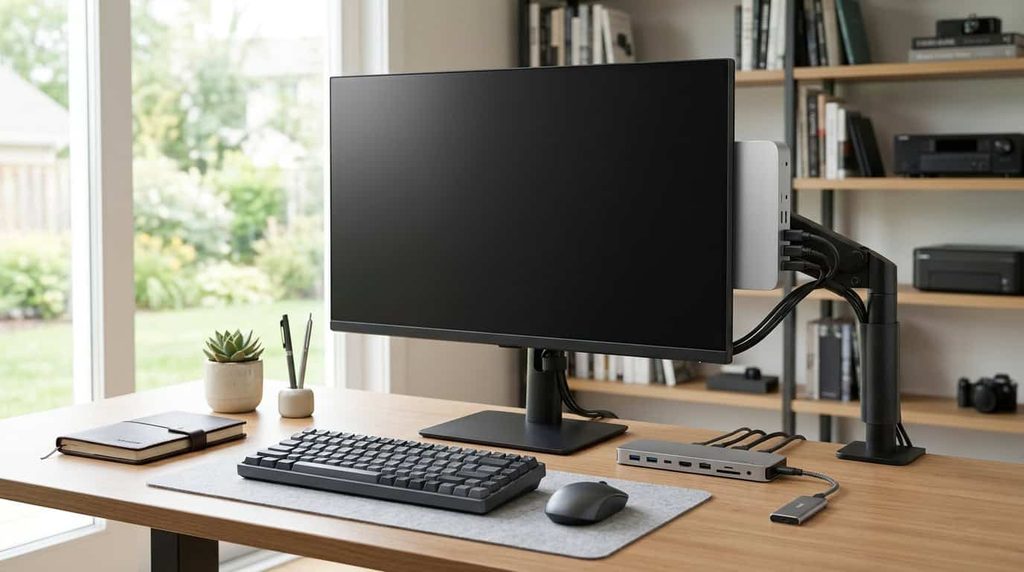
Give the machine breathing room. Small chassis rely on airflow, so don’t wedge it into a closed cabinet. If it’s VESA-mountable, check that the spot behind your monitor isn’t a heat trap. A powered USB4 or Thunderbolt dock turns it into a one-cable desk: plug in a laptop-style connection and your monitors, drives, and peripherals all attach at once. And if you use it as a portable workstation, pack the power brick and a short display cable, and you can set up anywhere in minutes.
Frequently Asked Questions
Is a mini workstation faster than a regular desktop?
For many CPU-heavy tasks, a high-end mini workstation can match or beat mid-range towers, especially at lower power. For GPU-heavy work, a full-size desktop with a dedicated graphics card is still faster.
Can I game on one?
Some can, particularly models with strong integrated graphics or an external GPU option. They aren’t built for maximum gaming performance, though.
Can I upgrade a mini workstation later?
It depends on the model. Many allow RAM and SSD upgrades, while Apple’s and some AMD designs solder memory to the board.
Are they reliable for all-day professional use?
Business-class models from HP, Lenovo, and Dell are built for it and come with strong warranties. Budget brands can be reliable, but support varies, so read recent buyer reviews.
How much should I spend?
Capable enthusiast models start around the mid-hundreds, while certified, high-memory workstation configurations can run into the thousands. Match your budget to your actual workload rather than the biggest spec number.
Final Thoughts
A mini workstation won’t replace every tower, but it has earned its place. For developers, editors, designers, analysts, and anyone experimenting with local AI, it delivers serious performance with far less noise, power draw, and clutter. The key is matching the machine to your work. Pick for your software, buy enough memory, check the cooling, and choose a vendor whose support you trust.
Do that, and a computer small enough to carry in a bag can be the best machine you’ve owned.
1 thought on “Mini Workstations That Outperform Full-Size PCs (2026 Picks)”