
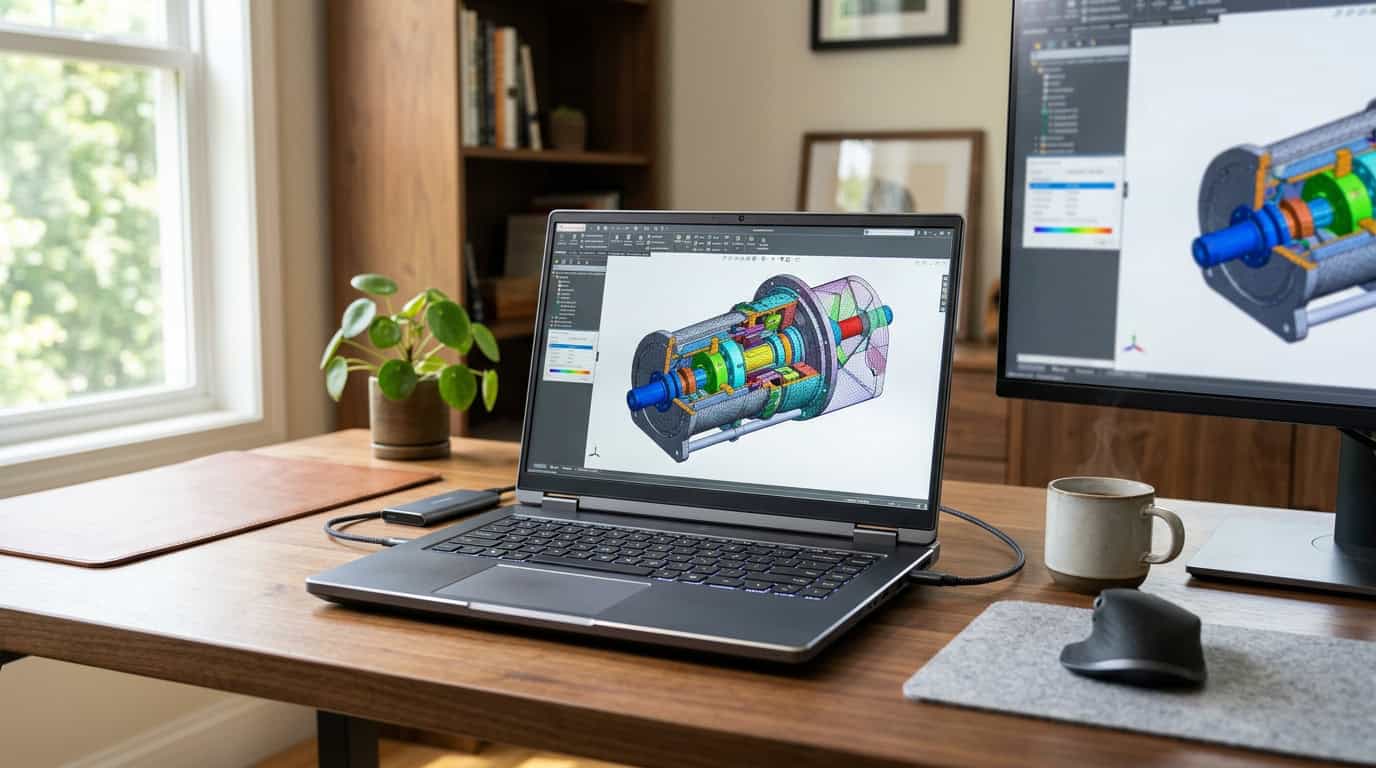
A good portable workstation should feel like carrying your desk with you. It should handle a 4K video timeline, a heavy CAD assembly or a local AI model without choking, and then still fit in a backpack and survive a flight. That balance is harder to strike than the spec sheets suggest, and it is why so many buyers end up with a laptop that is either too weak for the job or too heavy to carry.
This guide cuts through that. You will find out what actually separates a portable workstation from an ordinary high-end laptop, who really needs one, what to check before you spend money, and which models are worth your attention in 2026.
What Is a Portable Workstation, Really?
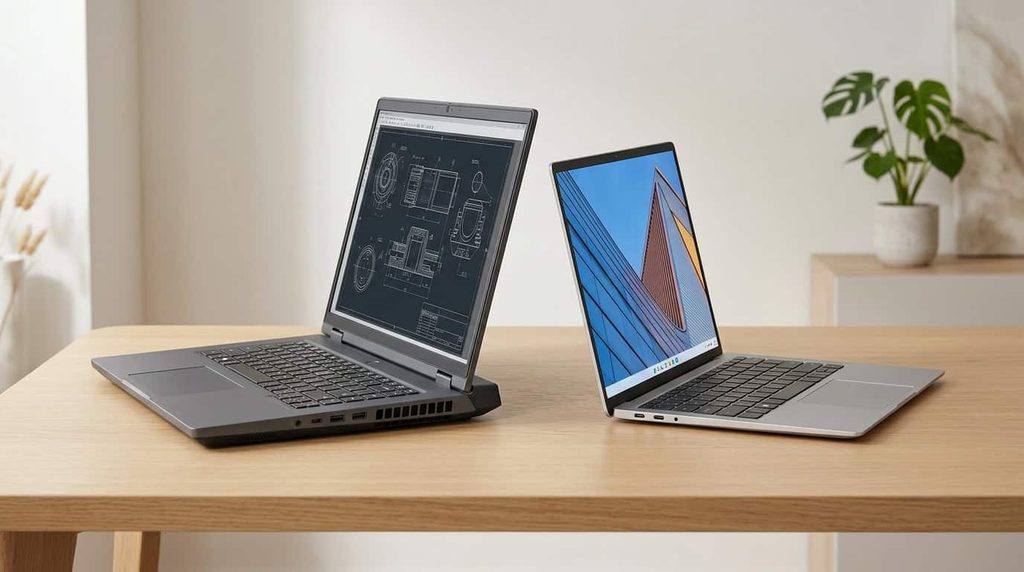
A portable workstation is a laptop (or occasionally a very small desktop) built for professional software that needs sustained, reliable performance. Think engineering, architecture, 3D animation, video post-production, data science and scientific computing.
Three things set it apart from a regular gaming or premium laptop:
- Professional graphics. Workstation GPUs, such as NVIDIA’s RTX PRO line, are validated against software like SolidWorks, Revit, Maya and Adobe’s creative apps. That certification matters when a single crash can cost you an afternoon of work.
- Better memory and storage options. Many models support large amounts of RAM, sometimes with error-correcting memory, plus multiple SSD slots.
- Business-grade build and support. You usually get sturdier chassis, longer warranty options, better service plans and drivers tuned for stability rather than for the newest game.
The naming has shifted recently, which confuses a lot of shoppers. Dell retired its long-running Precision brand on its main lines in favor of Dell Pro Max, and HP has aligned its ZBook naming with its EliteBook range. The machines are the same idea under new labels.
Who Actually Needs One?
Be honest with yourself here, because a portable workstation is a serious investment. You likely need one if you:
- Run CAD, BIM or simulation software that lists certified hardware
- Edit high-resolution video or work with large 3D scenes while traveling or visiting clients
- Train or run machine learning models locally rather than renting cloud GPUs
- Need a single machine that replaces both a desk workstation and a travel laptop
You probably do not need one if your day is spreadsheets, email, web apps and light photo editing. A good ultrabook will serve you better and cost far less.
The same goes for small business owners. If you sell through a direct-sales company, for example, you only need a modest laptop to work with an online portal. Anyone typing “Scentsy workstation” into a search bar is almost certainly looking for the consultant dashboard Scentsy provides for managing orders and training, which is a website, not a piece of hardware. Any reliable everyday laptop handles that comfortably, so save the workstation budget for work that truly demands it.
What to Look For Before You Buy
Graphics come first
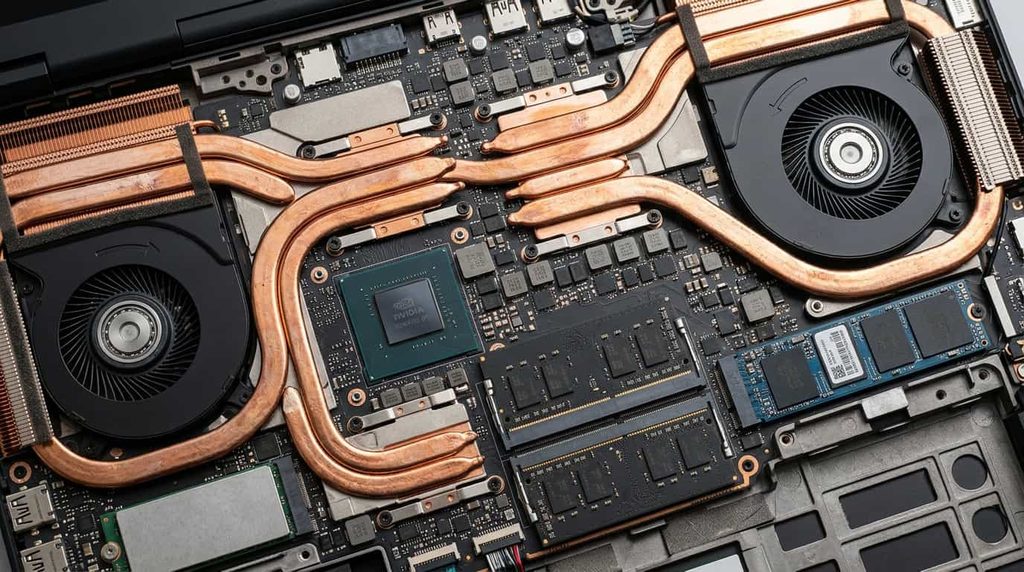
For most professional workloads the GPU decides how the machine feels. Entry-level workstation graphics are fine for 2D drafting and light 3D. Mid-range cards suit rendering and mainstream CAD. The top-end options, with 16GB of video memory or more, are for heavy simulation, large scenes and AI work. Check your software vendor’s certified hardware list before choosing.
CPU and thermal design
A fast processor means little if the cooling cannot hold it there. Sustained performance, the speed a laptop keeps after ten minutes of rendering, matters more than a short benchmark burst. Independent reviewers who run long loads, such as Notebookcheck’s workstation ranking, are more useful here than marketing numbers.
Memory and storage
For professional work, 32GB of RAM is a sensible floor and 64GB is more comfortable for large datasets or multitasking. Make sure the memory is upgradeable, because some thin models solder it to the board. Two SSD slots give you room to separate your system drive from active project files.
Display quality
If color accuracy is part of your job, look for factory calibration and wide color coverage. OLED panels now appear on some thin workstations and look superb, though they can cost battery life and raise the price.
Weight, battery and ports
Spec sheets list weight without the power brick, and workstation chargers are heavy. Plan for the full carry weight. Battery life under load is short on every model, so treat the charger as part of the kit. Thunderbolt ports, an HDMI output and an SD card reader save you from carrying dongles.
The Best Portable Workstations in 2026
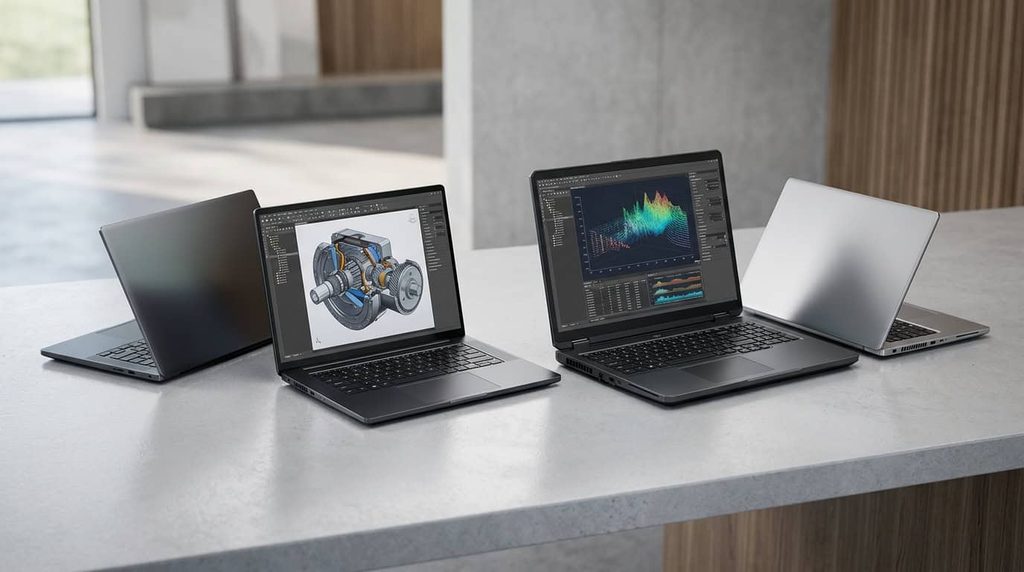
The market has settled around a handful of strong designs. These picks reflect recent lab testing and reviews from Notebookcheck, StorageReview and DEVELOP3D, along with how each machine fits a particular kind of user.
Lenovo ThinkPad P1 Gen 8: Best Overall for Thin-and-Light Power
Notebookcheck ranks the ThinkPad P1 Gen 8 first in its latest workstation list, and it is easy to see why. It pairs an Intel Core Ultra processor with NVIDIA RTX PRO Blackwell graphics in a chassis that weighs around 4 pounds, which is remarkably light for this class. A Tandem OLED display option makes it a favorite for creative professionals.
The trade-off is price and thermal headroom. It is not the fastest machine here under a sustained all-core load, but for people who actually carry their computer every day, it is the most livable.
Dell Pro Max 16 Plus: Best Balance of Speed and Portability
If you want near-desktop performance and can accept a heavier bag, the Dell Pro Max 16 Plus is the machine many reviewers call the best all-rounder. Configurations pair a Core Ultra 9 processor with up to RTX PRO 5000 graphics and 24GB of video memory, at roughly 5.6 pounds.
It suits engineers, 3D artists and anyone who splits time between a desk and the road. Dell also makes a 16-inch AMD version that comes in cheaper, which we cover below.
Dell Pro Max 18 Plus: Best Desktop Replacement
The Pro Max 18 Plus is the fastest mobile workstation StorageReview has benchmarked, and the larger screen is a joy for timelines and large CAD models. At more than seven pounds it is portable in the sense that it moves between offices, not in the sense that you will want it on your shoulder all day.
Choose it if your laptop spends most of its life on a desk but occasionally needs to travel.
HP ZBook Ultra G1a 14: Best Compact Option With Big Memory
The ZBook Ultra G1a 14 shook up the category by using AMD’s Ryzen AI Max+ PRO chip, which shares one large pool of memory between the processor and graphics. That design is attractive for AI development and for scenes that exceed the video memory of a typical discrete card, all in a 14-inch body.
It will not match a full RTX PRO 5000 in raw rendering speed, but for local AI models and mixed workloads in a small package it is one of the most interesting machines of the year.
HP ZBook X G1i 16: Best for Designers on a Tighter Budget
The ZBook X G1i 16 offers an Intel Core Ultra 9 processor with RTX PRO 2000 Blackwell graphics. TechRadar’s testing found that it packs strong specs for less than comparable Dell models, depending on configuration. It makes sense for designers, architects and mixed-use creators who need certified graphics without paying for the top tier.
Dell Pro Max 16 (AMD): Best Value
At around $1,349 for entry configurations in StorageReview’s listing, with a Ryzen AI 9 HX 370 processor and RTX PRO 1000 graphics at about 4.6 pounds, this is the most accessible way into certified workstation hardware. Prices shift quickly and depend on configuration, so check Dell’s current listing before you decide.
Quick Comparison
| Model | Best for | Class |
|---|---|---|
| Lenovo ThinkPad P1 Gen 8 | Daily travel, creative work | Premium thin-and-light |
| Dell Pro Max 16 Plus | Overall performance | 16-inch powerhouse |
| Dell Pro Max 18 Plus | Maximum speed at a desk | 18-inch desktop replacement |
| HP ZBook Ultra G1a 14 | Local AI, compact size | 14-inch large-memory |
| HP ZBook X G1i 16 | Budget-conscious designers | 16-inch mainstream |
| Dell Pro Max 16 (AMD) | Lowest entry price | 16-inch value |
Laptop or Mini Workstation?
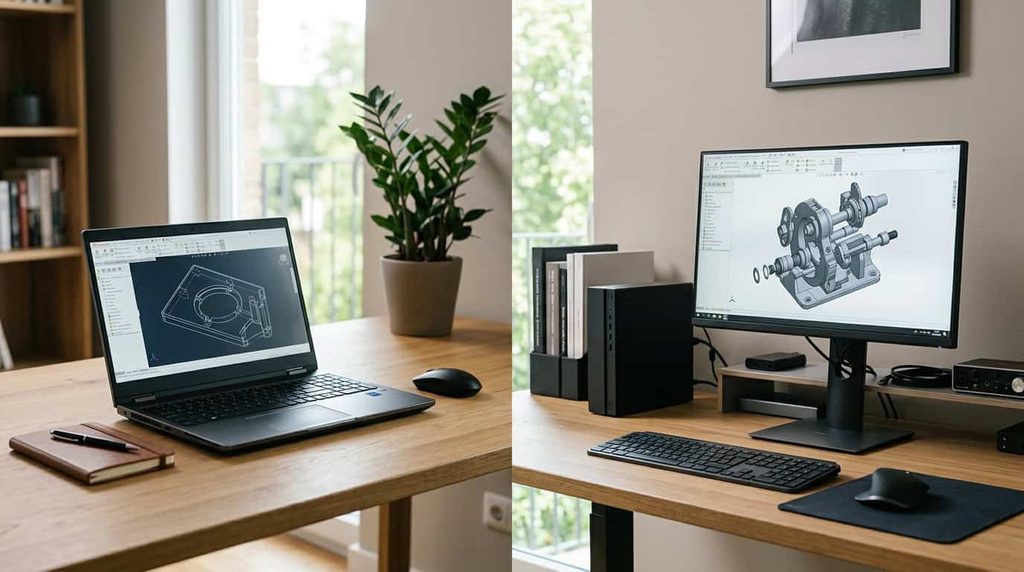
Laptops are not the only portable option. A compact desktop workstation can deliver more sustained performance per dollar and is easy to carry between a home office and a studio, provided you already have a monitor and keyboard waiting at each location. If you never work in coffee shops, hotels or on a client’s site, a small desktop deserves a look. If you do, a laptop is the only practical choice.
Smart Ways to Buy
- Configure for the job, not the badge. Pay for GPU and RAM, and skip upgrades you will not feel.
- Buy the warranty. On-site service is worth the extra money when the machine is your income.
- Consider certified refurbished or leased units. Business-class workstations often hold up well and can cut the price significantly.
- Wait for refresh cycles. New processor generations often trigger discounts on the previous models, which are usually still excellent.
- Check certified hardware lists. Confirm your exact software and GPU combination before ordering.
Frequently Asked Questions
Is a portable workstation better than a gaming laptop? For professional software, usually yes, thanks to certified drivers, sturdier build and longer support. For games, a gaming laptop is better value.
How much RAM do I need? Start at 32GB. Move to 64GB if you work with large datasets, 3D scenes or virtual machines.
Can a MacBook Pro count as a portable workstation? For many creative and development tasks, yes. Apple’s latest MacBook Pro models are very capable. They lack certification for some engineering applications, so check your software before choosing.
How long do these machines last? A well-chosen workstation commonly serves four to five years of professional use, which helps justify the upfront cost.
Final Verdict
The best portable workstation is the one that matches the work you do and the way you carry it. For most professionals who travel, the ThinkPad P1 Gen 8 is the strongest all-day companion. If speed matters more than weight, the Dell Pro Max 16 Plus is hard to beat, and the 18 Plus is the pick for desk-bound power. The HP ZBook Ultra G1a is the one to watch if local AI work is part of your future, while the Dell Pro Max 16 AMD and HP ZBook X G1i are the sensible choices when budget is a concern.
Whichever you choose, check the specs against your software requirements, read long-load reviews rather than short benchmarks, and buy the support plan. A workstation earns its price only when it keeps working.
1 thought on “Best Portable Workstations in 2026: Power Anywhere”