
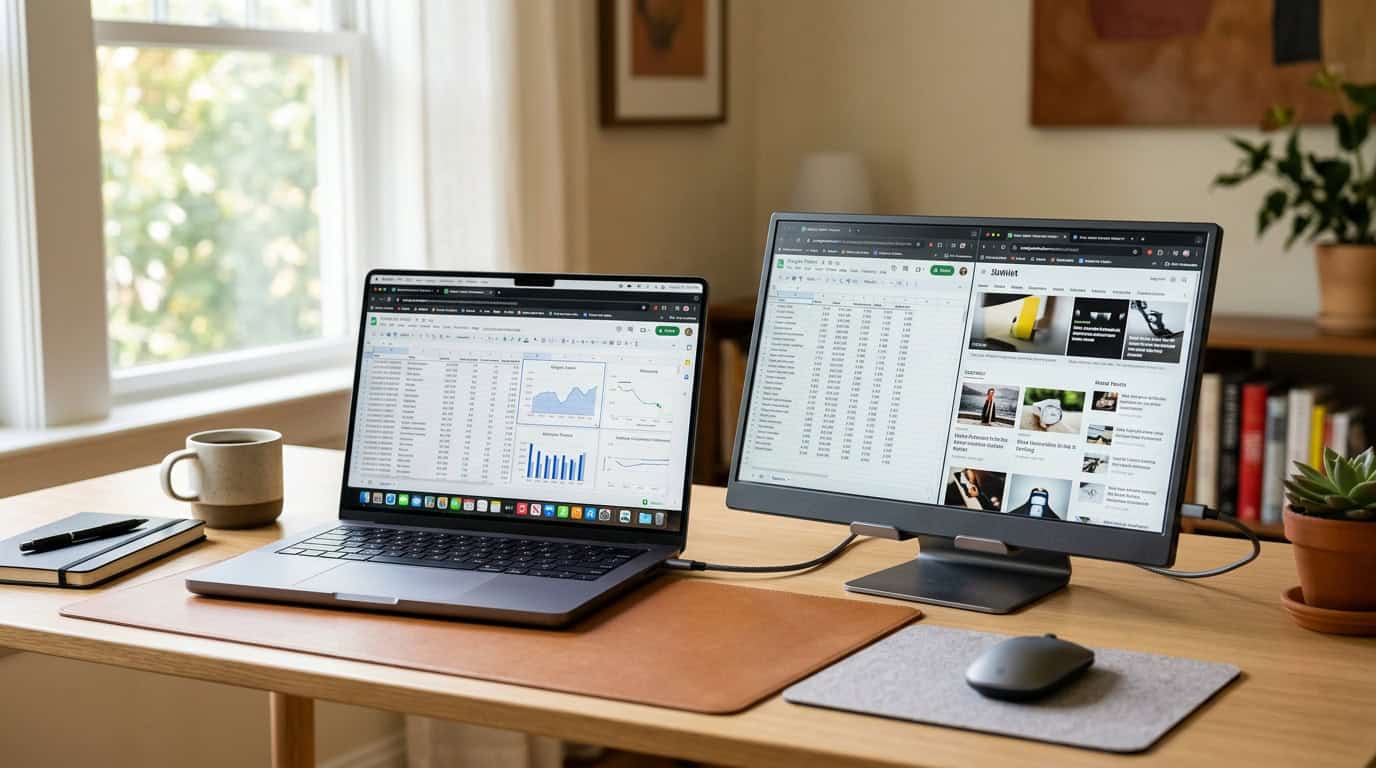
The best portable monitors can double your screen space in about ten seconds, and they slide into the same bag as your laptop. If you’ve ever squeezed six browser tabs, a spreadsheet, and a chat window onto a 13-inch screen, you know how much time that costs you. One thin display and a single USB-C cable fix it, whether you’re working from a café, a hotel room, or your kitchen table. They also work as a second screen for a phone, a handheld PC, or a Nintendo Switch.
The market has changed a lot in the past couple of years. Panels are sharper, one-cable USB-C setups are the norm, and OLED has finally reached this category. This guide shows what separates a great portable screen from a disappointing one, which type suits which buyer, and the mistakes that send most people back to the return counter.
Quick Picks: Which Type Fits You?
If you’re short on time, here is the short version:
- Best overall: a 15.6-inch OLED or high-quality IPS model such as the ASUS ZenScreen line
- Best budget: a 1080p IPS panel from a value brand like Arzopa or the ASUS ZenScreen MB16ACV
- Best for sharp text and creative work: a 4K model such as the ViewSonic VX1655-4K-OLED
- Best for gaming: a 144Hz to 240Hz panel with low response time
- Best for a big-screen feel: an 18-inch class screen like the UPERFECT 18.5-inch
- Best for touch and a premium feel: the Espresso Display V2
Specific models and prices change often, so check current listings before buying. The sections below explain how to choose within each category.
What Is a Portable Monitor, and Who Actually Needs One?

A portable monitor is a thin, lightweight external display, usually 13 to 17 inches. It powers and receives video through one USB-C cable, or through mini-HDMI plus USB power on older designs. Most have a built-in kickstand or a folding cover that doubles as one.
It’s a good fit if you:
- Work remotely or travel often and want more screen space than a laptop offers
- Are a student who needs notes, slides, and research side by side
- Edit documents, code, or manage spreadsheets and hate switching windows
- Want a lightweight second screen for a handheld PC, console, or phone
- Share a small desk and can’t fit a full-size second monitor
It’s probably not for you if you never leave your desk and have space for a standard display. In that case a regular monitor gives you more screen for the money.
What to Look For Before You Buy
Spec sheets can be overwhelming, so here are the factors that actually change your daily experience.
Panel Type: IPS vs. OLED
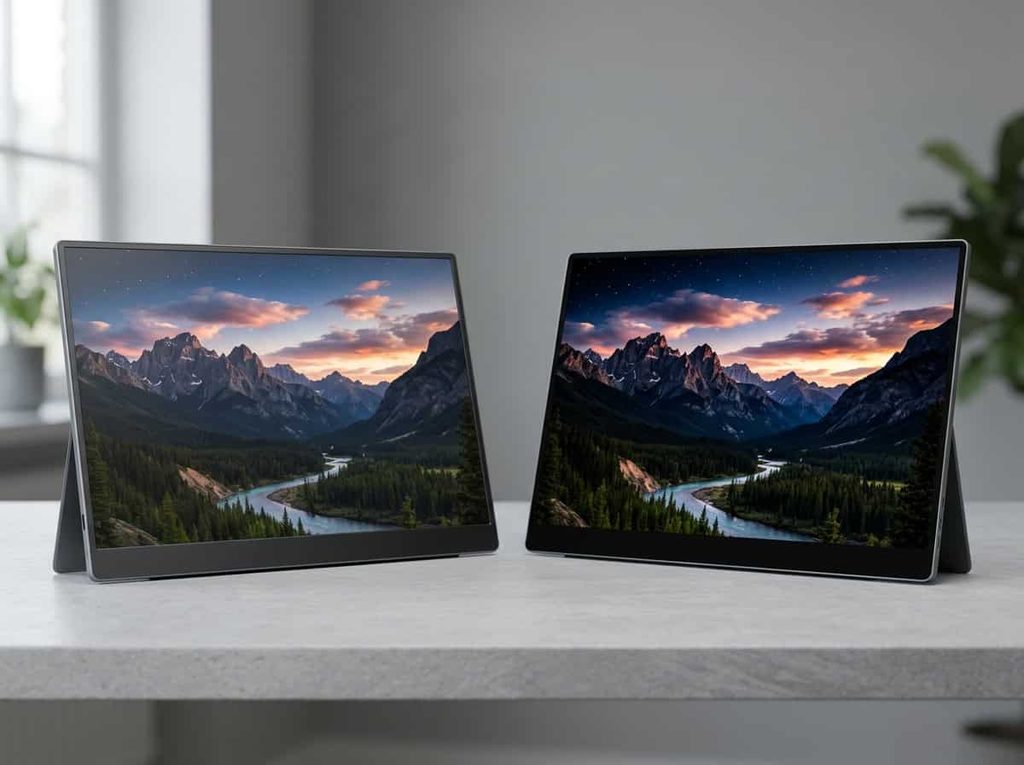
Most portable monitors use IPS panels. They’re affordable, have wide viewing angles, and look fine for office work and browsing. OLED panels cost more but deliver true blacks and much stronger contrast. The first time you watch a dark scene on one, the difference is obvious.
The trade-off is price, and a small risk of burn-in if you leave static elements like a taskbar on screen for hours every day. For most people, a good IPS is plenty. If you watch a lot of video or do color-sensitive work, OLED is worth the premium.
Resolution
Full HD (1080p) is still the standard at 15.6 inches and the right choice for most buyers. It’s easy on your laptop’s battery and graphics. A 2K panel gives you noticeably crisper text and more room for windows, and 4K makes sense mainly for designers, photo editors, and people who read small text all day. Higher resolution also drains your laptop faster, which matters on the road.
Connectivity: The Detail That Trips People Up
This is the most common source of returns. A USB-C port on your laptop doesn’t automatically support video output. You need a port that supports DisplayPort Alt Mode (or Thunderbolt). Check your laptop’s specs first, or look for a USB-C port marked with a display or Thunderbolt symbol. The USB Implementers Forum is a useful reference if you want to understand how USB-C capabilities differ between ports.
If your laptop can’t output video over USB-C, you’ll need a model with mini-HDMI, and it will need a separate power source. Also check whether the monitor can be powered by your laptop alone, since some bright, high-refresh models need more power than a single port provides.
Weight and Build
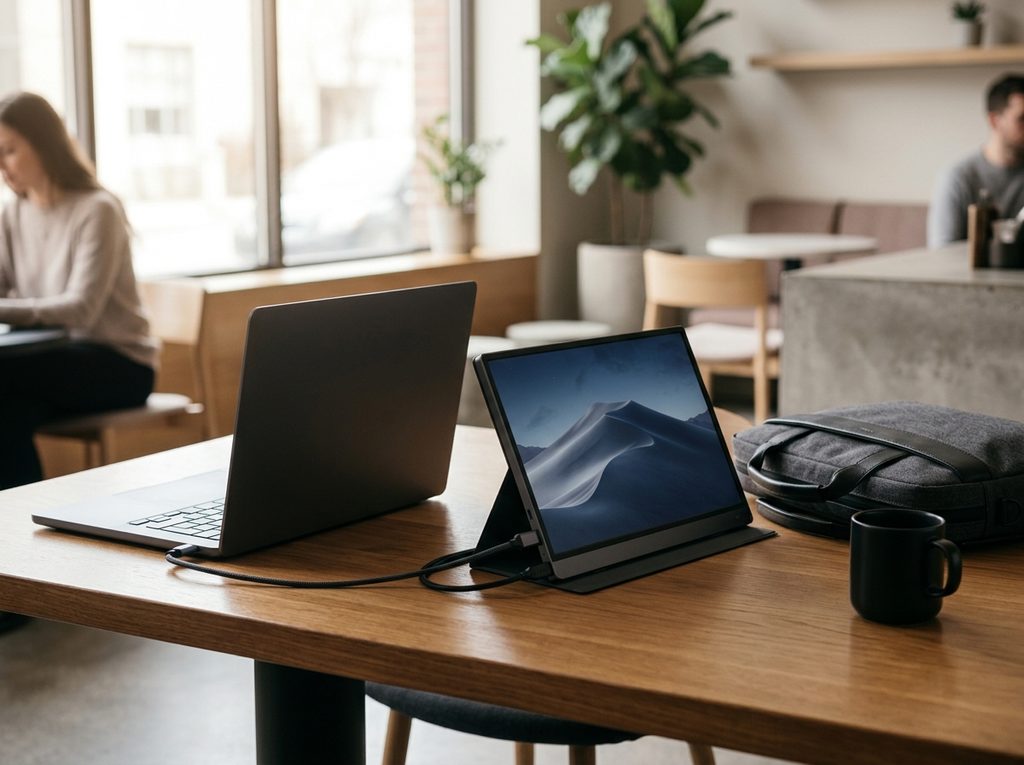
Most 15.6-inch portable monitors weigh between about 1.5 and 2.2 pounds. That’s light, but it adds up if you also carry a laptop and charger. If you travel weekly, the weight difference between a 1-pound OLED and a 2-pound budget model is noticeable by the end of an airport day. Look for a metal or sturdy back panel, because thin screens are fragile.
Brightness and Refresh Rate
Aim for at least 250 nits for indoor use. If you work in cafés or near windows, 300 nits or more helps. A standard 60Hz screen is fine for office work. If you want smooth motion for games or fast scrolling, look for 120Hz or higher.
Stand and Extras
A good stand is easy to overlook. A flimsy magnetic cover that wobbles on a tray table is annoying every single day. Built-in speakers are common but rarely impressive. Treat them as a backup rather than a feature.
The Best Portable Monitors by Use Case
Best Overall: ASUS ZenScreen OLED (MQ16AH)
ASUS dominates this category because its monitors balance weight, picture quality, and ease of use. The OLED ZenScreen is among the lightest 16-inch displays you can buy, at roughly a pound. The deep blacks and vivid color make even a simple spreadsheet look better than on most IPS portables.
Pros: Excellent contrast, very light, premium feel
Cons: Priced above IPS options, and OLED burn-in is worth keeping in mind
Best for: Frequent travelers and anyone who wants the best picture in a small package
Best Budget Pick: ASUS ZenScreen MB16ACV or Arzopa A1
If you just want a second screen that works, a 1080p IPS monitor is all you need. The ASUS ZenScreen MB16ACV is a long-running favorite for its reliability and polished design. Arzopa’s A1 goes even cheaper and still includes a built-in kickstand, a feature that matters more than it sounds. Expect good enough brightness and color for emails, documents, and browsing, but not creative work.
Pros: Low cost, simple setup, perfectly adequate image
Cons: Average brightness, basic speakers
Best for: Students, casual remote workers, and first-time buyers
Best for Sharp Text and Creative Work: ViewSonic VX1655-4K-OLED
A 4K OLED panel in a portable body is impressive. Text is razor sharp and colors are accurate enough for photo and video work on the go. It’s overkill for most people, but if image quality is your priority, this class of monitor is the one to look at.
Pros: Stunning detail and color
Cons: Expensive, and 4K uses more laptop power
Best for: Photographers, designers, and video editors
Best for Gaming: A High-Refresh Portable
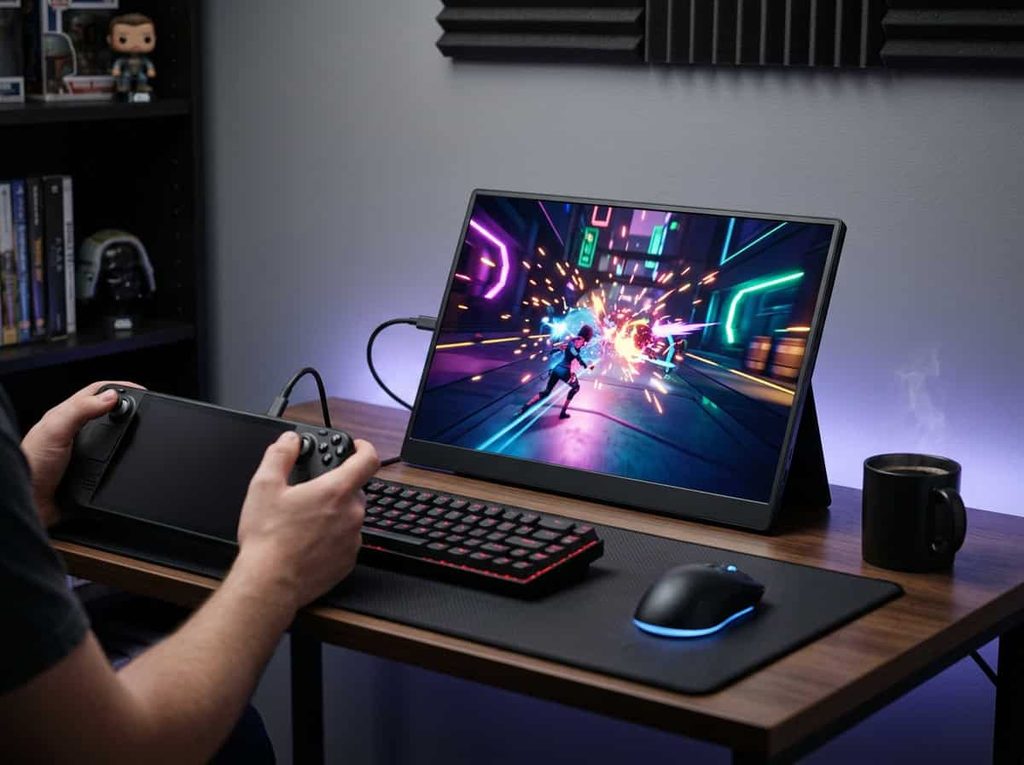
Gaming on a portable screen is a real use case now, especially with handheld PCs and compact laptops. Look for 144Hz or higher, fast response times, and a USB-C port that can carry full-bandwidth video. Some 17-inch gaming portables reach 240Hz over HDMI, which is excellent for a screen you can toss in a bag.
A portable display won’t replace your desk setup, though. If you play competitive shooters or want the largest, fastest screen possible at home, a dedicated desktop model, the best gaming monitor for your budget, will always give you more panel for the price. Portables shine when you need a good screen away from home, not when you want maximum performance.
Pros: Smooth motion, flexible for consoles and handhelds
Cons: Higher price, shorter battery life on the host device
Best for: Handheld PC owners and gamers who travel
Best for a Big-Screen Feel: UPERFECT 18.5-inch
If a 15.6-inch screen feels cramped, an 18-inch class monitor gives you a much larger workspace. It’s heavier and less pocketable, so think of it as “portable between rooms and offices” rather than something to carry through airports.
Pros: Large, comfortable workspace
Cons: Bulky, and harder to fit in a normal laptop bag
Best for: Hybrid workers who move between a home office and a shared space
Best Touchscreen: Espresso Display V2
Espresso treats the portable monitor as a premium accessory rather than a commodity. Touch support, a sturdy build, and a clean design make it one of the more refined options, particularly if you want to tap and draw on a second screen. It costs more than most competitors, which is the main reason to think twice.
Pros: Touch support, excellent build quality
Cons: Price
Best for: Creatives and people who value design as much as specs
Best Productivity Option for Mac and Windows Users
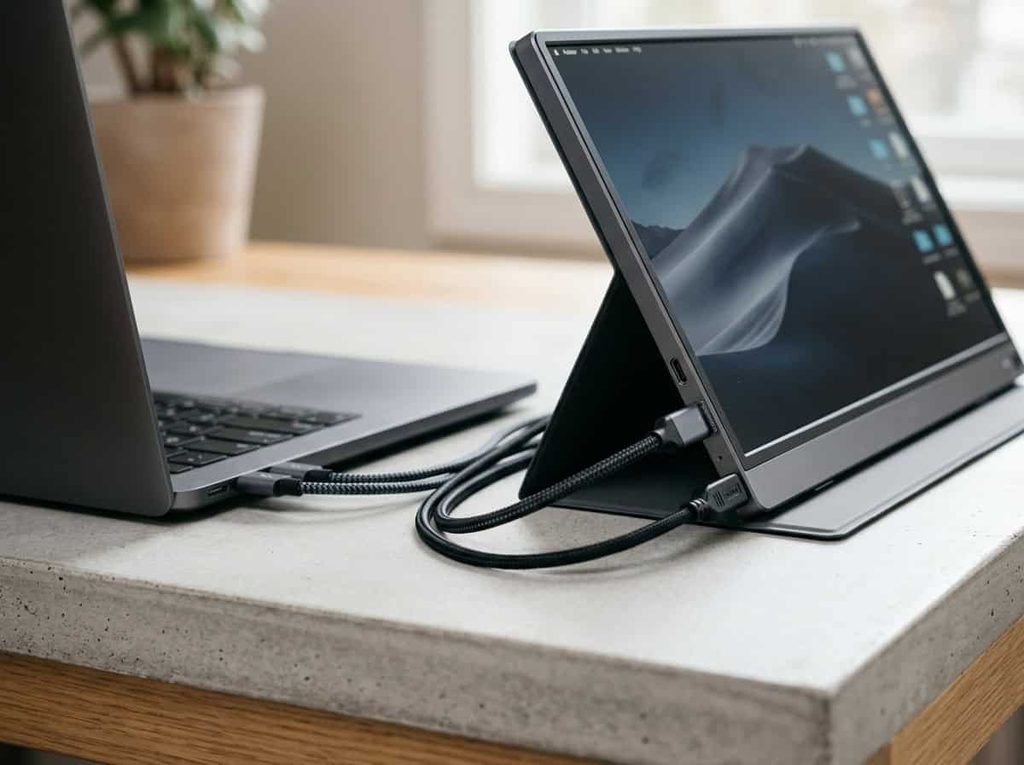
For office work, look at models built around USB-C with power pass-through, so one cable handles display and charging. The Lenovo ThinkVision M14 is a good example in a smaller 14-inch size, and Dell and ASUS offer similar business-oriented options. Smaller screens are easier to carry, but a 15.6-inch size is usually the sweet spot for comfortable multitasking.
Portable Monitors Compared at a Glance
| Use case | Typical size | Panel | Best pick type |
|---|---|---|---|
| Overall | 15.6–16″ | OLED | ASUS ZenScreen OLED |
| Budget | 15.6″ | IPS | ASUS MB16ACV / Arzopa A1 |
| Creative work | 15.6″ | 4K OLED | ViewSonic VX1655-4K-OLED |
| Gaming | 15.6–17″ | IPS, 144–240Hz | High-refresh portable |
| Large workspace | 18.5″ | IPS | UPERFECT 18.5″ |
| Touch | 14–15.6″ | IPS, touch | Espresso Display V2 |
How to Set Up Your Portable Monitor in Minutes
Setup is usually painless:
- Connect the monitor to your laptop with a USB-C cable that supports video and data. A charge-only cable won’t work.
- Open your display settings and choose Extend rather than Duplicate so you get extra screen space.
- Adjust scaling and position so your cursor moves naturally between screens.
- If the screen stays black, try another port, a different cable, or a powered connection.
On Windows, press the Windows key plus P to switch display modes quickly. On a Mac, go to System Settings, then Displays.
Common Mistakes to Avoid
Buying without checking your laptop’s ports. This is the number one cause of returns. Verify video output support before you order.
Chasing resolution you don’t need. 4K looks great, but on a small screen and a modest laptop, 1080p often delivers a better experience with less battery drain.
Ignoring brightness. A dim panel is miserable near a window.
Forgetting about cables and stand. Some monitors ship with a cover that works poorly as a stand. Budget a few extra dollars for a stand if you need one.
Overspending on features you won’t use. If you only answer emails on the road, an expensive OLED isn’t necessary.
Frequently Asked Questions
Do portable monitors need their own power?
Most run on a single USB-C connection, but brighter or higher-refresh models may need extra power. That can be a wall adapter or a laptop port with strong power delivery.
Will a portable monitor drain my laptop battery?
Yes, somewhat. Expect a noticeable but manageable hit. Lowering brightness and choosing 1080p helps.
Can I use one with a phone or console?
Many work with Android phones, handheld PCs, the Steam Deck, and consoles through USB-C or HDMI. iPhones may need an adapter, depending on the model.
Are cheap portable monitors worth it?
The budget tier is much better than it used to be. Just expect plainer brightness and color, and read recent reviews for quality control issues.
What size should I pick?
A 15.6-inch monitor is the best balance for most people. Choose a 14-inch for lightness or 17 to 18 inches if you want more room and don’t mind the weight.
Final Verdict
The best portable monitors in 2026 are better and more affordable than ever. For most people, a 15.6-inch 1080p IPS screen with USB-C is the smart, low-risk buy. If you travel often and want the best picture, an OLED model like the ASUS ZenScreen OLED is worth the extra cost. Gamers should look for 144Hz or higher, and creative professionals should consider 4K.
Whatever you choose, confirm your laptop supports video over USB-C before ordering. That one check prevents most of the frustration people have with these screens.