
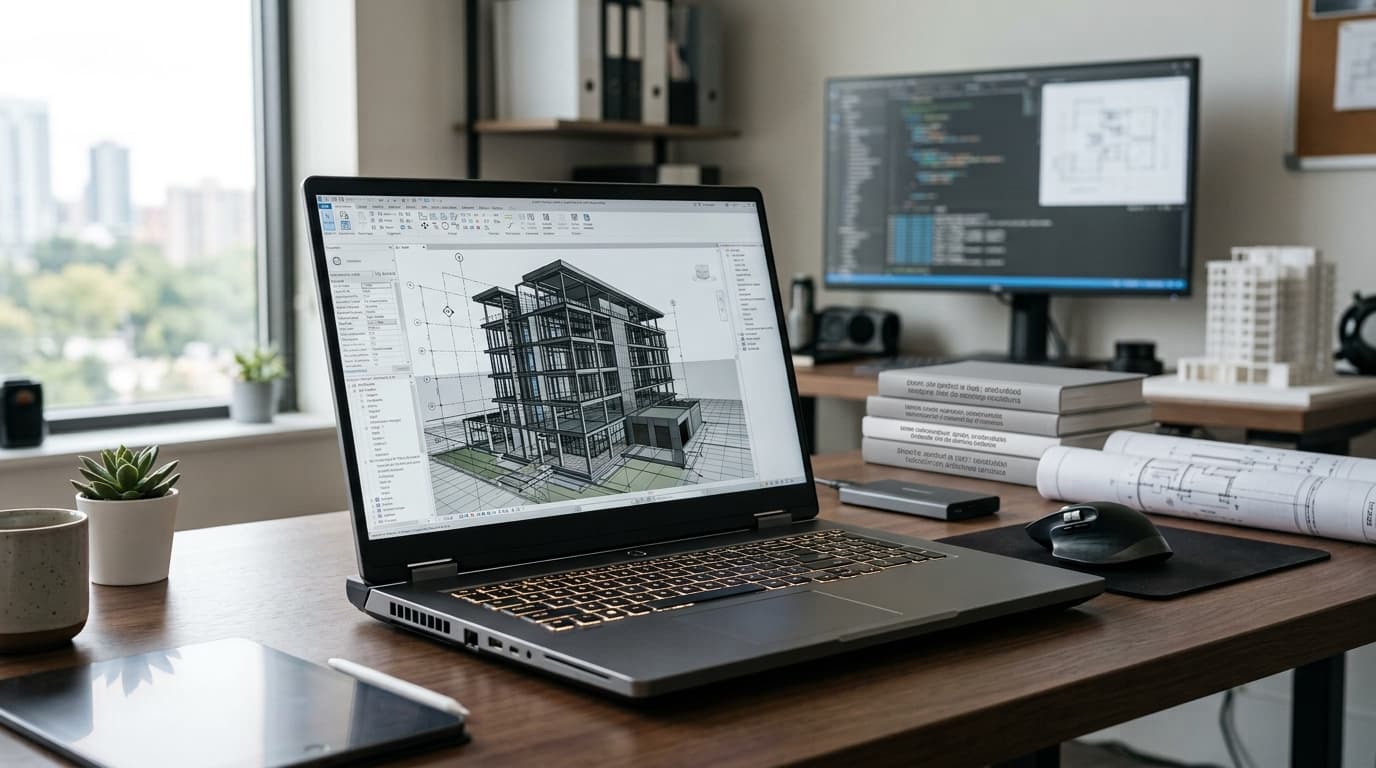
If your laptop freezes mid-render, throttles during a CAD session, or crashes while you’re training a model, a bigger “gaming” or “creator” label won’t fix it. A true workstation laptop is built differently: certified graphics, error-resistant components, serious cooling, and drivers tuned for professional software.
The catch is that the market looks very different this year. NVIDIA’s RTX PRO Blackwell GPUs have reached laptops, AMD’s unified-memory chips are changing what a 14-inch machine can do, and Apple’s M5 family has become a real option for creative pros. This guide narrows the field to nine picks, explains who each one suits, and helps you decide before you spend $3,000 or more.
How we chose: these picks are based on independent lab results from Notebookcheck and StorageReview, manufacturer specifications, and ISV certification status. Prices change often, so confirm current pricing before buying.
Quick Picks: Best Workstation Laptops at a Glance
- Best overall: Dell Pro Max 16 Plus
- Best thin and light: Lenovo ThinkPad P1 Gen 8
- Best 14-inch: HP ZBook Ultra G1a
- Best for macOS: MacBook Pro 16 (M5 Max)
- Best desktop replacement: Dell Pro Max 18 Plus
- Best all-rounder for daily use: Lenovo ThinkPad P16 Gen 3
- Best for next-gen graphics memory: HP ZBook X G1i
- Best value: Dell Pro Max 16 (AMD)
- Best for creators: ASUS ProArt P16
What Is a Workstation Laptop, and Do You Actually Need One?

A workstation laptop (often called a mobile workstation) is a portable computer designed for professional applications such as AutoCAD, SolidWorks, Revit, Maya, DaVinci Resolve, and data science tools. Compared with a regular premium laptop, it typically offers:
- Professional GPUs (NVIDIA RTX PRO or AMD Radeon PRO) with drivers that software vendors test and certify
- ECC or high-capacity memory options for stability in long jobs
- Better thermal design, so performance doesn’t collapse after ten minutes
- Longer support and warranty options, including on-site service for business buyers
You probably need one if your software vendor recommends certified hardware, if you work with large assemblies, point clouds, or 8K footage, or if a crash costs you billable hours. If you mostly browse, write, and edit the occasional photo, a standard ultrabook will save you real money.
Worth knowing: in 2026 a mobile workstation no longer requires a discrete GPU. Some certified 14-inch models rely on strong integrated graphics, which is great for light CAD and mobility but not for heavy rendering.
How to Choose the Right Workstation Laptop
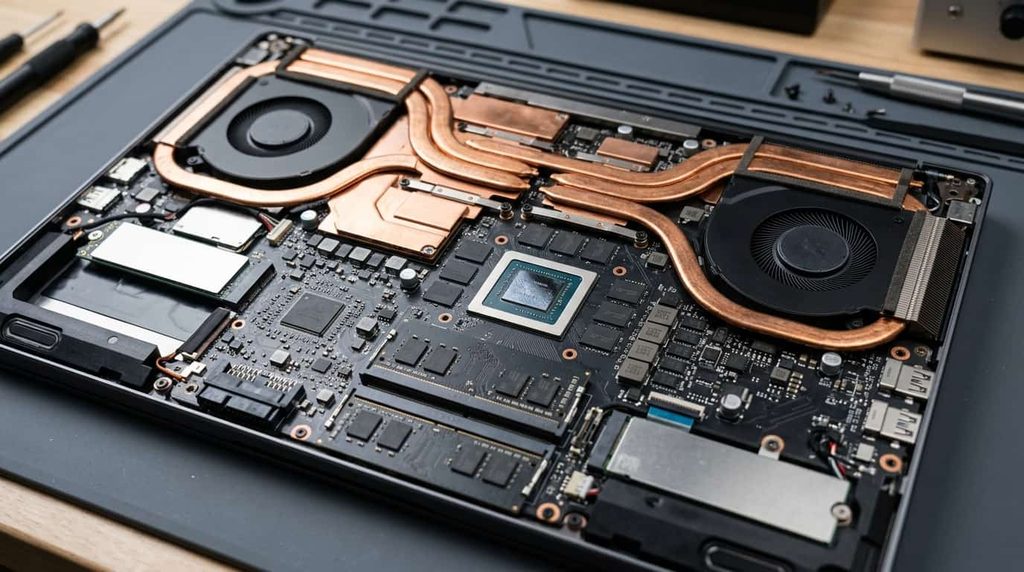
Start with your software, not the spec sheet. Check your application’s certified-hardware list. Autodesk, Dassault Systèmes, and Adobe all publish guidance, and a certified GPU can mean fewer viewport glitches and easier support.
GPU matters most for 3D work. For CAD and BIM, an entry or midrange RTX PRO card is often enough. For rendering, simulation, and AI work, VRAM is the number to watch. More video memory lets you load bigger scenes and models.
Don’t skimp on RAM. 32GB is a realistic starting point for professional use, and 64GB gives headroom for large datasets and multitasking. Check whether memory is soldered or upgradeable, since some thin models use newer CAMM2 modules.
Look closely at the display. Color-accurate OLED or high-brightness IPS panels help designers and video editors. Matte finishes cut glare if you work near windows.
Think about weight and charging. A 4 lb machine and a 6 lb machine feel very different in a backpack. USB-C charging is handy for travel, while a barrel charger delivers full power for demanding GPUs.
The 9 Best Workstation Laptops in 2026
1. Dell Pro Max 16 Plus: Best Overall
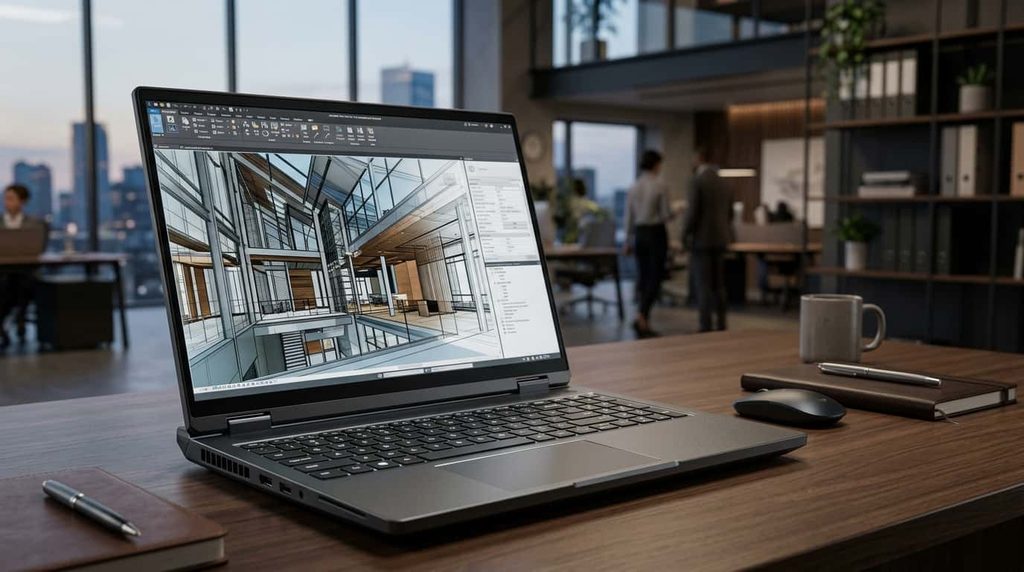
StorageReview names this its best overall mobile workstation of 2026, and it’s easy to see why. The configuration it highlights pairs an Intel Core Ultra 9 285HX processor with an NVIDIA RTX PRO 5000 Blackwell GPU with 24GB of VRAM, in a chassis weighing about 5.6 pounds.
That much graphics memory is rare in a laptop and makes a real difference for large 3D scenes, simulation, and local AI work. Notebookcheck also lists it among its very good workstation notebooks, noting it trails the 18-inch sibling in only a few areas.
Best for: engineers, VFX artists, and AI developers who want maximum power in a 16-inch body. Watch out for: price. Fully loaded configurations can climb past $8,000.
2. Lenovo ThinkPad P1 Gen 8: Best Thin and Light
Notebookcheck calls the ThinkPad P1 Gen 8 the best workstation-type notebook you can buy, and it manages that while staying slim. Typical configurations use an Intel Core Ultra 9 285H with an RTX PRO 2000 Blackwell GPU and up to 64GB of LPDDR5X memory, at around 4 pounds. An optional Tandem OLED panel is a highlight for color work.
Best for: architects, designers, and consultants who carry their machine daily. Watch out for: the thin design means it won’t sustain the same GPU load as the thicker 16-inch machines.
3. HP ZBook Ultra G1a: Best 14-Inch Mobile Workstation
This one is a different take on the idea. Instead of a separate GPU, the ZBook Ultra G1a uses an AMD Ryzen AI Max processor with large unified memory shared between CPU and graphics. That lets a compact 14-inch laptop handle tasks, like running bigger AI models locally, that normally demand much bulkier hardware. Notebookcheck rates it a very good workstation-type notebook.
Best for: professionals who travel constantly and want AI capability without the weight. Watch out for: some software still favors NVIDIA GPUs, so confirm compatibility with your tools.
4. MacBook Pro 16 (M5 Max): Best for macOS
For video editors, motion designers, and developers inside Apple’s ecosystem, the MacBook Pro 16 with M5 Max is the strongest mobile workstation for macOS. Its efficiency means strong sustained performance on battery, something Windows workstations rarely match.
The tradeoff is software. Many CAD and engineering programs run poorly or not at all on macOS, and there are no ISV-certified GPUs.
Best for: creative professionals, audio and video producers, and software developers. Watch out for: Windows-only engineering tools, and pricing that can approach $7,000 when fully specced.
5. Dell Pro Max 18 Plus: Best Desktop Replacement
If you rarely leave your desk but still need to move between sites occasionally, the 18-inch Pro Max 18 Plus gives you a big screen and a cooling system built for sustained loads. Notebookcheck lists it among its very good workstation notebooks, and StorageReview picks it as the best 18-inch desktop replacement.
Best for: heavy rendering, simulation, and multi-monitor setups that sometimes travel. Watch out for: weight and a charger that you will notice in a bag.
6. Lenovo ThinkPad P16 Gen 3: Best for Daily Versatility
The P16 Gen 3 stands out for charging flexibility: it supports USB-C charging as well as a traditional barrel connector. That makes it more practical for everyday travel than most large workstations, while still offering the power for serious modeling and visualization. Expect pricing from roughly $2,400 to well over $6,000 depending on configuration.
Best for: professionals who want one machine for the office, home, and client sites. Watch out for: it’s large and heavier than 14-inch alternatives.
7. HP ZBook X G1i: Best for Next-Gen Graphics Memory
The ZBook X G1i is among the first laptops to use NVIDIA’s RTX PRO 1000 Blackwell GPU with GDDR7 memory, which offers noticeably more bandwidth than the GDDR6 in older workstation cards. Notebookcheck rates the 16-inch model very good. It’s a smart pick if you want newer architecture and AI features without paying flagship prices.
Best for: CAD, BIM, and mixed professional workloads. Watch out for: the entry-level GPU is not meant for the heaviest rendering.
8. Dell Pro Max 16 (AMD): Best Value
StorageReview highlights this model as the best value mobile workstation, with pricing starting around $1,349. For students, freelancers, and small studios, it delivers the workstation experience (certified options, solid build, business-class support) without the premium tier price.
Best for: budget-conscious professionals with moderate CAD or data workloads. Watch out for: base configurations are modest, so check RAM and GPU before ordering.
9. ASUS ProArt P16: Best for Creators
Not every creative professional needs a certified GPU. The ASUS ProArt P16 offers color-accurate displays and strong performance for photo editing, video work, and motion graphics at a lower price than many ISV-certified machines, often starting near $1,900.
Best for: photographers, video editors, and designers. Watch out for: it lacks ISV certification, so engineers and architects should look elsewhere.
Comparison Table
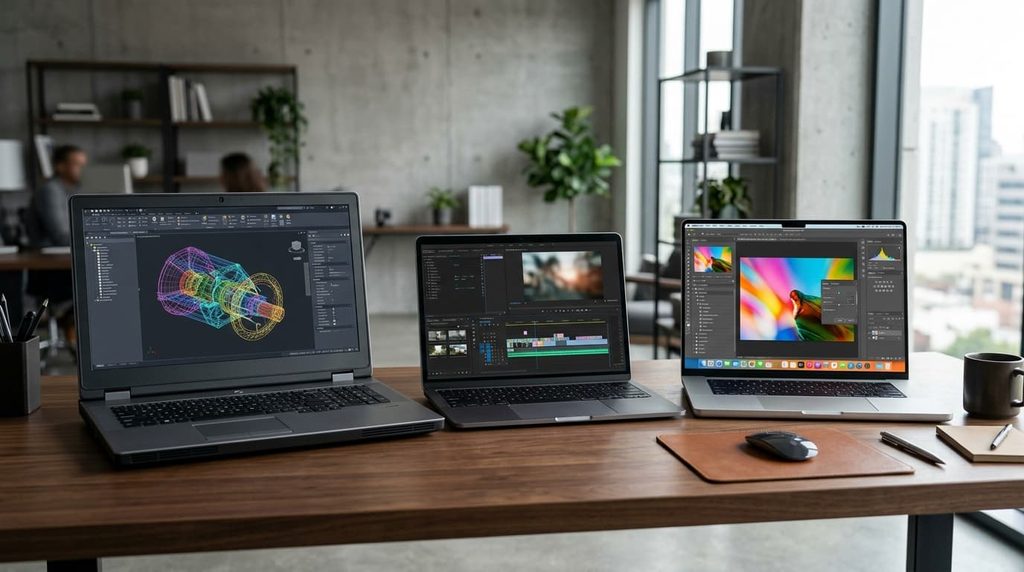
| Model | Best For | Approx. Starting Price |
|---|---|---|
| Dell Pro Max 16 Plus | Overall power | ~$4,000 |
| ThinkPad P1 Gen 8 | Thin and light | ~$2,300 |
| HP ZBook Ultra G1a | 14-inch portability, AI | ~$2,600 |
| MacBook Pro 16 M5 Max | macOS creative work | ~$3,900 |
| Dell Pro Max 18 Plus | Desktop replacement | Varies by config |
| ThinkPad P16 Gen 3 | Daily versatility | ~$2,400 |
| HP ZBook X G1i | Next-gen GPU memory | Varies by config |
| Dell Pro Max 16 (AMD) | Value | ~$1,349 |
| ASUS ProArt P16 | Creators | ~$1,900 |
Prices are approximate starting points reported in recent roundups and change frequently.
Which Workstation Laptop Should You Buy?
- CAD, BIM, or engineering: ThinkPad P1 Gen 8, ThinkPad P16 Gen 3, or HP ZBook X G1i
- Heavy 3D rendering or simulation: Dell Pro Max 16 Plus or Pro Max 18 Plus
- Video editing and motion design: MacBook Pro 16 or ASUS ProArt P16
- AI and data science: Dell Pro Max 16 Plus for raw GPU memory, or HP ZBook Ultra G1a for portable local AI
- Tight budget: Dell Pro Max 16 (AMD)
Frequently Asked Questions
What is the difference between a workstation laptop and a gaming laptop? Gaming laptops chase frame rates and often look flashy. Workstation laptops prioritize stability, certified drivers, accurate displays, and long-term support. Many gaming machines run professional apps well, but they rarely come with vendor certification or business-grade service.
How much RAM do I need? 32GB works for most professionals. Go to 64GB if you handle large assemblies, high-resolution video, or machine learning datasets.
Is a MacBook Pro a workstation laptop? Functionally, yes, for creative and development workflows. It isn’t ISV-certified, so engineering and architecture users who depend on Windows-only software should choose a Windows machine.
Are workstation laptops worth the extra cost? If downtime or software incompatibility costs you money, yes. If you only need a fast general-purpose laptop, a premium ultrabook is more sensible.
How long do they last? With proper cooling and care, many professionals keep a workstation for four to five years, helped by upgradeable storage and, on some models, memory.
Final Verdict
The Dell Pro Max 16 Plus is the best workstation laptop for most people who need top-tier power, while the ThinkPad P1 Gen 8 is the better choice if portability matters just as much. Mac users should look at the MacBook Pro 16, and anyone on a budget will find real value in the Dell Pro Max 16 (AMD).
Before you buy, check your software’s certified hardware list, decide how much you’ll carry the machine, and compare current prices. For independent benchmarks to cross-check, see the Notebookcheck workstation laptop ranking
1 thought on “Best Workstation Laptop 2026: 9 Top Picks Tested”