
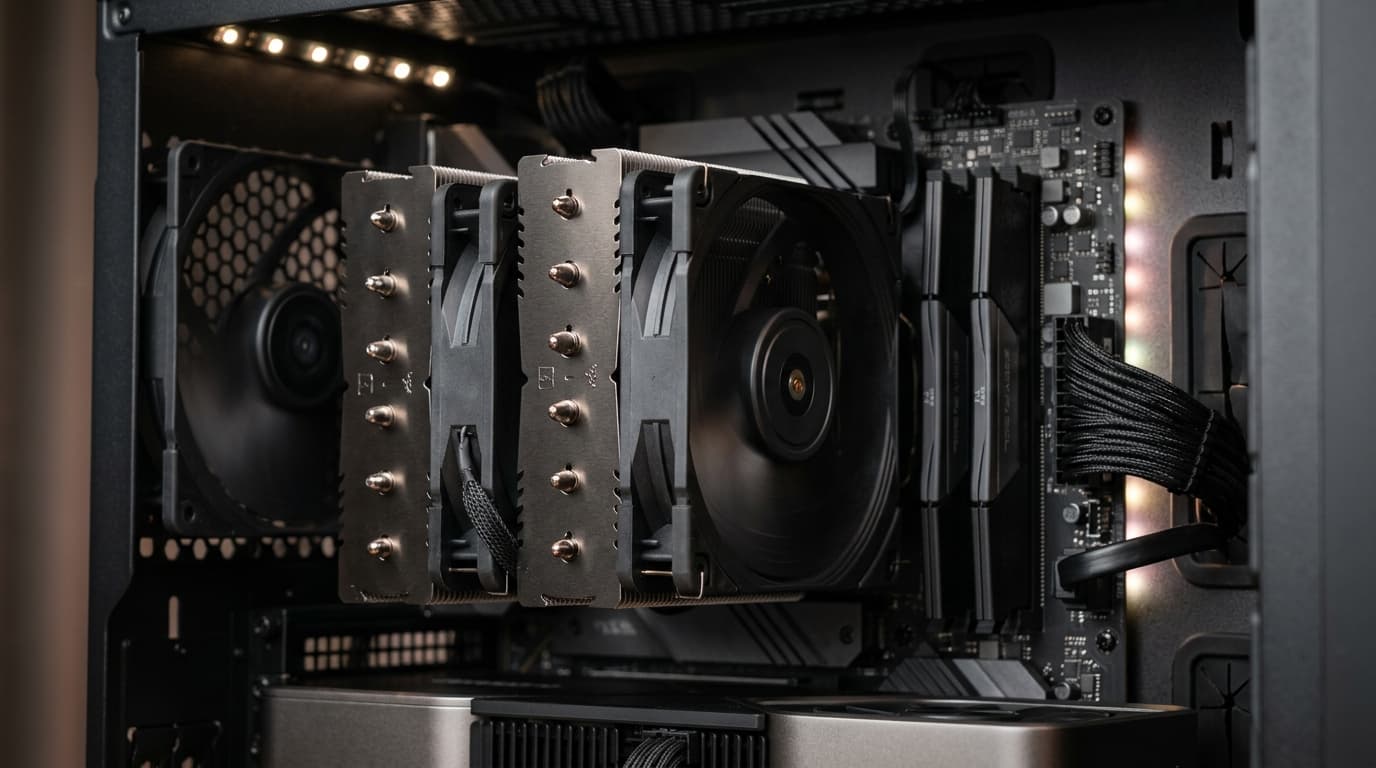
A hot processor is a slow processor. When temperatures climb, modern chips pull back their clock speeds to protect themselves, and you end up with stuttering games, longer render times, and a PC that sounds like a hair dryer. The fix is usually not a new CPU. It’s a better cpu cooler.
The problem is that the market is crowded. You’ll find $20 towers that perform surprisingly well, $150 air coolers that rival liquid setups, and 360mm radiators with built-in screens. This guide cuts through that. Below you’ll find nine coolers worth your money in 2026, who each one is really for, and how to choose without overspending.
The rankings lean on independent lab testing from established hardware reviewers, plus the practical stuff that spec sheets skip: noise at real-world fan speeds, case and RAM clearance, and how easy the thing is to install. Street prices move around, so treat every price here as a ballpark and check current listings before you buy.
Quick Picks: The Best CPU Cooler for Each Need
- Best overall air cooler: Noctua NH-D15 G2
- Best value overall: Thermalright Peerless Assassin 120 SE
- Best budget pick: Thermalright Assassin X 120 Refined SE
- Best all-in-one liquid cooler: Arctic Liquid Freezer III 360
- Quietest high-end air cooler: be quiet! Dark Rock Pro 5
- Best for small cases: Noctua NH-U12A
The full list, with details, comes next.
How to Choose a CPU Cooler (Before You Look at Any Product)
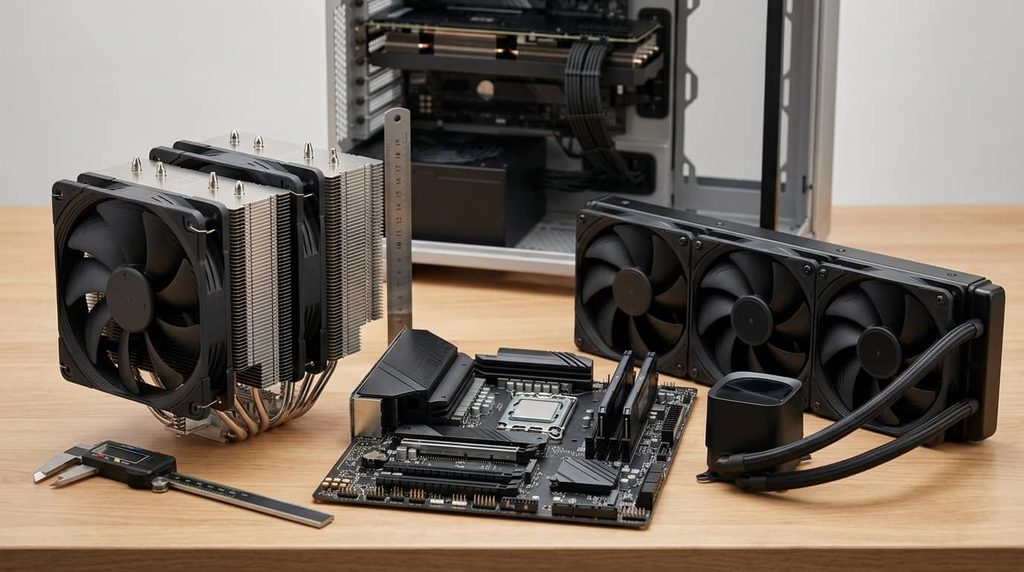
Most people shop by brand or by price. A smarter approach is to answer four questions first. They’ll eliminate half the options in under a minute.
1. How hot does your processor actually run?
A modest six-core chip pulling 65 watts has very different needs than a 16-core flagship that can draw well over 200 watts under load. The cooler that’s perfect for the first is a waste of money, and the second one will push even a good cooler hard. Check your CPU’s rated power on the manufacturer’s spec page, and remember that boost behavior can exceed the official number.
2. Air or liquid?
This is the big one, so here’s the honest version.
Air coolers use a heatsink and fan. They have no pump to fail, no coolant to evaporate, and they’re usually cheaper. A high-end dual-tower air cooler can match or beat many 240mm liquid coolers, and it will often last a decade.
Liquid coolers move heat to a radiator through a pump and tubing. Many people search for cpu water coolers expecting custom loops, but most buyers actually want a sealed all-in-one (AIO), which comes pre-filled and needs no maintenance. AIOs shine on high-wattage chips, free up space around the CPU socket, and look clean in a glass-panel case. The tradeoffs are a higher price and a pump that adds its own small noise.
If you want the simplest, most reliable path, air is hard to beat. If you’re running a power-hungry processor or building a showpiece, a 280mm or 360mm AIO makes sense.
3. Will it fit?
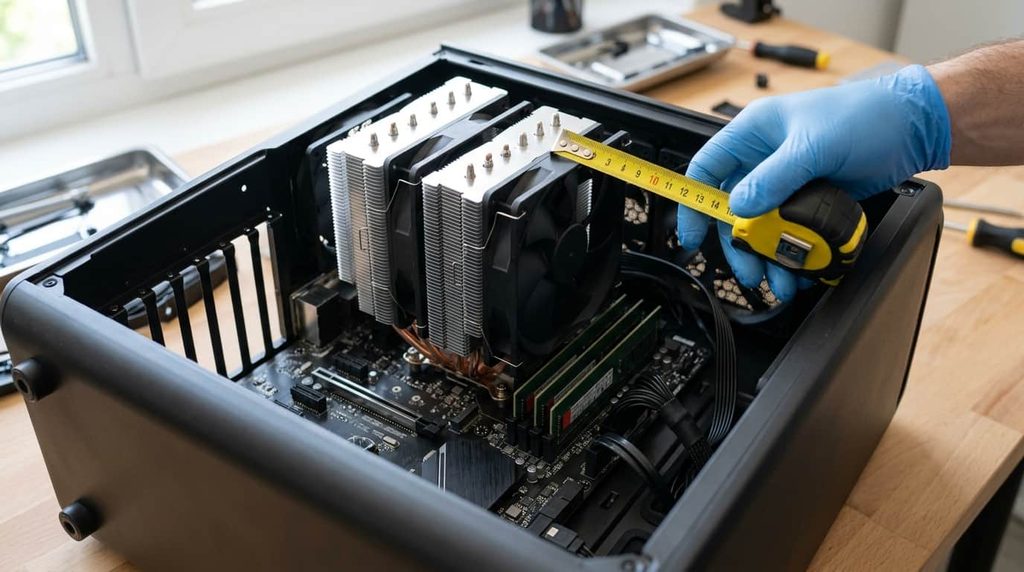
This is where purchases go wrong. Check three measurements:
- Cooler height against your case’s maximum CPU cooler clearance
- RAM clearance, since tall heatsinks can collide with memory modules
- Radiator support, meaning which sizes your case and its mounting points allow, and whether the top, front, or rear is the better location
Noctua publishes a CPU cooler compatibility checker that’s useful for sanity-checking socket and clearance questions, even if you’re leaning toward another brand.
4. How much noise can you live with?
Cooling performance means little if you can’t stand the sound. Larger fans spinning slowly are quieter than small fans working hard, which is why big towers and 360mm radiators tend to win on noise at the same temperature. Look for reviews that measure noise in decibels at a fixed fan speed, not just peak performance.
The 9 Best CPU Coolers in 2026
1. Noctua NH-D15 G2: Best Overall Air Cooler
Noctua’s flagship dual-tower is the one other air coolers get measured against. The second-generation design improved contact with modern processors and refined the fan setup, and the results are strong cooling with very low noise. It’s built like a piece of lab equipment, ships with everything you need, and comes with a long warranty.
Who it’s for: Enthusiasts who want top-tier air cooling and don’t mind paying for it.
Pros: Excellent temperatures, very quiet, premium build, strong mounting system.
Cons: Expensive, large, and the tan-and-brown styling isn’t for everyone. Check RAM and case clearance carefully.
Typical price range: Roughly $150 to $160.
2. Thermalright Peerless Assassin 120 SE: Best Value
This is the cooler that changed what people expect from a budget price. Two towers, two fans, and direct heat pipe contact deliver performance that often lands within a few degrees of coolers costing three or four times as much. For most gaming PCs and mid-range workstations, it’s the sensible answer.
Who it’s for: Almost everyone building a mainstream or upper mid-range system.
Pros: Fantastic price-to-performance, good noise levels, easy installation.
Cons: Fan quality isn’t at Noctua’s level, and the plain finish won’t win design awards.
Typical price range: Roughly $35 to $45.
3. DeepCool AK620: Best Mid-Range Dual-Tower
The AK620 has been a reliable favorite for years thanks to consistent cooling, a clean all-black look, and wide socket support. It handles hot-running chips well without demanding premium money.
Who it’s for: Builders who want a polished look and dependable performance.
Pros: Strong cooling, neat appearance, good compatibility.
Cons: Fans get audible under heavy load, and newer rivals offer similar results for less.
Typical price range: Roughly $55 to $70.
4. Thermalright Phantom Spirit 120 SE: Best for Maximum Air Performance per Dollar
Phantom Spirit takes the dual-tower formula further, with a more aggressive fin design and a front-facing layout aimed at high airflow. It’s a favorite among reviewers looking for a budget route to flagship-level air cooling.
Who it’s for: Buyers with a hot-running CPU who want serious air cooling at a fair price.
Pros: Excellent thermal performance, great value, solid fans for the cost.
Cons: Large footprint, and clearance can be tight in smaller cases.
Typical price range: Roughly $40 to $55.
5. be quiet! Dark Rock Pro 5: Quietest High-End Air Cooler
If silence matters more to you than squeezing out the last degree, this is the one. The Dark Rock Pro 5 uses a dual-tower design with a heavy focus on noise control, and it stays remarkably calm even when the processor is busy.
Who it’s for: Home office builders, creators, and anyone who works in a quiet room.
Pros: Very low noise, excellent cooling, tidy black styling.
Cons: Pricey and heavy. Always verify case and memory clearance.
Typical price range: Roughly $90 to $110.
6. Thermalright Assassin X 120 Refined SE: Best Budget CPU Cooler
You don’t need to spend much to beat a stock cooler by a wide margin. This single-tower model costs about as much as a lunch and cools mid-range processors comfortably, which makes it a smart upgrade for entry-level builds.
Who it’s for: Budget builders and anyone replacing a noisy stock cooler.
Pros: Extremely affordable, compact enough for most cases, simple to install.
Cons: Not the right match for the hottest high-core-count chips.
Typical price range: Roughly $15 to $25.
7. Arctic Liquid Freezer III 360: Best AIO Liquid Cooler
When it comes to cpu water coolers in the sealed AIO category, Arctic’s Liquid Freezer III line keeps landing near the top of independent charts. The 360mm version offers strong cooling, a thick radiator, and a clever design that also cools the voltage regulators around the socket. Prices are usually lower than major competitors, too.
Who it’s for: Gamers and creators with high-wattage processors who want liquid performance without a luxury price.
Pros: Great cooling, strong value, quiet fans at moderate speeds, long tubing.
Cons: Basic look compared with screen-equipped rivals, and some users prefer to swap the included fans.
Typical price range: Roughly $100 to $125.
8. DeepCool LT720: Best Value 360mm Liquid Option
This is a well-rounded AIO with good cooling, a clean look, and a price that doesn’t punish you for choosing liquid. It won’t top every chart, but it delivers dependable results and works well in mainstream builds.
Who it’s for: Buyers who want a straightforward, good-looking radiator setup for a reasonable cost.
Pros: Solid performance, attractive design, competitive pricing.
Cons: Slightly behind the leaders in outright cooling and noise.
Typical price range: Roughly $85 to $110.
9. Noctua NH-U12A: Best for Compact Builds
Not every case is a roomy mid-tower. The NH-U12A packs an impressive amount of cooling into a single-tower body with a slim, high-quality fan, and it tends to leave more space for memory and nearby components than the big dual-tower models.
Who it’s for: Small and mid-size builds, and anyone who wants Noctua quality without the bulk.
Pros: Great performance for its size, quiet, easy installation, excellent warranty.
Cons: Priced high for a single tower, and the dual-tower models beat it on pure cooling.
Typical price range: Roughly $100 to $115.
Air vs. Liquid: Which One Should You Actually Buy?
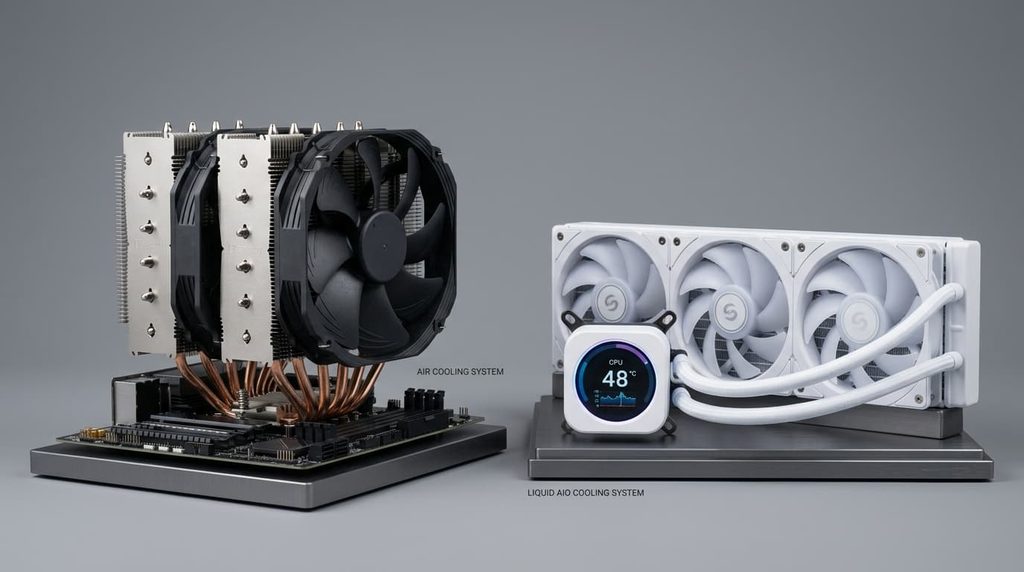
Here’s a simple way to decide.
- Pick air if you want reliability, low maintenance, and the best price-to-performance. This covers most gaming PCs and everyday builds.
- Pick liquid if your CPU draws a lot of power, your case has proper radiator mounts, or you care about a clean, open look around the socket.
- Skip both extremes if you’re on a basic processor and a budget. A $20 tower is often enough.
Noise follows the same pattern. A big air cooler at modest fan speeds is quieter than a small radiator working hard, while a 360mm AIO running gently can be quieter than almost any tower. The best cooler is the one sized properly for your processor, not necessarily the most expensive.
Installation Tips That Make a Real Difference
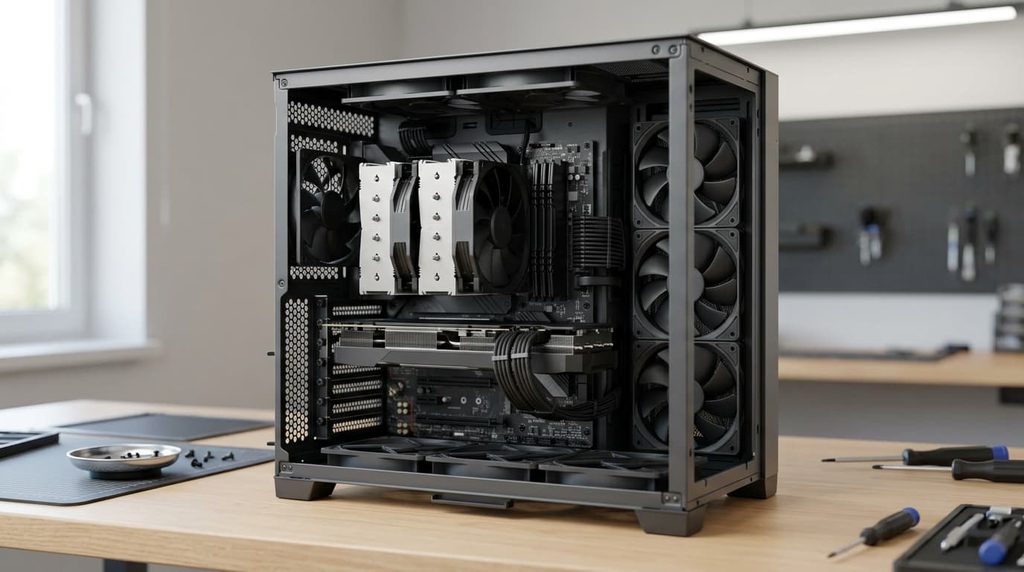
A great cooler installed poorly performs like a mediocre one. A few habits help.
Use the right amount of thermal paste. A pea-sized dot in the center is usually enough. Too much can insulate rather than conduct.
Tighten mounting screws evenly. Work in a diagonal pattern, a little at a time, so the cold plate seats flat against the processor.
Plan airflow around the cooler. Intake fans at the front and an exhaust at the rear or top will help any cooler perform better. For radiators, position them so air flows through cleanly, whether that’s top-mounted exhaust or front-mounted intake.
Set a sensible fan curve. In your BIOS or motherboard software, make fans ramp gradually instead of spiking at the first temperature bump. This is the single easiest way to improve noise.
Check temperatures after installing. Idle readings in the 30s and gaming loads in the 60s to 70s Celsius are typical for a healthy system, though this varies by CPU. If you see sudden spikes, reseat the cooler.
If you want to dig deeper into how coolers are measured, independent outlets like GamersNexus publish detailed thermal and acoustic testing that’s worth a read before a bigger purchase.
Frequently Asked Questions
Do I need to replace the stock CPU cooler?
Not always. Stock coolers that ship with lower-end processors are often fine for light use. But they tend to be loud under load, and many high-end chips don’t include one at all. An aftermarket cooler usually means lower temperatures, lower noise, and more consistent performance.
How often should I replace a CPU cooler?
Air coolers can last many years, since the main wear item is the fan, which is easy to replace. AIOs typically run for several years before the pump or coolant becomes a concern, and most come with a warranty in the range of three to six years.
Are AIO liquid coolers safe?
Sealed AIOs are very safe when installed correctly. Leaks are rare, and reputable brands back their products with warranties. Mount the radiator so the pump isn’t the highest point in the loop, which helps prevent air from collecting around it.
Does a better cooler improve gaming performance?
It can, indirectly. Lower temperatures let boost clocks hold steadier, which reduces stutter and keeps performance consistent. You won’t gain a huge jump over a decent cooler, but you’ll avoid the slowdowns that come from heat.
What matters more: cooling or noise?
It depends on your setup. For a living room or bedroom PC, noise often matters more. For a heavily loaded workstation, cooling takes priority. The best choices, like the Noctua and be quiet! models above, manage both well.
Final Verdict
There’s no single best cpu cooler for every PC, but there’s definitely a best one for yours.
For most people, the Thermalright Peerless Assassin 120 SE is the smartest buy: it’s cheap, quiet enough, and cools far above its price. If you want the best air cooling money can buy, step up to the Noctua NH-D15 G2. For a high-wattage processor or a clean build, the Arctic Liquid Freezer III 360 is the liquid option to beat. And if you’re on a tight budget, the Thermalright Assassin X 120 Refined SE proves that a small upgrade can make a big difference.
Measure your case, check your CPU’s power draw, and pick the cooler that fits both. Your PC will run cooler, quieter, and faster for it.
1 thought on “Best CPU Cooler in 2026: 9 Top Picks Tested for Cooling & Silence”