
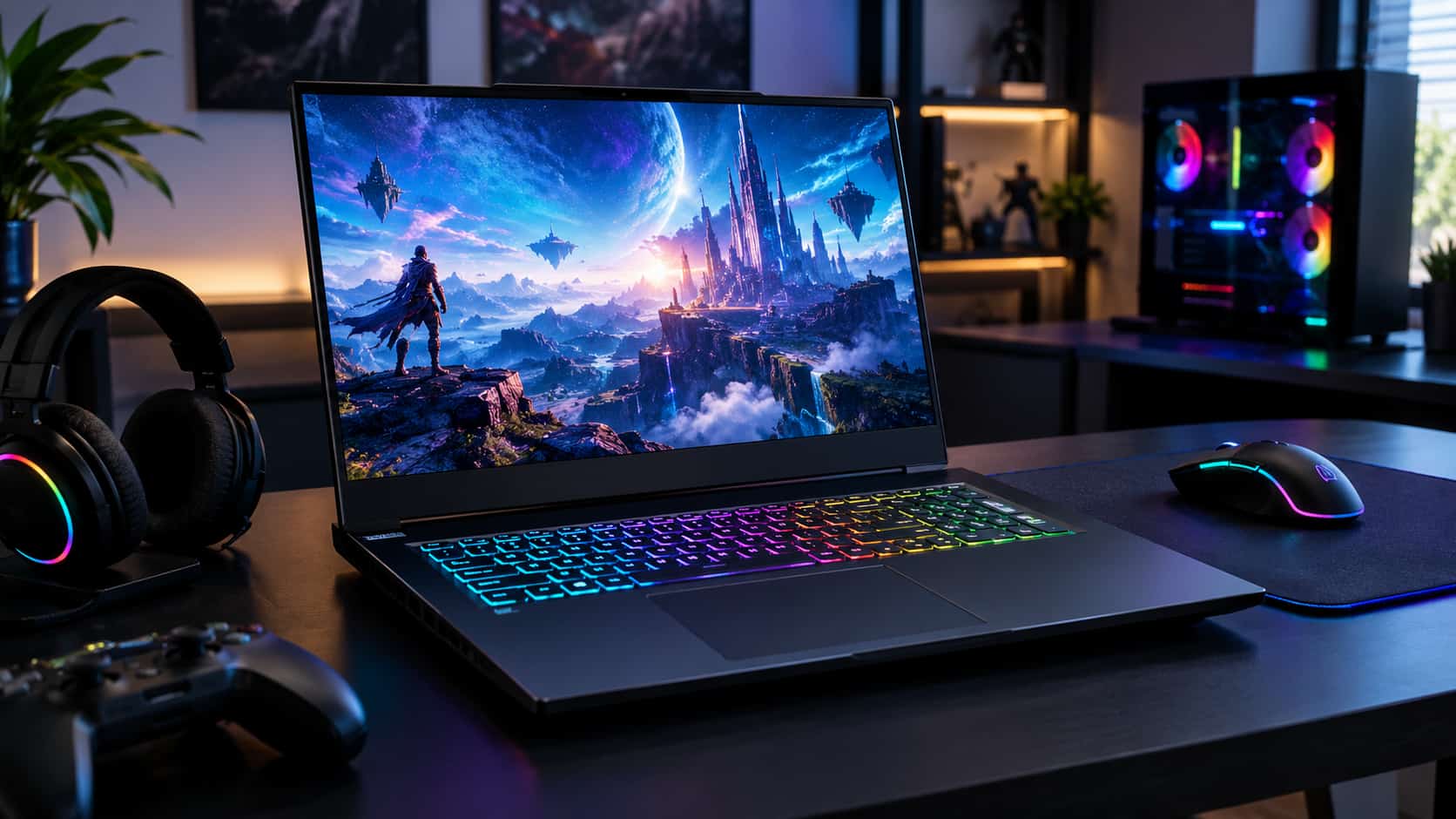
Finding the best gaming laptop in 2026 is no longer simply about choosing the laptop with the most powerful graphics card. Modern gaming laptops come in a wide range of sizes, prices, displays, processors, and cooling systems, and the right choice depends heavily on how and where you plan to play.
The latest generation includes NVIDIA GeForce RTX 50-series laptop GPUs, powerful AMD Ryzen processors, and Intel Core Ultra chips designed for high-performance gaming and multitasking. At the same time, thinner machines have become surprisingly capable, while larger 16- and 18-inch laptops can deliver desktop-like performance when plugged in.
So, what should you actually buy?
The answer depends on your budget, the games you play, your preferred screen size, and whether you want a portable computer that can also handle school or work. This guide breaks down the most important factors so you can choose a gaming laptop with confidence instead of paying for specifications you may never use.
What Makes a Gaming Laptop Worth Buying in 2026?
A good gaming laptop needs more than a fast processor. Gaming performance comes from the combination of the GPU, CPU, memory, storage, display, cooling system, and power limits of the machine.
The graphics processor is usually the most important component for demanding modern games. NVIDIA’s current RTX 50-series laptop GPUs are based on the Blackwell architecture and support technologies such as DLSS, ray tracing, Reflex, and Multi Frame Generation.
However, two laptops with the same GPU can perform differently. Manufacturers can configure the graphics processor at different power levels, and cooling capacity also affects sustained performance. That is why looking only at the name of the GPU is not enough.
A well-designed laptop with an appropriately powered RTX 5070 or RTX 5070 Ti can be a better purchase for many people than an extremely expensive machine built around a higher-end GPU.
Start With the Graphics Card
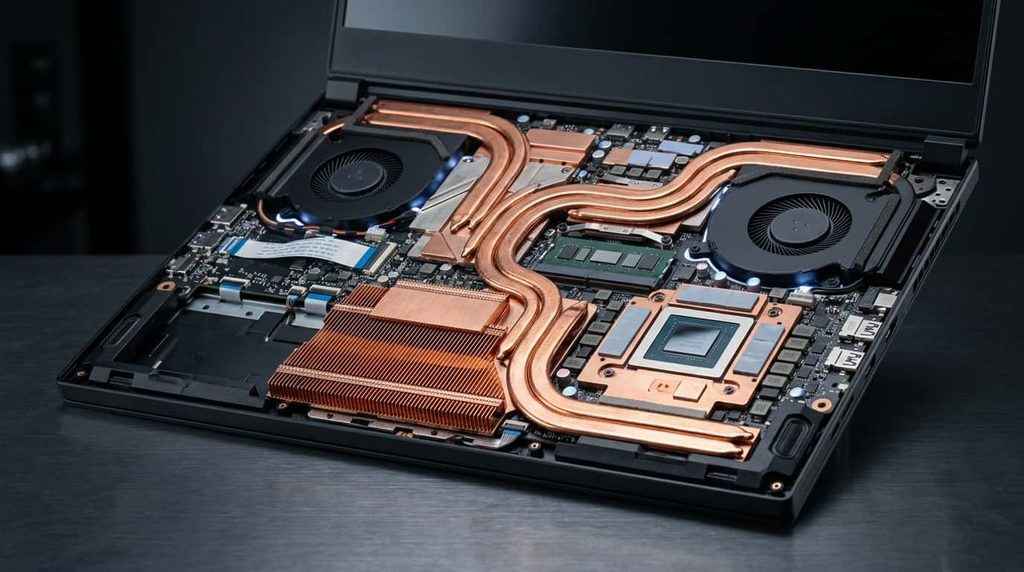
If gaming performance is your priority, start your search with the GPU.
For 2026, NVIDIA’s RTX 50-series is the main high-end graphics platform found in new gaming laptops. The lineup ranges from more affordable options to flagship-class RTX 5090 systems. NVIDIA also positions its Blackwell laptop GPUs around AI-enhanced graphics, ray tracing, DLSS, and power-efficient Max-Q technologies.
Here’s a practical way to think about the different performance levels:
Entry-Level Gaming
A lower-tier dedicated GPU can make sense if you primarily play esports games, older AAA titles, or games at 1080p.
This category is also where you’ll find some of the best opportunities for saving money. Rather than paying for flagship hardware, put more of your budget toward a decent display, sufficient RAM, and a good-quality chassis.
Mid-Range Gaming
For many buyers, the mid-range is the sweet spot.
An RTX 5060 or RTX 5070-class laptop can provide a strong balance between performance and price, depending on the specific laptop’s power configuration and display resolution.
This is the range I would look at first if you want a gaming laptop for modern AAA games but don’t need maximum settings at every resolution.
High-End Gaming
If you want high refresh rates, demanding ray-traced games, content creation, or several years of strong performance, consider higher-end RTX 5070 Ti, RTX 5080, or RTX 5090 configurations.
The RTX 5090 is aimed at buyers who want maximum laptop performance and are comfortable paying a premium for it. But maximum performance is not automatically maximum value.
For most gamers, spending thousands more on a flagship system makes sense only if you will actually use the additional performance.
Don’t Ignore the Processor
The CPU matters for gaming, particularly in competitive games with high frame rates, simulation games, strategy titles, and workloads such as streaming and video editing.
Intel’s current high-end mobile lineup includes Core Ultra 200HX Plus processors. Intel describes the Core Ultra 9 290HX Plus as its fastest laptop gaming processor as of March 2026, with up to 24 cores and support for technologies such as Wi-Fi 7 and Thunderbolt 5 on compatible systems.
AMD also has particularly strong options for gaming. Its Ryzen 9 9955HX3D combines Zen 5 CPU cores with second-generation 3D V-Cache, and AMD positions it specifically for high-end mobile gaming and creation workloads.
For buyers, the important point is simple: don’t automatically assume that the newest or most expensive CPU will produce a dramatic improvement in every game.
If two laptops have similar GPUs, the processor can help determine the winner, but the difference may be less important than cooling, GPU power, memory, and the laptop’s overall design.
How Much RAM Do You Need?
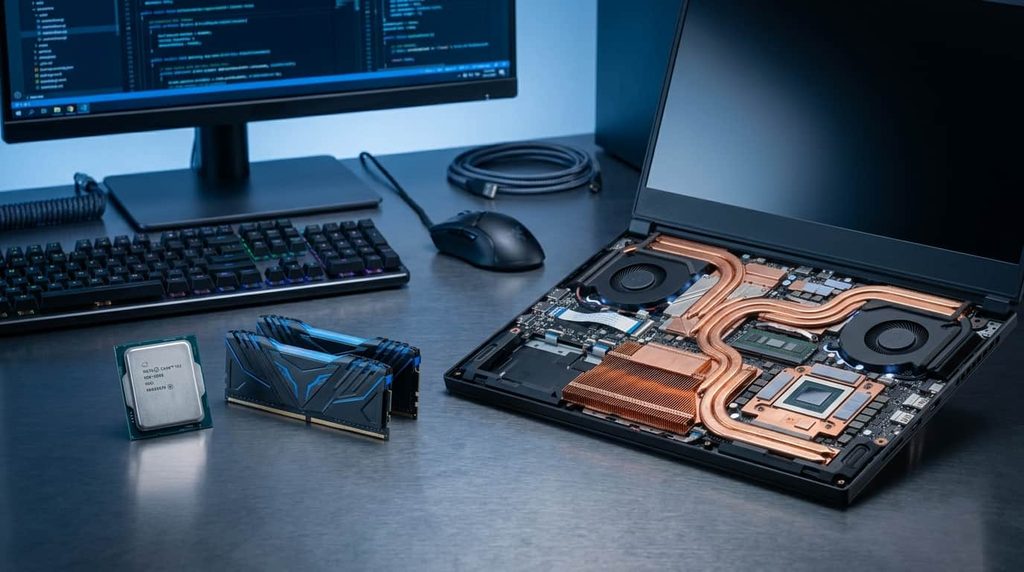
For a modern gaming laptop, 16GB of RAM should be considered a practical starting point.
It is enough for gaming and everyday tasks for many users, but 32GB is increasingly attractive if you multitask heavily, stream, edit videos, run demanding applications, or want additional headroom for future games.
If you’re buying an expensive high-end laptop, 32GB makes considerably more sense than spending thousands of dollars on a premium GPU and pairing it with a restrictive memory configuration.
Before purchasing, also check whether the RAM is upgradeable. Some thin gaming laptops use memory that cannot be replaced, while larger models may provide upgrade slots.
Choose the Right Display
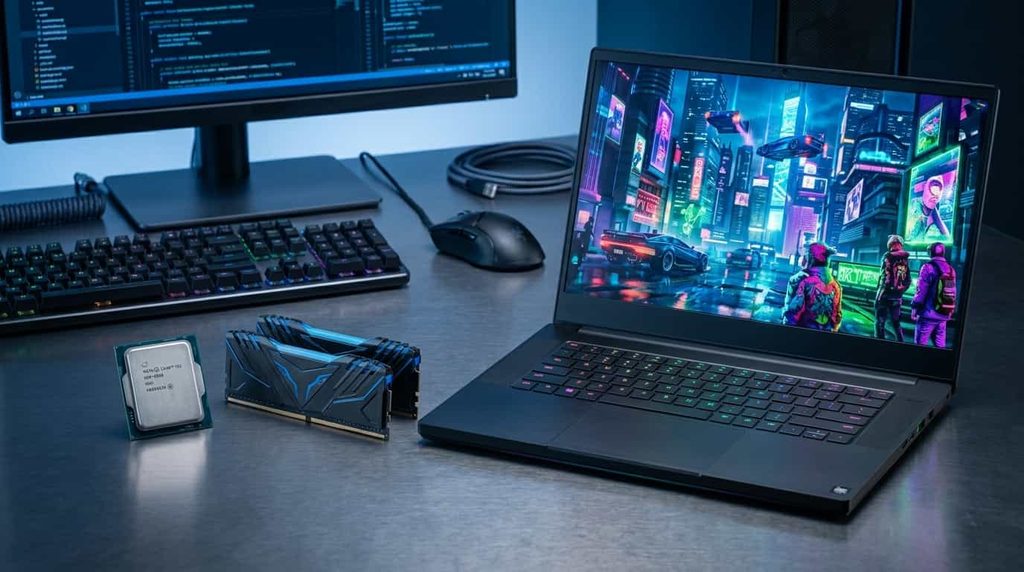
A powerful gaming laptop deserves a good screen.
Refresh rate is important, particularly for competitive games. A 144Hz or faster display can provide a noticeably smoother experience than a traditional 60Hz panel when the hardware can generate enough frames.
But refresh rate isn’t everything.
Resolution, response time, panel quality, brightness, color coverage, and adaptive-sync support can all affect your experience.
For many gamers, a 1600p or 1440p-class display provides an excellent balance between sharpness and gaming performance. A high-resolution panel can look fantastic, but it also places more demand on the GPU.
OLED displays are another attractive option in premium laptops because of their deep blacks, strong contrast, and excellent image quality. However, you should still examine brightness, refresh rate, response time, and the laptop’s overall price rather than buying a machine simply because it has an OLED screen.
16 Inches Is a Great Middle Ground
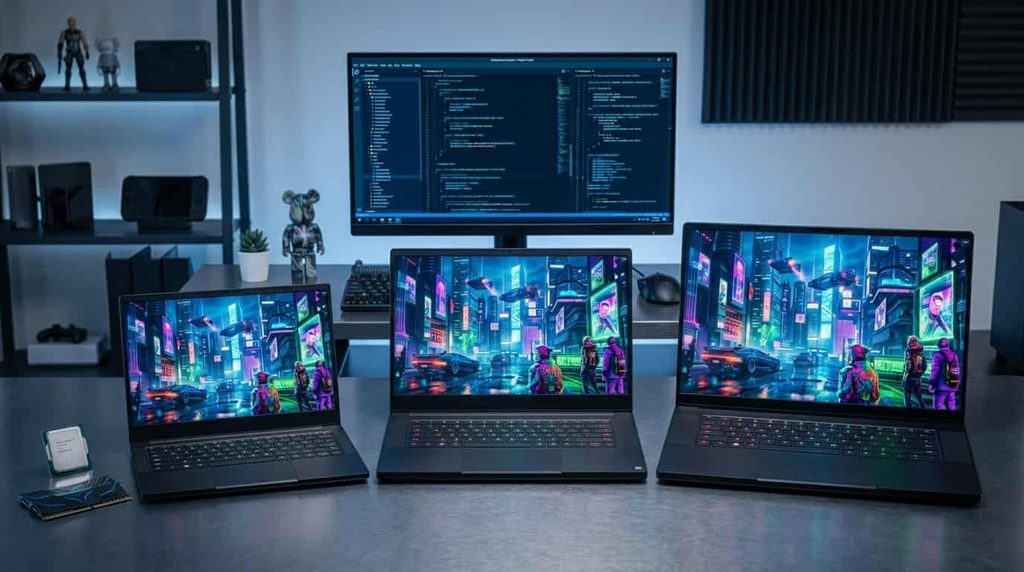
Gaming laptops generally fall into a few useful size categories.
A 14-inch model is attractive if portability matters. These systems can be much easier to carry to school, work, or travel, although their compact designs can limit cooling and upgrade options.
A 15- or 16-inch laptop is arguably the most versatile choice. It gives you a larger gaming screen without becoming as cumbersome as many desktop-replacement machines.
An 18-inch gaming laptop is different. These machines prioritize screen size, cooling, and performance over portability. They can be excellent replacements for a desktop computer, but carrying one around every day isn’t particularly convenient.
If you want one computer for gaming, studying, work, and travel, I’d generally start with a 16-inch model.
Cooling Matters More Than You Think
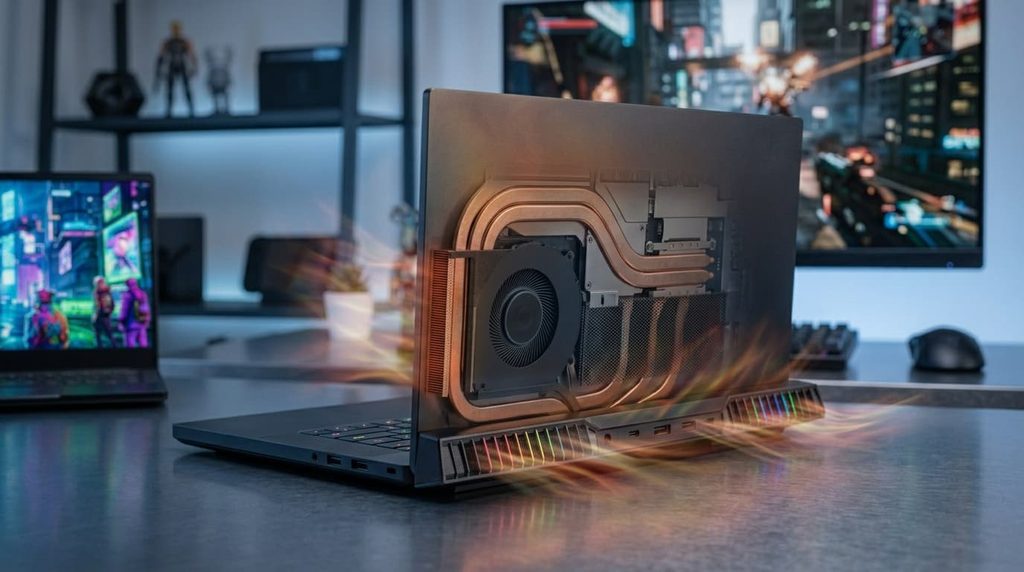
One of the biggest mistakes buyers make is looking at specifications without considering thermal design.
Gaming laptops generate significant heat because the CPU and GPU are working hard at the same time. When a machine cannot move that heat away efficiently, performance can suffer.
A laptop with a powerful processor and GPU needs an adequate cooling system to maintain performance during longer gaming sessions. Using a laptop stand can also improve airflow around the bottom of the machine, although it should not be treated as a replacement for a properly designed cooling system.
This is one reason reviews that include sustained gaming tests are more useful than specification sheets alone. Current testing from major laptop reviewers compares gaming performance across real systems rather than simply comparing component names.
Cooling also affects noise. A very powerful laptop may deliver excellent frame rates while producing considerably more fan noise than a thinner, lower-powered model.
That’s an important trade-off to consider before buying.
What Should You Spend?
There’s no single price that guarantees the best gaming laptop experience.
Instead, think about where your money will have the greatest effect.
Around the Budget Range
If your budget is limited, prioritize a dedicated GPU, 16GB of RAM, an SSD, and a decent 1080p or similar high-refresh-rate display.
You don’t need a premium metal chassis or flagship CPU to enjoy PC gaming.
Mid-Range
This is where I would recommend most buyers start looking.
A well-balanced mid-range machine can provide excellent gaming performance without the enormous price increase associated with flagship hardware.
Instead of maximizing one specification, look for a balanced combination of GPU, CPU, RAM, display, storage, and cooling.
Premium
Premium gaming laptops make sense for users who want a combination of high performance, excellent displays, premium construction, strong cooling, and additional features.
Some 2026 premium models use RTX 5080 or RTX 5090 graphics and high-end processors. Current expert testing also highlights systems such as the Razer Blade 16, Lenovo Legion Pro 7i, ASUS ROG Zephyrus G14, and Alienware’s larger Area-51 models across different categories.
But premium pricing does not necessarily mean better value.
Gaming Laptops Worth Considering in 2026
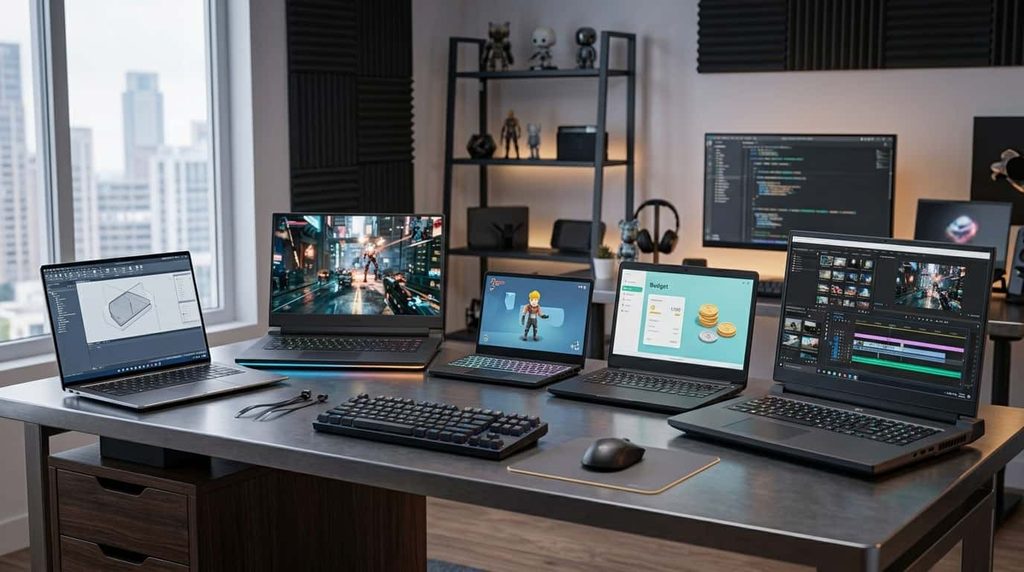
Rather than claiming that one machine is universally the winner, it makes more sense to consider several types of laptops.
Razer Blade 16
The Razer Blade 16 is aimed at buyers who want a premium combination of performance, design, portability, and display quality.
It is particularly appealing if you want a gaming computer that doesn’t look like a traditional bulky gaming machine.
The downside is its premium price. You pay for the overall design and experience, not simply gaming performance.
Lenovo Legion Pro 7i
The Legion Pro 7i is aimed more directly at serious performance-focused gamers.
It is the kind of laptop worth considering when gaming performance takes priority over having the thinnest possible machine. High-end configurations can include flagship-class graphics and powerful Intel processors.
If you mostly keep your laptop at a desk, this type of machine can make more sense than paying extra for extreme portability.
ASUS ROG Zephyrus G14
The Zephyrus G14 represents a different approach.
It combines a relatively compact form factor with gaming hardware, making it attractive to students, creators, and professionals who also want to play games.
This is the type of machine to consider if you want your computer to function as an everyday laptop first and a gaming system second.
Lenovo LOQ
For budget-conscious buyers, Lenovo’s LOQ line is worth watching.
Current testing has highlighted newer LOQ systems as strong value-oriented options, particularly when configured with capable RTX graphics.
The exact configuration matters, however. Always check the RAM, SSD capacity, display, GPU power configuration, and processor rather than buying based solely on the product family.
Alienware Area-51
If portability isn’t important and you want something closer to a desktop replacement, larger Alienware systems are another category to consider.
An 18-inch gaming laptop can provide a much larger screen and substantial internal hardware, but these systems are heavier and generally make more sense when they will spend most of their time on a desk.
What About Battery Life?

Gaming laptops aren’t famous for all-day gaming on battery power.
That’s not necessarily a problem.
High-performance GPUs and CPUs consume substantial power, so serious gaming normally works best while the laptop is connected to its charger.
Battery life becomes more important when you’re using the machine for browsing, documents, video playback, or schoolwork.
This is where newer efficient processors and laptop power-management technologies can make a difference. AMD, for example, emphasizes efficiency and battery life alongside performance in its latest laptop platforms, while Intel’s newer Core Ultra designs also target performance and efficiency.
If you need a laptop that spends a lot of time away from an outlet, don’t automatically choose the most powerful configuration.
Don’t Buy More GPU Than Your Screen Needs
Here’s an important purchasing tip that is easy to overlook.
If you’re gaming at 1080p on a relatively modest refresh-rate display, you may not benefit enough from buying an extremely expensive flagship GPU to justify its price.
On the other hand, a high-resolution 1600p or 4K display can make stronger graphics hardware much more useful.
Your display and GPU should make sense together.
This is why the “most powerful laptop” and the best laptop 2026 for a particular buyer are not necessarily the same thing.
Look at Storage Before You Buy
Modern games can consume enormous amounts of storage.
A 512GB SSD can disappear surprisingly quickly after installing Windows, several large games, applications, and personal files.
For a gaming-focused machine, 1TB is a much more comfortable starting point. If you maintain a large game library, 2TB or an additional SSD can be worthwhile.
Also check whether the laptop has an extra M.2 slot or another upgrade path. A laptop that lets you add storage later can save you money compared with buying an expensive high-capacity configuration immediately.
Don’t Forget the Keyboard and Ports
Specifications aren’t everything.
Spend some time looking at the keyboard layout, key travel, trackpad, webcam, speakers, and available ports.
Gamers who use an external mouse may not care much about the trackpad, but people who use their gaming laptop for work or school certainly will.
Ports are also important if you plan to connect an external monitor, headset, Ethernet, storage drive, controller, or other accessories.
A laptop with the right selection of USB ports, HDMI, audio, Ethernet, and display connectivity can make your setup much easier to manage.
Which Gaming Laptop Should You Buy?
The right choice ultimately depends on your priorities.
Choose a budget gaming laptop if you want good 1080p gaming without spending heavily.
Choose a mid-range gaming laptop if you want the best balance between price, performance, and longevity.
Choose a thin 14- or 16-inch model if portability is important and you need your laptop for more than gaming.
Choose a high-end 16-inch machine if you want strong performance and don’t mind carrying a heavier system.
Choose an 18-inch desktop replacement if maximum screen size and performance matter more than portability.
Choose a flagship RTX 5080 or RTX 5090 system if you have a large budget and genuinely need maximum laptop gaming performance.
Frequently Asked Questions
What is the best gaming laptop in 2026?
The best gaming laptop depends on your budget, the games you play, and whether portability matters to you. For most buyers, a well-balanced mid-range or upper-mid-range laptop offers a better combination of gaming performance, display quality, cooling, and price than an expensive flagship model.
How much RAM do I need for a gaming laptop?
16GB of RAM is a practical starting point for gaming in 2026. If you stream, edit videos, multitask heavily, or want additional headroom for future games, 32GB is a better choice.
Is an RTX 5070 good enough for gaming in 2026?
Yes. An RTX 5070 laptop can be a strong choice for modern gaming, particularly at 1080p and higher resolutions depending on the game and laptop configuration. However, performance varies between laptops because GPU power limits, cooling, and display resolution can differ.
Is 16GB RAM enough for gaming?
For many gamers, 16GB is still enough. However, 32GB can be worthwhile if you play demanding games while running other applications, stream your gameplay, create content, or want more long-term flexibility.
Should I buy a 14-inch or 16-inch gaming laptop?
Choose a 14-inch model if portability is a major priority. A 16-inch laptop is generally a better middle ground if you want more screen space and stronger cooling while still keeping the computer reasonably portable.
Is a gaming laptop good for everyday use?
Yes. A gaming laptop can also work well for browsing, school, office work, programming, content creation, and other everyday tasks. The main trade-offs are usually greater weight, fan noise, and shorter battery life compared with thin-and-light laptops.
How much storage should a gaming laptop have?
1TB of SSD storage is a comfortable starting point for many gamers. Modern games can take up a significant amount of space, so 2TB or an additional SSD can be useful if you keep a large game library.
Are expensive gaming laptops worth it?
They can be, but only if you need the additional performance and features. High-end laptops can offer faster GPUs, better displays, stronger processors, and more advanced cooling, but a well-balanced mid-range model can provide better value for many gamers.
Should I buy a gaming laptop with an OLED display?
An OLED display can be an excellent choice if you value deep blacks, strong contrast, and image quality. However, don’t choose a laptop solely because it has an OLED panel. Also consider refresh rate, brightness, response time, GPU performance, and price.
Can a gaming laptop replace a desktop PC?
For many people, yes. High-performance gaming laptops can provide powerful gaming hardware in a portable form. However, desktop PCs generally offer easier upgrades, better cooling potential, and more performance for the money, while gaming laptops provide the advantage of portability.
Should I buy the most powerful gaming laptop I can afford?
Not necessarily. The most powerful laptop isn’t automatically the best choice. It’s usually smarter to choose a system whose GPU, display resolution, CPU, cooling, storage, and price match the way you actually plan to use it.
What should I look for when buying a gaming laptop?
Pay attention to the GPU first, then consider the CPU, RAM, display, cooling, storage, battery life, keyboard, ports, upgradeability, and overall build quality. Comparing the complete configuration is more useful than choosing a laptop based on one specification alone.
Final Thoughts
The best gaming laptop in 2026 isn’t necessarily the one with the highest price or the biggest specification sheet. It’s the laptop that gives you the performance you actually need while getting the right balance of display quality, cooling, portability, battery life, storage, and price.
For most buyers, a balanced mid-range or upper-mid-range configuration is likely to make more sense than an ultra-expensive flagship. Look for a capable dedicated GPU, at least 16GB of RAM, a fast SSD, a good high-refresh-rate display, and a cooling system designed to handle the hardware.
If you’re shopping at the high end, NVIDIA’s RTX 50-series offers substantial graphics capabilities, while AMD and Intel provide powerful current-generation processor options.
Most importantly, don’t buy based on a single specification. Compare the complete laptop. A well-balanced machine will usually provide a better everyday experience than one that looks impressive on paper but cuts corners elsewhere.
Before making your final decision, check the exact configuration, current price, display specifications, GPU power rating, upgradeability, and independent gaming benchmarks. Those details can make a bigger difference than the name printed on the box.
For official information on NVIDIA’s current laptop graphics technologies, you can also check NVIDIA’s GeForce RTX 50 Series laptop information.