
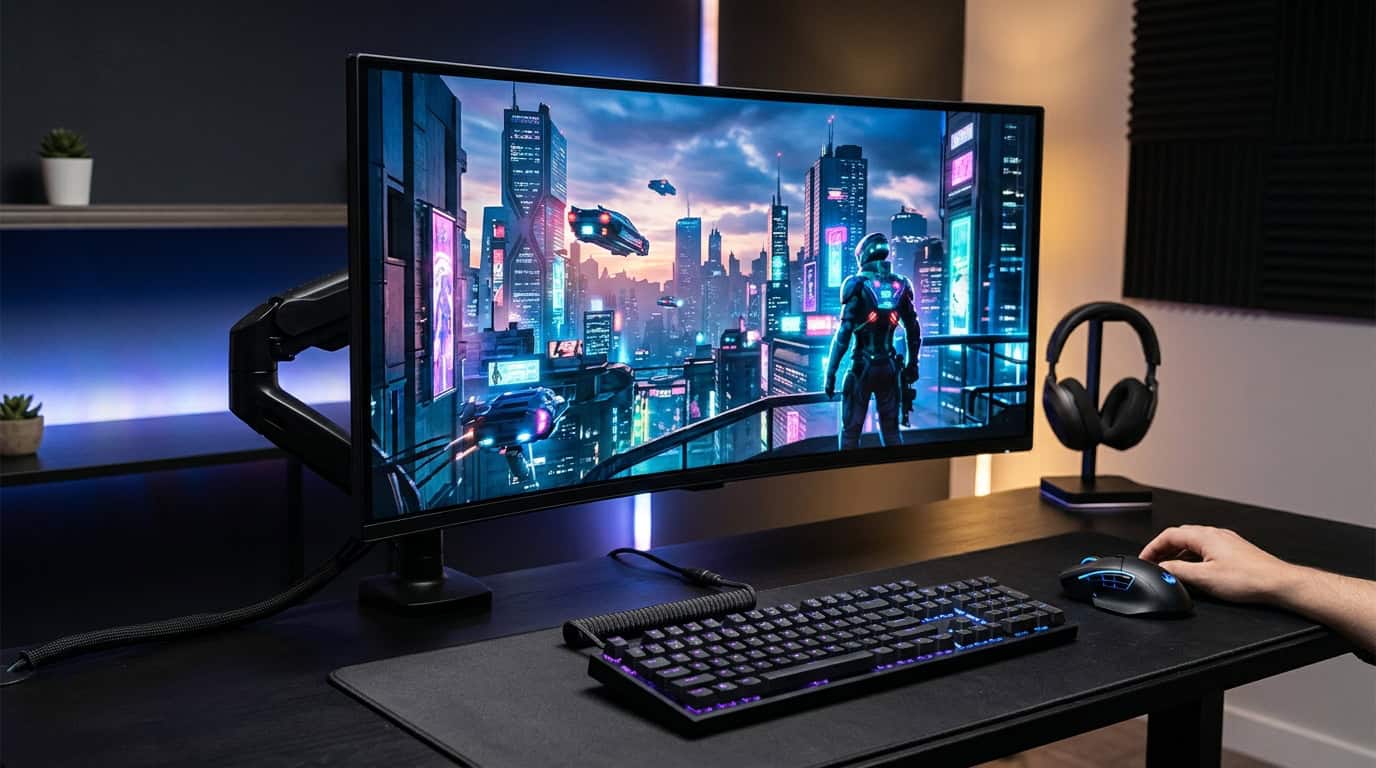
Your graphics card can push a hundred-plus frames per second, but a weak monitor will hide most of that work. Blurry motion, washed-out blacks and screen tearing quietly ruin games that should feel great. Picking the best gaming monitor is one of the few upgrades you notice the moment you plug it in.
The market has changed a lot over the past two years. OLED panels moved from luxury item to realistic purchase, 4K at 240Hz is now normal at the high end, and even budget screens ship with features that used to cost $500. This guide covers seven monitors that make sense in 2026, who each one is for, and the mistakes to avoid before you spend your money.
Quick Picks: The Best Gaming Monitor for Your Situation
Short on time? Here is the fast version.
- Best overall: MSI MPG 271QRX QD-OLED
- Best 4K for big screens: ASUS ROG Swift PG32UCDM
- Sharpest 27-inch: Alienware AW2725Q
- Best value: AOC Q27G3XMN
- Best ultrawide: MSI MPG 341CQPX
- Best for esports: Alienware AW2524HF
- Fastest money can buy: ASUS ROG Swift PG27AQDP
Prices swing a lot with sales and stock, so treat any figure you see as a starting point and check the current listing before you buy.
What Actually Matters When Choosing a Gaming Monitor
Spec sheets are full of numbers, but only a handful change how a game looks and feels.
Resolution and your graphics card. A monitor is only as useful as the frame rate your GPU can feed it. 1080p is still the standard for competitive shooters because it is easy to run at extreme refresh rates. 1440p is the sweet spot for most people: noticeably sharper, and a mid-range to upper-mid-range card can drive it comfortably. 4K looks stunning but demands a powerful GPU, or you will lean on upscaling to keep frame rates high.
Refresh rate. Going from 60Hz to 144Hz is a dramatic leap. From 144Hz to 240Hz is a smaller but real gain for fast games. Beyond 360Hz, you are paying for a very small edge that mostly matters to serious competitors.
Panel type. OLED gives you near-instant pixel response, perfect black levels and superb HDR, but it costs more and can show burn-in if you treat it like an office display. Mini-LED LCDs are brighter and safer for mixed use. Standard IPS panels offer accurate color at a lower price, while VA panels trade some motion speed for deeper contrast.
Size. For a typical desk, 27 inches is ideal at 1440p. A 32-inch screen suits 4K. Ultrawides add immersion in racing, strategy and open-world games, though a few titles still handle the wide aspect ratio poorly.
Connections. If you game on a console, HDMI 2.1 is what unlocks 4K at 120Hz. On PC, DisplayPort is the safer route for high refresh rates.
The 7 Best Gaming Monitors of 2026
1. MSI MPG 271QRX QD-OLED: Best Overall
This 27-inch 1440p QD-OLED is the easiest recommendation for most PC gamers. It runs at 360Hz, which keeps motion remarkably clean, and the pixel response is so fast that blur is practically gone. RTINGS names it the top 1440p gaming monitor it has tested, and it is easy to see why: sharp, punchy colors, deep blacks and enough speed for any genre.
Why buy it: it balances sharpness, speed and price better than anything else in the premium tier, and 1440p is far easier on your graphics card than 4K.
Keep in mind: it uses HDMI 2.1 bandwidth but not the newest DisplayPort standard, so 4K console signals are scaled down to 1440p. Text can also look slightly softer than on a 4K panel.
2. ASUS ROG Swift PG32UCDM: Best 4K Gaming Monitor
If you want a big, cinematic picture, this 32-inch 4K, 240Hz QD-OLED is hard to beat. TechSpot calls it the best overall 32-inch gaming monitor, and playing a single-player game on it is a real treat. Dark scenes keep their detail, bright highlights pop, and the screen is large enough that 4K sharpness is obvious.
Why buy it: a top-tier display for both gaming and movies, with excellent HDR.
Keep in mind: you need a high-end graphics card to run demanding games at 4K with strong frame rates. If your GPU is mid-range, the MSI above will feel smoother for less money.
3. Alienware AW2725Q: Best 27-Inch 4K Option
Most 4K gaming monitors are 32 inches, which is too big for some desks. This 27-inch 4K QD-OLED packs the same pixel count into a smaller panel, so text and fine detail look exceptionally crisp. TechSpot notes it is often the most affordable 27-inch 4K QD-OLED on the market.
Why buy it: the sharpest image per inch of any monitor here, and a great choice if you also use your PC for reading, coding or photo work.
Keep in mind: like every 4K screen, it needs a strong GPU, and its smaller size means less of the big-screen wow factor.
4. AOC Q27G3XMN: Best Value
Not everyone wants to spend four figures, and you do not have to. This 27-inch 1440p monitor runs at 180Hz and uses a mini-LED backlight with local dimming, which gives it HDR performance that is rare at this price. TechSpot has pointed to it as one of the cheapest entry points to HDR gaming, at around $280 when it was reviewed.
Why buy it: it delivers 1440p, high refresh rate and real contrast for the price of a mid-range game console accessory.
Keep in mind: it uses a VA panel, so fast-moving dark objects can smear slightly compared with OLED, and viewing angles are narrower than IPS.
5. MSI MPG 341CQPX: Best Ultrawide
A 34-inch ultrawide QD-OLED at 240Hz is a joy for racing sims, flight games and open-world adventures. The extra width fills your peripheral vision, and the OLED panel keeps the image punchy without the motion blur that older curved ultrawides struggled with. RTINGS lists it as its best ultrawide OLED monitor.
Why buy it: the most immersive experience on this list, plus plenty of room for two windows when you are not gaming.
Keep in mind: not every game supports ultrawide properly, and competitive shooters sometimes limit the field of view.
6. Alienware AW2524HF: Best for Esports
Competitive players often prefer a smaller screen so they can take in the whole picture without moving their eyes much. This 24.5-inch 1080p IPS monitor runs at 500Hz, which makes it one of the fastest displays you can buy without moving to OLED. MonitorNerds crowns it the fastest IPS panel for gaming.
Why buy it: extreme speed in games like Valorant, Counter-Strike 2 and Apex Legends, where every frame counts.
Keep in mind: 1080p looks less sharp for general use, and you need a fast CPU to reach those frame rates in the first place.
7. ASUS ROG Swift PG27AQDP: Fastest Display Available
This 27-inch 1440p OLED reaches 480Hz, the highest refresh rate in this roundup. TechSpot recommends it for the best motion clarity on the market, though it asks about $1,000 for that privilege.
Why buy it: the smoothest, clearest motion you can get, for players who want zero compromises.
Keep in mind: very few systems can actually deliver 480 frames per second in modern games, so this is a luxury for esports titles and high-end rigs.
Is OLED Worth It, and What About Burn-In?
For pure gaming, OLED is the biggest visual upgrade available right now. Pixels switch almost instantly, black is truly black, and HDR highlights look the way they should. The tradeoff is a risk of permanent image retention if the same static elements stay on screen for thousands of hours.
In practice, you can reduce that risk easily. Use a dark theme, hide your taskbar when you can, and let the monitor run its built-in pixel refresh cycles. Most manufacturers also back their OLED panels with burn-in warranties, so check the terms before buying. If your monitor will sit on a spreadsheet-heavy work desk for eight hours a day, a mini-LED or IPS screen is the safer pick.
Finding the Best Budget Monitors Without Regret
A tight budget does not mean a bad experience. When you are comparing the best budget monitors, a few rules matter more than any marketing claim.
First, put refresh rate ahead of resolution. A 1080p screen at 144Hz or 165Hz feels better in games than a 60Hz 4K display. Second, avoid screens that advertise HDR without local dimming, because that label usually means a slightly brighter image and nothing more. Third, make sure the monitor supports adaptive sync, which matches the screen to your frame rate and removes tearing.
If you can stretch a little, 1440p at 144Hz to 180Hz is the best long-term value. The AOC above is a good example, and the Acer Nitro XV275U P3biipx shows up in RTINGS testing as a cheap 1440p alternative worth a look. Used or open-box deals from reputable retailers can also trim the price further, as long as the return window is clear.
Common Mistakes That Waste Your Money
Ignoring the cable. A monitor can be capable of 240Hz and still run at 60Hz because you used the wrong cable or port. Use the DisplayPort cable in the box when you can, and confirm the refresh rate in your display settings after setup.
Overbuying resolution. A 4K monitor paired with an old graphics card will often deliver worse results than a 1440p monitor with the same card. Match the screen to your hardware, not your wish list.
Trusting response-time claims. Manufacturers advertise numbers like 1ms under very specific test conditions. Independent reviews from sites that measure motion with real equipment are more reliable than the spec sheet.
Forgetting the stand. Height and tilt adjustment matter more than most buyers realize. If the included stand is poor, factor in a VESA mount or monitor arm.
Which One Should You Buy?
If you want a single answer, the MSI MPG 271QRX is the best gaming monitor for most people because it delivers premium speed and picture quality without needing a flagship graphics card. Pick the ASUS PG32UCDM or Alienware AW2725Q if you own a high-end GPU and want 4K. Choose the AOC if value matters most, the MSI ultrawide if immersion is your priority, and the 500Hz Alienware or 480Hz ASUS if you play competitively and chase every advantage.
Before you check out, compare current prices, read the return policy, and confirm the ports match your PC or console. For deeper testing data on any model here, RTINGS publishes detailed motion, brightness and input-lag measurements, and TechSpot’s gaming monitor guide is updated regularly as new models arrive.
Frequently Asked Questions
What is the best refresh rate for gaming? For most players, 144Hz to 240Hz is the sweet spot. Competitive players may benefit from 360Hz or higher, but casual gamers will rarely notice the difference.
Is 1440p or 4K better for gaming? 1440p is easier to run and still looks sharp on a 27-inch screen. 4K looks better on larger displays but requires a much more powerful graphics card.
Do I need a curved monitor? No. Curves help on ultrawides by keeping the edges in view, but on 27-inch screens it is mostly a matter of preference.
Are gaming monitors good for console players? Yes, as long as the monitor has HDMI 2.1. That unlocks 4K at 120Hz on PlayStation 5 and Xbox Series X.
1 thought on “Best Gaming Monitors in 2026: Top 7 Picks That Actually Win”