
If you’ve shopped for a GPU lately, you know the feeling. You look up a card you read about at launch, expecting one price, and the real price is a few hundred dollars higher. Welcome to graphics cards in 2026.
AI data centers are eating up chips and memory, and gaming cards are stuck in the squeeze. Some models now cost nearly double what they did at launch. A few barely moved. That’s why picking the best graphics cards 2026 has to offer isn’t just a matter of reading a benchmark chart. The real question is which card is worth your money at today’s prices.
This guide sorts the picks by budget, explains the few specs that actually matter, and covers how to buy without getting burned, including whether a refurbished card makes sense. Prices are rough mid-October 2026 street prices. They move fast, so check the live number before you buy.
Quick Picks at a Glance
| Need | Our pick | Memory | Approx. street price |
|---|---|---|---|
| Best overall for 1440p/4K | GeForce RTX 5070 Ti | 16GB GDDR7 | $830–$1,100 |
| Best value high-end | Radeon RX 9070 XT | 16GB GDDR6 | $760–$880 |
| Best midrange | GeForce RTX 5070 | 12GB GDDR7 | $660–$940 |
| Best AMD midrange | Radeon RX 9070 | 16GB GDDR6 | $630–$700 |
| Best value overall | Radeon RX 9070 GRE | 12GB GDDR6 | about $530–$570 |
| Best for 1080p | GeForce RTX 5060 | 8GB GDDR7 | $350–$470 |
| Best budget | Intel Arc B570 | 10GB GDDR6 | $260–$290 |
| Best no-compromise | GeForce RTX 5090 | 32GB GDDR7 | $4,200+ |
What the 2026 GPU Market Actually Looks Like
Two things are worth knowing before you spend a dollar.
First, nothing new is coming. There are no gaming GPU launches on the horizon, so Nvidia’s RTX 50 series, AMD’s Radeon RX 9000 series and Intel’s Arc B-series are the whole menu for now. Holding out for something better isn’t much of a strategy.
Second, list prices have become a bit of a joke. The RTX 5060 Ti 16GB launched at $429 and now sells for close to double that in some listings, partly because people buy it to run AI models at home. The RTX 5090 costs more than four times its launch price, when you can find one in stock. AMD’s cards have climbed less, which hasn’t been true in years and changes the value picture quite a bit.
So ignore the MSRP column. Look at what a card costs today, and treat anything near its original list price as a lucky find.
How to Choose a Graphics Card
Skip the spec-sheet rabbit hole. Four questions get you most of the way there.
What’s your monitor? This decides almost everything. A 1080p screen doesn’t need a flagship, and a 4K screen will punish a weak card. Buy for the monitor you have, or the one you’re about to buy.
How much VRAM do you need? Eight gigabytes is the bare minimum for new games at 1080p in 2026. Twelve is comfortable up to 1440p. Sixteen is the safer bet if you want ray tracing at higher resolutions or plan to keep the card for years. Frame generation also needs a slice of memory for itself, which is one reason 8GB cards struggle with it.
Do the software features matter to you? Upscaling and frame generation are basically part of the card now. Nvidia’s DLSS 4.5 works in nearly every big release and can be forced on in older games through the Nvidia App. AMD’s FSR 4 looks good, but fewer games support it, and some recent titles don’t offer path tracing on Radeon at all. If you mostly play esports games at native resolution, none of this matters much. If you play big single-player games with ray tracing, it matters a lot.
Can your PC handle it? Check your power supply and connectors before you order. A 225-watt card like the RTX 5070 Ti slots into most builds easily. A 575-watt RTX 5090 is a different story and needs a beefy PSU, a roomy case and careful cabling.
Best Graphics Cards Under $400
Intel Arc B570: The Cheapest Card Worth Buying
At roughly $260 to $290, the Arc B570 is the only truly cheap card that still makes sense for gaming. It has 10GB of memory, which dodges the slowdowns that sometimes hit 8GB cards, and it handles 1080p in most games without drama.
The catch is software. Intel’s drivers keep improving, but odd compatibility problems still turn up, and XeSS upscaling isn’t built into as many games as DLSS or FSR. If you like tinkering, it’s a bargain. If you want to plug it in and forget about it, spend a little more.
GeForce RTX 5060: The Easy 1080p Pick
Expect to pay somewhere between $350 and $470, depending on the retailer. The RTX 5060 sips just 115 watts, breezes through esports games like Fortnite, Counter-Strike 2 and Apex Legends, and gets DLSS 4.5, which lets it render at a lower resolution while keeping the picture sharp.
Its weak spot is that 8GB of memory. Multi Frame Generation often can’t run once a game fills it, so you won’t get Nvidia’s full toolkit here. For a 1080p monitor, though, it’s still the most dependable choice at this price. Skip the RTX 5050, which now costs more than its performance justifies.
Best Graphics Cards for $500 to $900
Radeon RX 9070 GRE: The Value Standout
This is the card that caught reviewers off guard this year. At about $530 to $570, the RX 9070 GRE is one of the few GPUs still selling near its intended price. It runs about 25% faster than the RX 9060 XT at 1080p and roughly 30% faster at 1440p, and it beats the RTX 5060 Ti 16GB, which now costs around $800.
You get 12GB of memory and a 220-watt power draw. If you want strong 1080p or 1440p gaming and don’t need every Nvidia extra, this is the smartest buy in the lineup.
Radeon RX 9070: 16GB for Less
At $630 to $700, the RX 9070 is one of the least marked-up 16GB cards you can buy. It trades blows with the RTX 5070 in raw speed, and the extra memory helps when you push 4K or load high-resolution textures. If you play mostly at native resolution and don’t care about frame generation, it’s a solid alternative.
GeForce RTX 5070: Midrange for Nvidia Fans
The RTX 5070 has drifted up to somewhere between $660 and $940, which takes some of the shine off. Even so, DLSS 4.5 gives it a real image-quality edge, and its 12GB of GDDR7 is enough for 1440p. In independent testing it averages about 74 frames per second at 1440p, nearly identical to the RX 9070.
Buy it if you want Nvidia’s features and the listing sits at the low end of that range. If it’s closer to $900, the RX 9070 or the 9070 GRE is the better deal.
Best High-End Graphics Cards ($800 and Up)
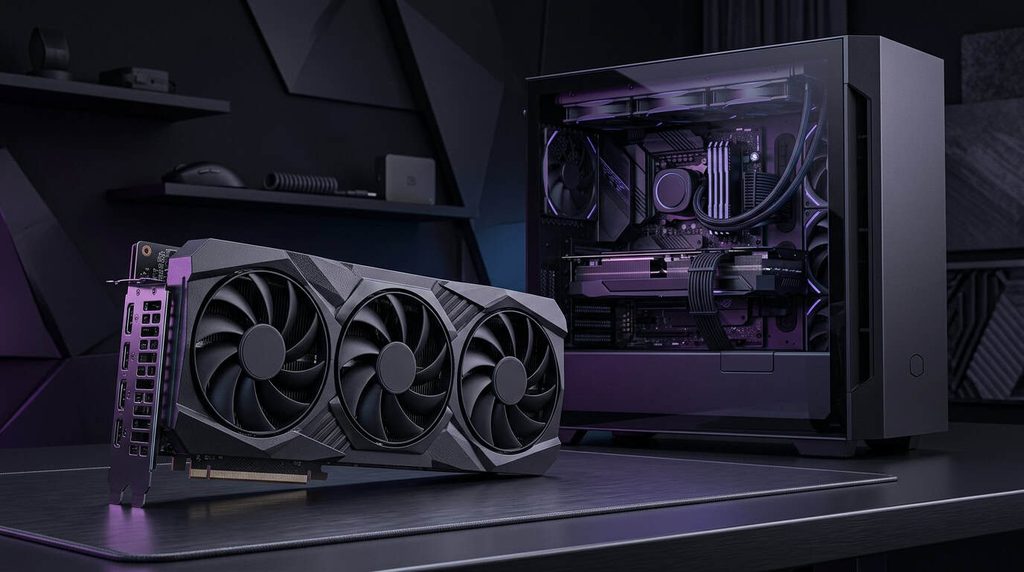
GeForce RTX 5070 Ti: Best All-Around Pick
If you want one card that does everything well, this is it. The RTX 5070 Ti pairs 16GB of GDDR7 with a 225-watt power draw and averages about 92 frames per second at 1440p, with playable 4K once you turn on upscaling. Its ray tracing beats the Radeon RX 9070 XT, and it supports everything Nvidia offers, including Multi Frame Generation, which can multiply your frame rate several times over on a high-refresh monitor.
It isn’t cheap, with street prices between roughly $830 and $1,100. But high-end cards tend to last five to eight years, and spread over that time the premium over AMD works out to a modest yearly cost. In return you get the most consistent experience across new releases.
Radeon RX 9070 XT: Big Performance, Smaller Bill
In traditional games at 1440p, the RX 9070 XT lands within a few percent of the 5070 Ti, averaging about 85 frames per second, for around $760 to $880. It also has 16GB of memory, a 225-watt power draw and FSR 4 upscaling that looks good where it’s supported.
The trade-offs are real, though. Some new releases skip path tracing on Radeon, and testers have reported performance and visual glitches in a few popular games. If you play a wide mix of titles, make sure your favorites run well before you commit.
GeForce RTX 5080: Fast, but Hard to Justify
The RTX 5080 is 8% to 16% faster than the 5070 Ti, with the biggest gap at 4K. It also costs roughly half again as much right now. Unless you want the fastest card short of a 5090 and price doesn’t bother you, put the difference toward a better monitor instead.
GeForce RTX 5090: The Fastest Card Money Can Buy
Nothing else comes close. The RTX 5090 packs 32GB of GDDR7 on a 512-bit bus and manages around 88 frames per second at native 4K in testing. It also costs $4,200 or more and pulls 575 watts, and reports that Nvidia has cut production in favor of data center products make supply unreliable. Most gamers should look elsewhere. But if you split your time between gaming and heavy AI or 3D work, that memory is hard to match.
Nvidia vs. AMD vs. Intel in 2026
The old shorthand was AMD for value, Nvidia for features. It still mostly holds, with a twist.
AMD’s RDNA 4 cards closed much of the gap in ray tracing and efficiency, and they’re noticeably cheaper right now. What’s holding them back is adoption. Developers support Nvidia’s tools far more often, so Radeon owners occasionally miss out on newer effects. Intel offers the lowest entry price but asks you to put up with some rough edges.
My rule of thumb: if you mostly play competitive or older games, AMD’s prices are hard to argue with. If you want the latest ray-traced blockbusters running at their best, Nvidia’s premium buys you fewer surprises.
Should You Buy a Refurbished Graphics Card?
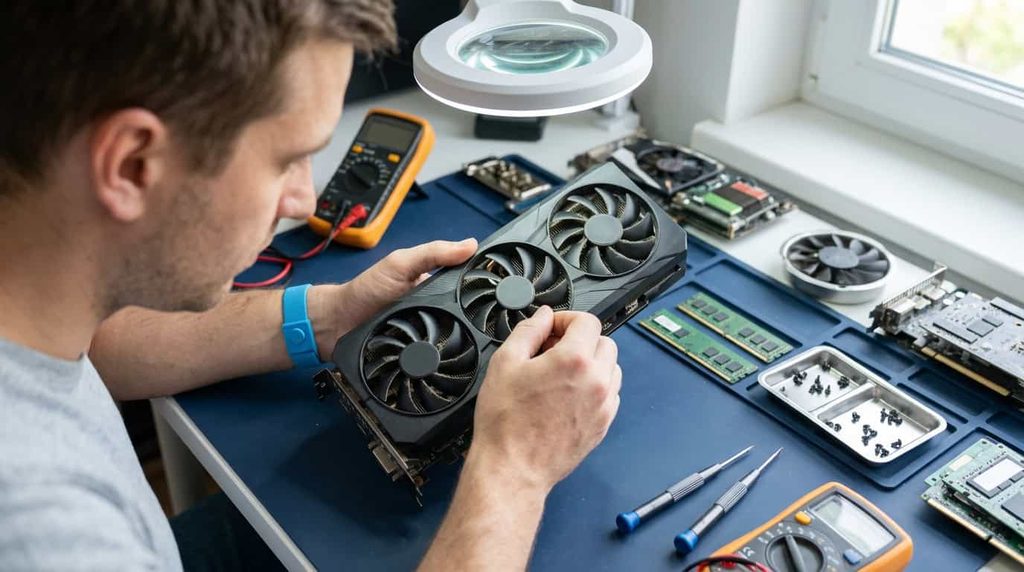
With new prices where they are, a refurbished graphics card deserves a fair look, especially if you’re building for 1080p or 1440p. Last-generation models like the RTX 4070 or 4070 Super can deliver great performance for less, and certified refurbished programs from manufacturers often include a warranty.
Just go in with a few ground rules:
- Buy from the manufacturer, a major retailer, or a seller with a clear return policy and at least a 90-day warranty.
- Be suspicious of listings with only stock photos or vague claims like “tested working.”
- Treat prices far below the market as a warning sign. Fake and tampered cards exist, and one buyer discovered a counterfeit GPU die on a supposedly broken RTX 4090.
- Ask whether the card was used for crypto mining, and check the fans and thermal pads when it arrives.
Stick to certified sellers and a refurbished card can stretch your budget further than any brand-new model at the same price.
When and Where to Buy
Since nothing new is on the way and prices have been climbing, waiting rarely pays off right now. If you need a card, buying now is reasonable.
Compare prices across Amazon, Best Buy, Newegg and Micro Center, and use a price tracker for the exact model you want. Real discounts do happen, like the RX 9070 GRE dipping to $529 this fall. Keep in mind that Micro Center has put purchase limits on some high-end cards. Stay with reputable sellers and steer clear of marketplace listings priced well below everyone else’s.
For independent benchmarks, Tom’s Hardware’s best GPU guide is updated regularly with fresh pricing and test results.
Quick Answers to Common Questions
How much VRAM do I need in 2026?
Eight gigabytes is fine for 1080p, 12GB suits most 1440p gaming, and 16GB gives you breathing room for 4K and ray tracing. If you want the card to last five years or more, lean toward 16GB.
Is DLSS worth paying extra for?
For most people playing recent single-player games, yes. DLSS 4.5 delivers better image quality at lower render resolutions than AMD’s FSR 4, and it shows up in nearly every new release.
Will my power supply handle a new GPU?
Check the recommended wattage and connectors on the manufacturer’s spec page. Older power supplies lose capacity over time, so a high-end upgrade is a good moment to replace yours.
Do I need a new CPU to use a faster graphics card?
Usually not, but a very old processor can hold a modern card back, especially at 1080p. If your CPU is six or seven years old, look up benchmarks for your pairing before you buy.
Should I wait for the next generation?
There’s no confirmed launch date, and current prices suggest waiting could cost you more, not less.
The Bottom Line
The best graphics cards 2026 has on offer come down to three simple stories. The RTX 5070 Ti is the most complete high-end card for anyone who wants everything working in every game. The RX 9070 GRE is the value standout if your budget is tighter. And the Arc B570 or a certified refurbished graphics card gets you into modern gaming without spending much.
Pick the card that fits your monitor, then check what it really costs today instead of what the box says it should. In a market this unpredictable, that one habit will save you more money than any single recommendation.