
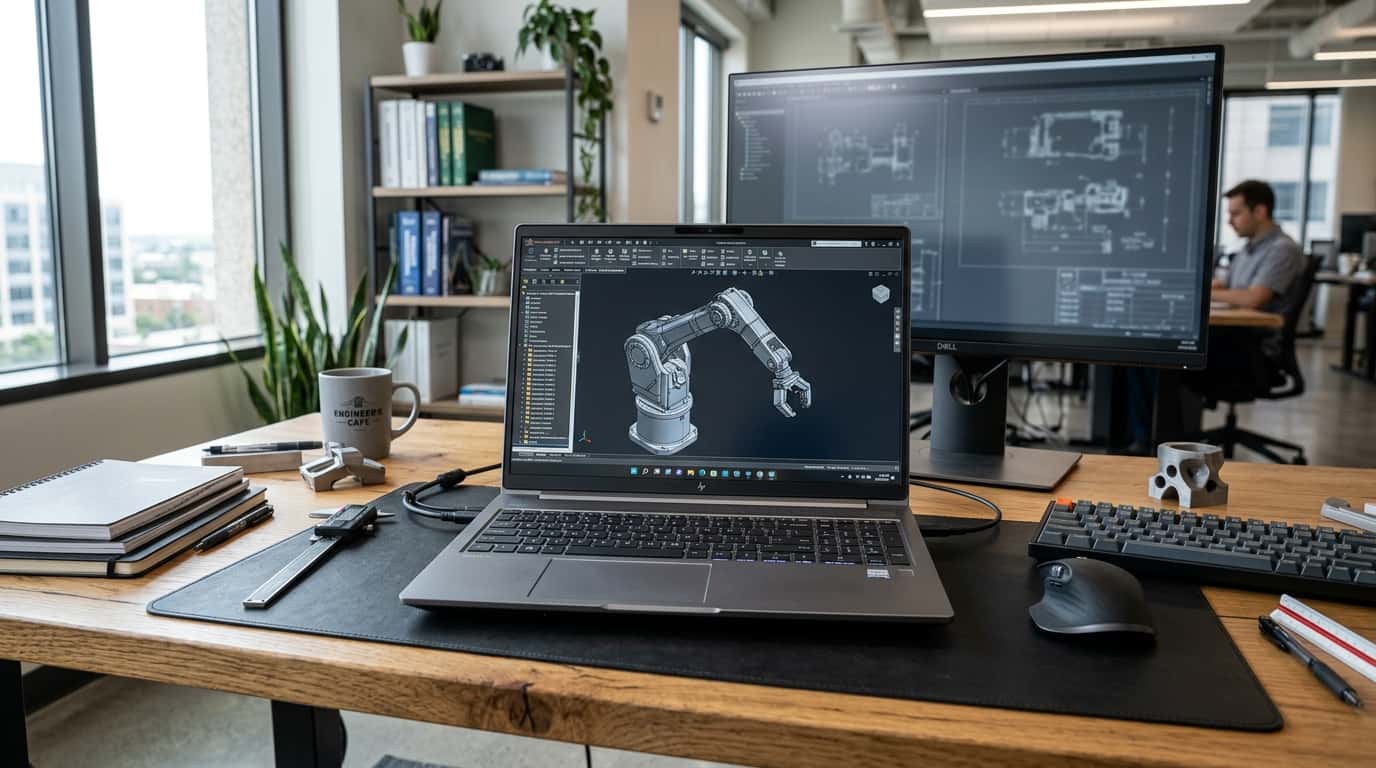
If your laptop freezes when you open a large CAD assembly or stalls in the middle of a 4K timeline export, a regular ultrabook is the wrong tool for the job. A mobile workstation is built for sustained, professional workloads, and in 2026 the category looks quite different from even two years ago.
This guide explains what a mobile workstation is, who needs one, and which models are worth your money right now. It also covers a few buying mistakes that cost people real money.
What Is a Mobile Workstation (and How Is It Different From a Gaming Laptop)?
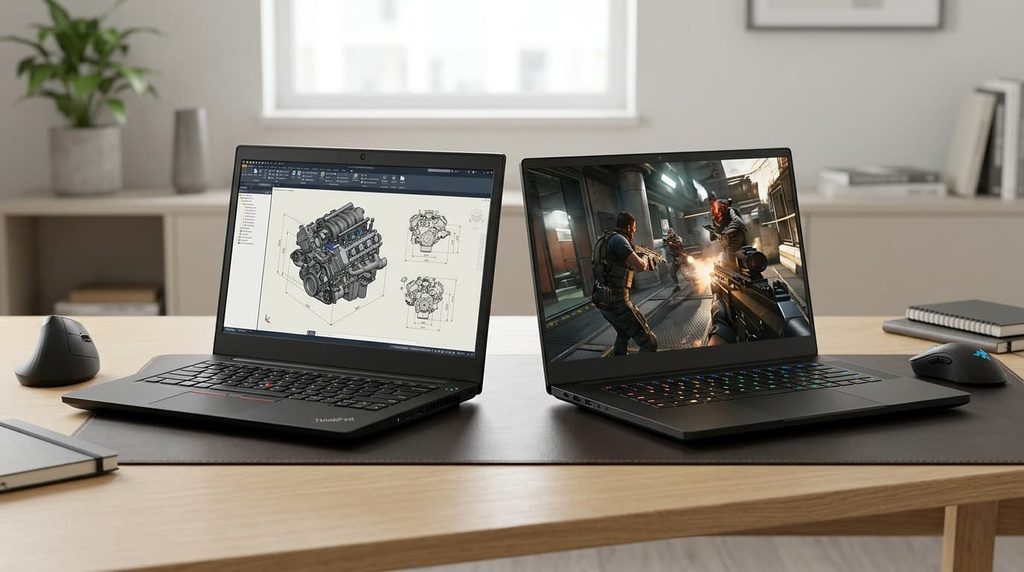
A mobile workstation is a laptop engineered for professional software such as SolidWorks, Revit, Maya, DaVinci Resolve, MATLAB, and local AI development. On paper it can look like a gaming laptop, since both can carry powerful CPUs and graphics chips. The differences show up in the details.
Workstations typically offer ISV certification, meaning the manufacturer and software vendors have tested the hardware with specific professional applications. They support ECC memory on select configurations, which catches and corrects memory errors during long calculations. They also ship with sturdier chassis, better serviceability, and longer warranty and support options than consumer machines.
A gaming laptop chases high frame rates. A mobile workstation chases stability, accuracy, and uptime. If a crash costs you billable hours, that difference matters.
One shift defines 2026. According to StorageReview’s lab-tested leaderboard, a mobile workstation no longer requires a discrete GPU. Chips with strong integrated graphics and large unified memory pools now handle plenty of professional work, which opens the category to thinner, lighter, longer-lasting machines.
Who Actually Needs a Mobile Workstation?
Not everyone does. You’ll likely benefit if you:
- Work in CAD, BIM, or engineering simulation and open large files regularly
- Edit high-resolution video or do 3D rendering away from a desk
- Run data science or AI workloads locally, where GPU memory matters
- Travel to job sites, client offices, or classrooms and can’t rely on a desktop
If you mostly write documents, run spreadsheets, and join video calls, a good business laptop will serve you better and cost far less.
The Best Mobile Workstations in 2026
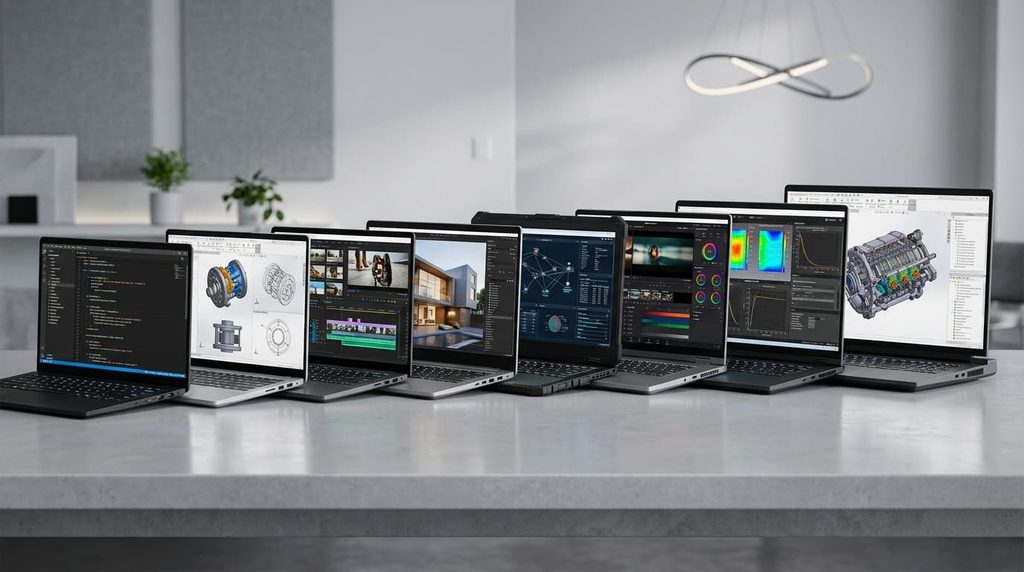
These picks draw on lab testing and reviews from StorageReview, TechRadar, and Notebookcheck, plus specs from the manufacturers. Configurations and prices change often, so check current listings before you buy.
Best Overall: Dell Pro Max 16 Plus
Reviewers keep landing on the Dell Pro Max 16 Plus, and it’s easy to see why. The tested configuration pairs an Intel Core Ultra 9 285HX processor with NVIDIA’s RTX PRO 5000 graphics and 24GB of video memory, in a chassis that weighs about 5.6 pounds. StorageReview described it as a new benchmark for 16-inch mobile workstations.
It’s flexible, too. Dell sells it in many configurations, so you can match it to your budget instead of paying for power you won’t use. The trade-off is the one nearly every high-end Windows workstation shares: battery life is modest under load.
Best for: engineers, architects, and creators who want one machine that does everything well.
Best Desktop Replacement: Dell Pro Max 18 Plus
If maximum performance matters more than weight, the 18-inch Dell Pro Max 18 Plus is the machine to look at. StorageReview called it the fastest mobile workstation it has tested, and TechRadar’s reviewers were just as enthusiastic. The large screen is a genuine productivity boost for timelines, 3D viewports, and multi-panel code editors.
You won’t carry it around all day, and it costs more. But if it replaces a desktop tower entirely, the math can work out.
Best for: heavy 3D, simulation, and AI work where the laptop stays mostly on a desk.
Best Premium Thin-and-Light: Lenovo ThinkPad P1 Gen 8
Notebookcheck’s testers went as far as calling the ThinkPad P1 Gen 8 the best workstation-type notebook available. It squeezes serious professional graphics into a slim, ultrabook-style body, and it offers a Tandem OLED display option that colorists and designers will appreciate. The ThinkPad keyboard remains one of the best typing experiences on any laptop.
Best for: professionals who travel often but still need real GPU horsepower.
Best Ultraportable: Dell Pro Precision 5 14s
For people who want workstation reliability without a heavy bag, StorageReview names the Dell Pro Precision 5 14s Intel as its top ultraportable pick. Expect compromises on raw graphics power, but day-to-day responsiveness and portability are excellent for lighter CAD, development, and creative work.
Best for: consultants, developers, and designers who prioritize weight and battery over peak rendering speed.
Best Compact Option With a Dedicated GPU: Lenovo ThinkPad P14s Gen 7
The ThinkPad P14s Gen 7 fits a discrete NVIDIA RTX PRO 1000 into a 14-inch body. That’s a rare combination, and it makes this model a smart choice for students and professionals who need certified graphics in a small package without moving up to the heavier 16-inch class.
Best for: engineering students and field professionals who want a small laptop with real GPU support.
Best Value: Dell Pro Max 16 (AMD)
Workstations are rarely cheap, but the AMD-powered Dell Pro Max 16 starts around $1,349 according to StorageReview, which makes it the most approachable pick here. You give up some top-end performance, though for many users the savings are worth it.
Best for: freelancers, small studios, and anyone buying with their own money.
Best Battery Life: Dell Pro Precision 5 16s Intel
Battery life is a weak spot for powerful Windows laptops, so a model that lasts longer deserves attention. StorageReview reports that the Dell Pro Precision 5 16s holds the workstation record on its laptop battery leaderboard. If you spend long days away from outlets, this is a strong candidate.
Best for: frequent travelers and on-site workers.
The Mac Option: MacBook Pro 14 With M5 Pro
Apple fans have a serious option too. Reviewers point to the 2026 MacBook Pro with the M5 Pro chip as a leader in performance per watt, and it suits video editing, music production, and software development very well. The caveat is software compatibility. Some CAD and engineering tools still run better, or only run, on Windows, so check your essential apps first.
How to Choose the Right Mobile Workstation
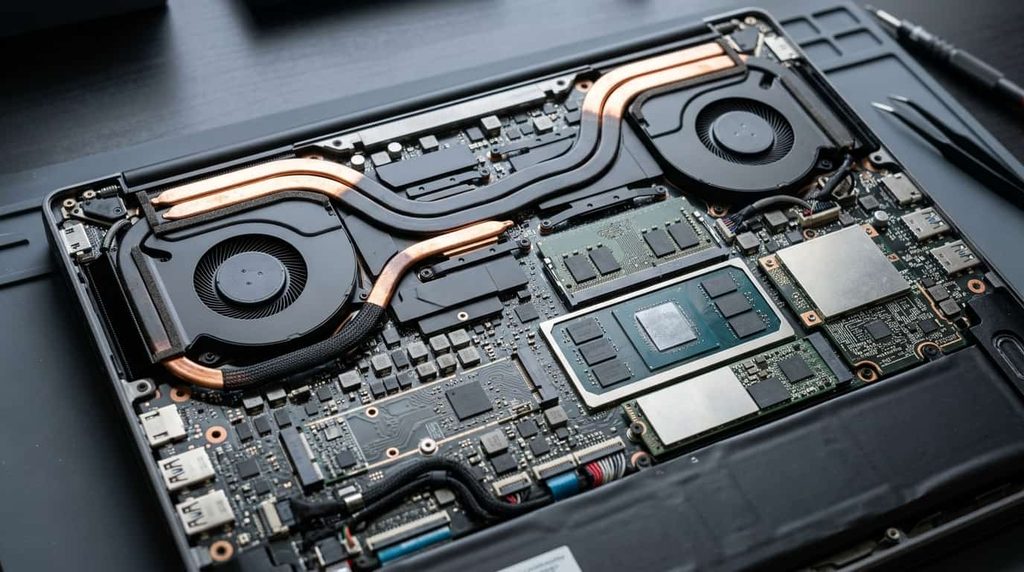
Specs can feel overwhelming, so focus on the few that decide how the machine actually performs.
Start with your software. Check which GPUs your applications recommend or certify. Paying for a top graphics card makes no sense if your main tool leans on the CPU, and the reverse is just as true.
Prioritize GPU memory for AI and 3D work. Large scenes and local AI models eat video memory quickly. A card with more VRAM often beats a faster card with less, because running out of memory can stop a project cold.
Don’t skimp on system memory. For professional use, 32GB is a sensible starting point, and 64GB is better for heavy simulation, big datasets, or multitasking across several demanding apps. Check whether the RAM is upgradeable before you buy, because some thin models solder it to the board.
Look at cooling, not just chips. A fast processor in a poorly cooled body throttles within minutes. Independent reviews that include sustained-load testing, like the ones at Notebookcheck, tell you far more than spec sheets do.
Think about the display. If color accuracy matters, look for wide gamut coverage and factory calibration. OLED panels are increasingly common in this class, but brightness and glare under office lighting still vary a lot.
Plan for the whole lifespan. Business-class workstations typically offer longer warranties, on-site service, and better spare-part availability. Over three to five years, those perks can be worth more than a small discount on the sticker price.
Mobile Workstation vs. Mini Workstation: Which Is Better?
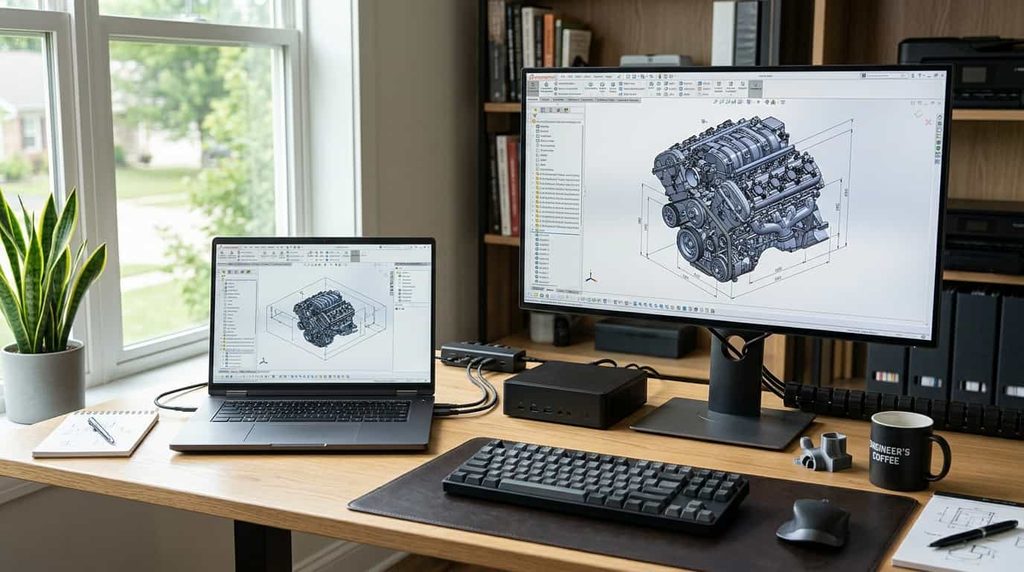
If you work mostly from one location, it’s worth asking whether you need a laptop at all. A mini workstation, meaning a compact desktop with workstation-class components, can deliver more sustained performance per dollar and cool itself more easily than a laptop of similar power. It also pairs with the monitors you already own.
The downside is obvious: it stays where you put it. If you split time between an office, home, and client sites, a mobile workstation is the more practical choice. Some people end up with both, using a laptop for travel and a compact desktop at a home base, and sharing projects through cloud storage or a fast external drive.
Common Mistakes to Avoid
Buying more GPU than you need. Top-tier graphics add cost, weight, and heat. Match the card to your real projects.
Ignoring the power adapter. High-end models draw a lot of power, and the charger can be large. Factor that into your travel bag, especially if you fly often.
Assuming battery life matches the marketing. Most manufacturer figures reflect light use. Heavy rendering can drain a battery in well under two hours.
Forgetting ports. Check for the connections you actually use, such as Thunderbolt, HDMI, SD card readers, and Ethernet, instead of planning to carry a bag of dongles.
Skipping reviews of your exact configuration. The same model name can hide very different processors and graphics options. Confirm what you’re ordering.
Where to Buy

Buying directly from the manufacturer usually gives you the widest configuration choice and access to business support plans. Authorized retailers can offer discounts or bundles, especially around back-to-school and holiday sales. Business-class laptops also show up as certified refurbished units at lower prices, which can be a smart route for students and freelancers, as long as the seller offers a real warranty.
Whichever route you take, confirm the exact processor, GPU, RAM, and storage on the product page before you pay, and check the return policy in case thermals or noise don’t suit you.
Final Thoughts
The best mobile workstation is the one that matches your work, not the one with the biggest numbers. The Dell Pro Max 16 Plus is the safest all-around pick, the Dell Pro Max 18 Plus is the choice when performance comes first, and the ThinkPad P1 Gen 8 gives you power in a slim body. If budget is tight, the AMD-based Dell Pro Max 16 is the smartest way in, and the MacBook Pro M5 Pro is a strong option for people already in Apple’s ecosystem.
Before you buy, list the three applications you can’t afford to have slow down, check what they recommend, and let that guide your choice. For deeper comparisons and benchmark charts, the lab-tested StorageReview mobile workstation leaderboard is a good place to continue your research.
1 thought on “Best Mobile Workstations in 2026: Power on the Go”