
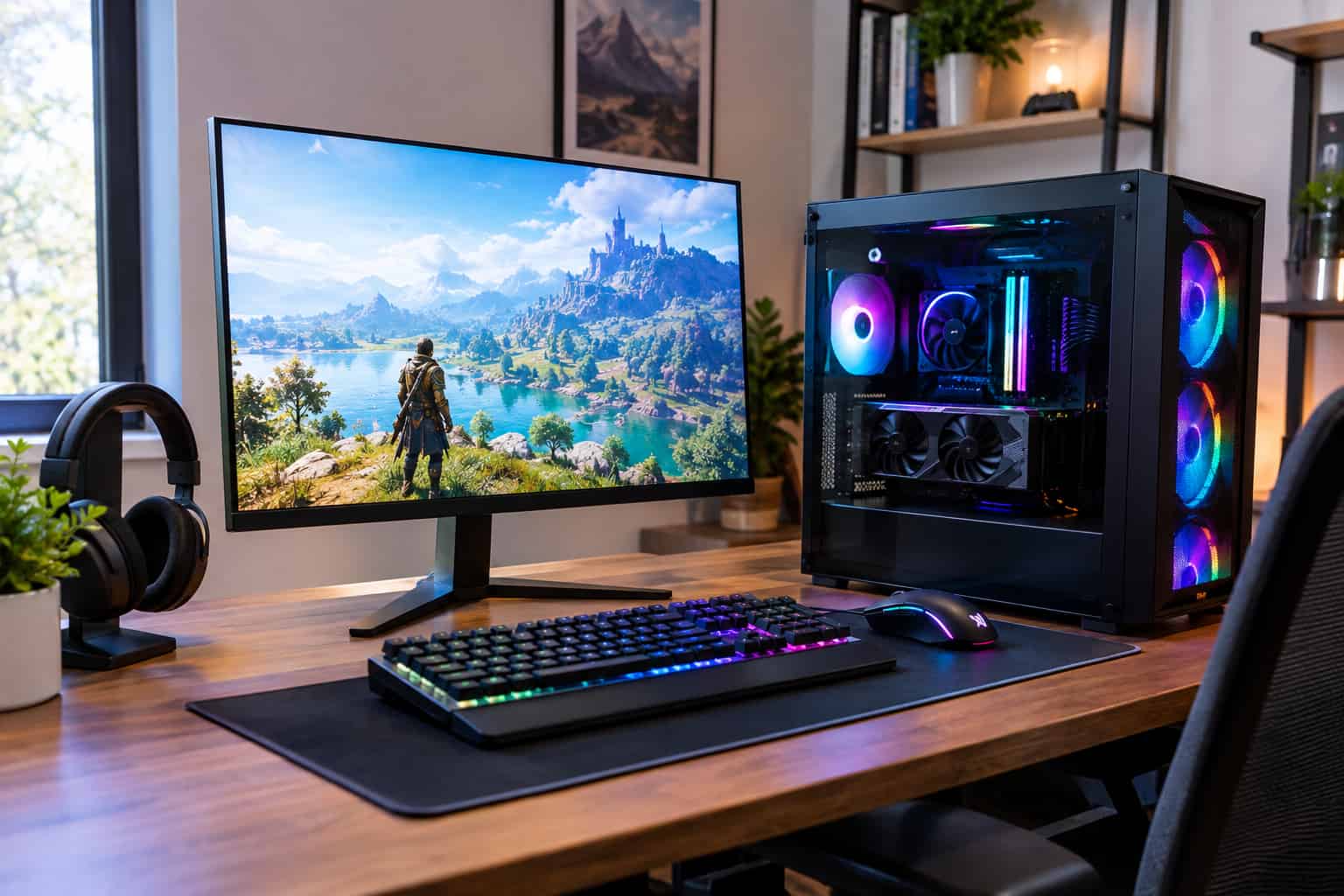
Finding cheap prebuilt gaming PCs that actually feel capable can be harder than it sounds. A low price does not automatically mean a bad gaming experience, but it also does not guarantee good value. Some budget desktops cut costs in places that matter, such as the graphics card, power supply, cooling system, or upgrade options.
The good news is that you do not need an expensive custom-built machine to enjoy PC gaming. A carefully chosen prebuilt can offer smooth gameplay, quick loading times, decent graphics, and enough performance for everyday use while staying within a reasonable budget. The key is knowing which components deserve your attention and which features are mostly there to make a product listing look impressive.
Whether you are shopping for your first gaming desktop, replacing an aging computer, or simply looking for more performance without spending a fortune, this guide will help you understand what to look for in a budget gaming PC.
What Makes a Cheap Gaming PC Feel Expensive?
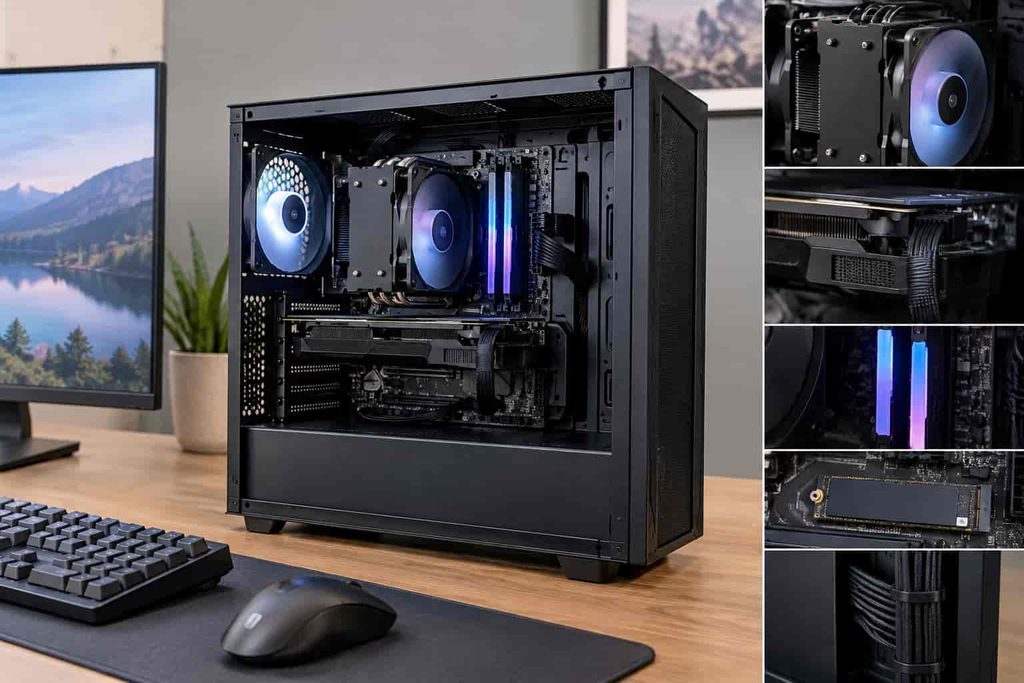
When people say a gaming PC “feels cheap,” they usually are not talking about the case alone. They are talking about the entire experience.
A budget PC can still feel premium when the system is balanced. That means the processor, graphics card, memory, storage, power supply, and cooling system work well together instead of having one impressive component surrounded by weak hardware.
For example, a desktop with a flashy case and lots of RGB lighting may look exciting on a store page, but that does not tell you how well it will handle games. A less flashy machine with a stronger graphics card and better airflow can deliver a much better experience.
A good budget prebuilt should give you:
- A capable dedicated graphics card or gaming-focused integrated graphics
- A modern processor that will not hold back the system
- Enough RAM for current games and everyday multitasking
- Fast SSD storage
- A reliable power supply
- Adequate cooling and airflow
- Room for future upgrades
The goal is not to buy the cheapest desktop possible. It is to find the lowest price that still gives you a balanced system.
Start With the Graphics Card
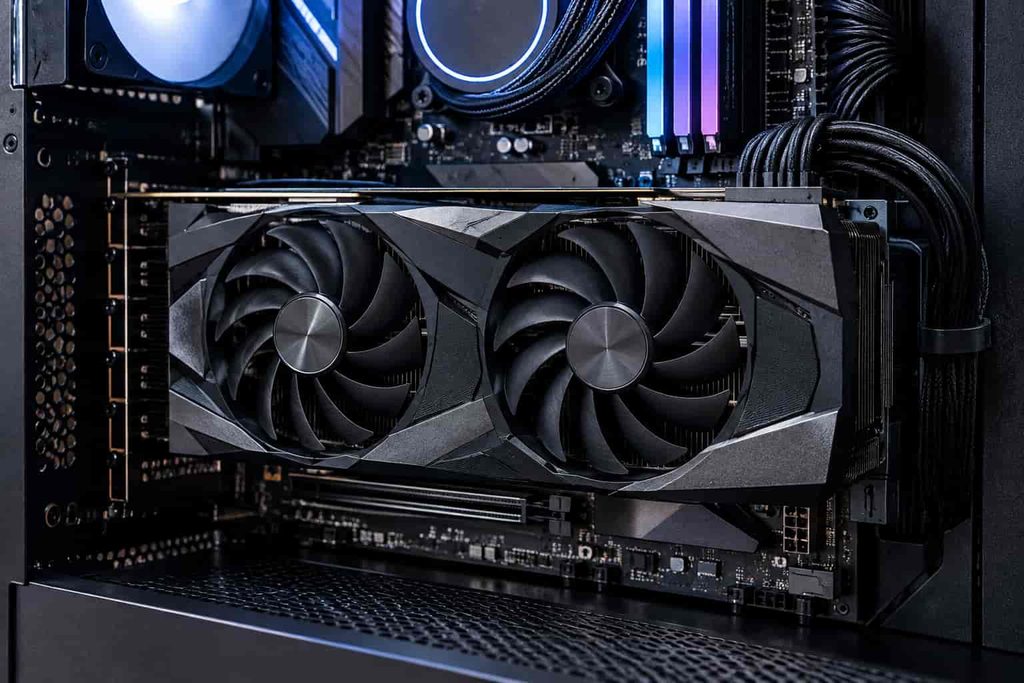
For gaming, the graphics card is usually one of the most important components in the entire PC.
It is responsible for rendering game visuals, and the GPU has a major influence on how well your games run at different resolutions and graphics settings.
This is why you should be careful with listings that advertise a powerful CPU but only include weak graphics hardware. A gaming PC needs a reasonable balance between the processor and GPU.
Modern budget gaming desktops may use GPUs from NVIDIA GeForce RTX or AMD Radeon families. You can review NVIDIA’s official graphics card specifications on its GeForce graphics cards page, which is useful when checking the exact GPU model listed in a prebuilt.
For a new buyer, the model number matters more than marketing phrases such as “high-performance gaming graphics.” Always check the exact GPU model installed in the computer.
Also pay attention to the amount of video memory, commonly called VRAM. Games with detailed textures and higher resolutions can place more pressure on GPU memory, so having enough VRAM can help a system remain useful for longer.
That does not mean you should automatically buy the GPU with the largest memory number. Architecture, performance, power consumption, and the specific games you play all matter.
Don’t Ignore the Processor
The CPU handles game logic, background tasks, operating system processes, and many other calculations.
A budget gaming PC does not need an extremely expensive processor, but it should have a reasonably modern CPU that matches the graphics card.
AMD Ryzen processors are widely used in gaming desktops, and AMD’s official Ryzen desktop processor lineup provides detailed information about current CPU options and platforms.
Intel also offers a broad range of desktop processors across different price points. When comparing systems, look at the exact processor model rather than simply choosing the PC with the highest advertised clock speed.
A processor with a higher number is not necessarily the better choice for your particular needs.
For example, one PC might have a stronger CPU but a weaker GPU, while another has a slightly less powerful processor paired with a significantly better graphics card. For gaming, the second machine may make more sense depending on the games and resolution you plan to use.
How Much RAM Should a Budget Gaming PC Have?
RAM affects how comfortably your PC can handle games and multitasking.
For a modern gaming desktop, 16GB of RAM is a practical target for many buyers. It provides enough room for gaming, web browsing, voice chat, background applications, and everyday computer use without immediately feeling cramped.
A system with 8GB may still work for lighter tasks and some games, but it gives you less breathing room.
You also need to check how the memory is installed. A PC with two memory modules can have advantages over a system running a single module, depending on the platform and configuration.
The important lesson is simple: do not judge a computer based only on a large RAM number. Check the total memory, configuration, upgrade capacity, and memory type.
SSD Storage Can Make a Budget PC Feel Much Better
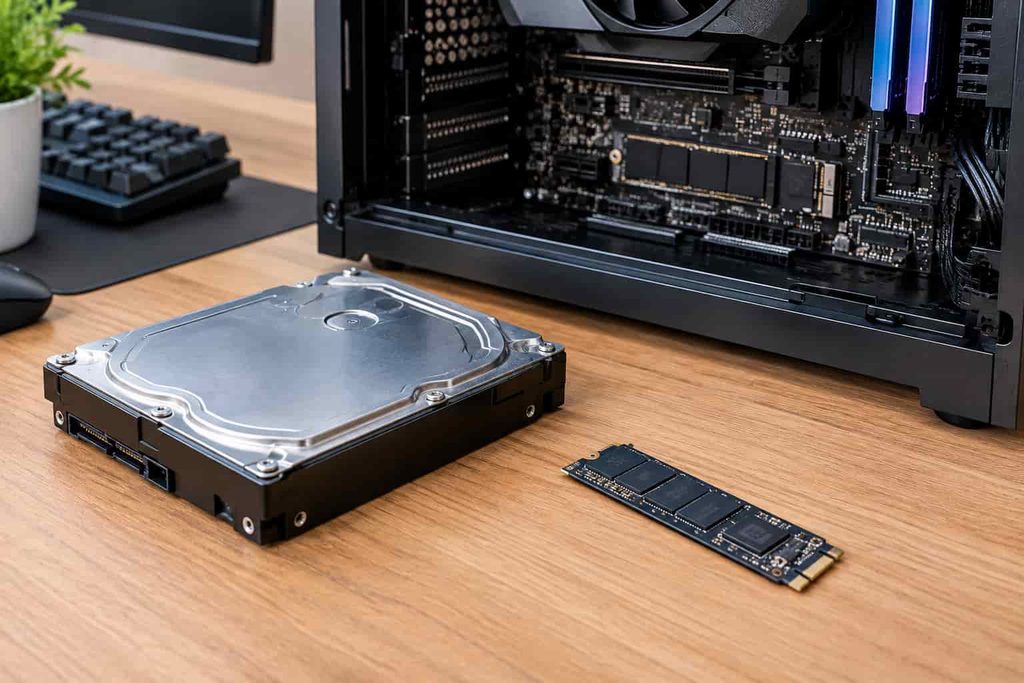
Storage is another area where cheaper systems sometimes cut corners.
A mechanical hard drive can provide lots of storage for relatively little money, but an SSD can make Windows startup, application loading, file access, and game loading feel much quicker.
For that reason, an SSD is one of the features worth prioritizing in a modern gaming PC.
A budget system with a smaller SSD can actually feel more responsive in everyday use than a computer with a large hard drive but no SSD.
A common setup is to use an SSD for Windows, applications, and frequently played games, while adding a larger drive later for files and less frequently used games.
When shopping, check whether the listing says SSD, NVMe SSD, or HDD. These terms are not interchangeable.
Also look at capacity. A 256GB SSD may be fast, but it can fill up quickly once you install Windows, games, launchers, and other applications. A 512GB or 1TB SSD can be more comfortable for many users.
The Power Supply Is More Important Than RGB Lighting
One of the easiest components to overlook is the power supply.
A gaming PC needs a power supply capable of safely delivering enough power to its components. It should also come from a reputable manufacturer and offer an appropriate efficiency and protection level.
Some low-cost prebuilts advertise powerful graphics cards while providing very limited information about the PSU. That should make you pause.
You do not want to discover after buying the PC that upgrading the graphics card will require replacing the power supply first.
Ask these questions:
What wattage is the PSU?
Check the actual wattage instead of assuming that the computer comes with enough capacity for future upgrades.
What brand and model is it?
A reputable manufacturer and clearly identified model provide more useful information than a generic “high-performance PSU” label.
Does it have the right connectors?
This becomes especially important if you plan to upgrade the graphics card later.
A budget gaming PC becomes much more attractive when its power supply leaves you with reasonable upgrade flexibility.
Cooling and Airflow Matter More Than You Think
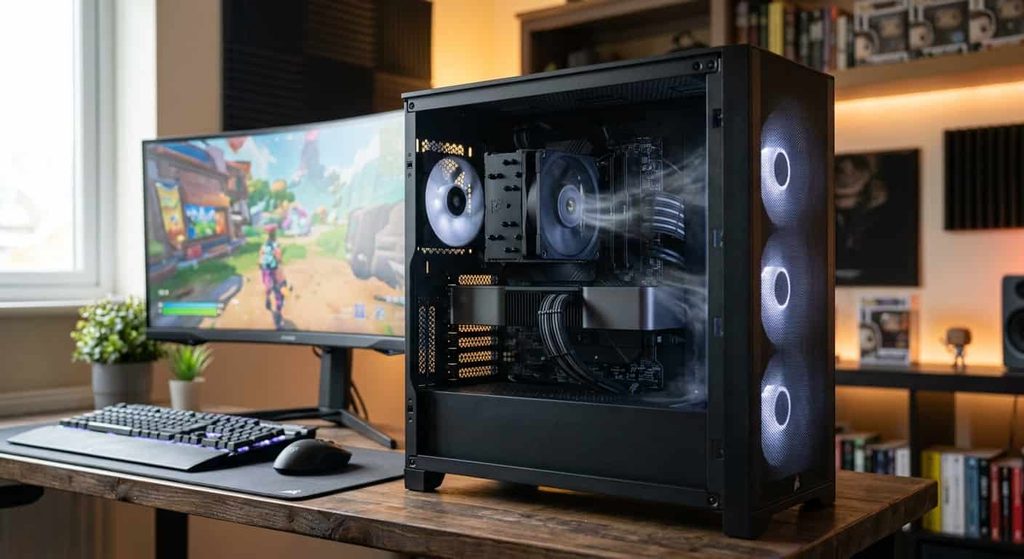
A powerful processor and GPU generate heat. That heat needs to leave the case efficiently.
Poor airflow can cause temperatures to rise, fans to become noisy, and performance to become less consistent during long gaming sessions.
Look at the case design, number of fans, fan placement, and whether the front or side panels allow sufficient airflow.
You do not need a case packed with ten fans to have a good gaming system. Good airflow design is more important than having a huge number of fans.
An attractive case with a closed-off front panel may actually move less air than a simpler case designed around ventilation.
Avoid Buying a PC Based Only on RGB Lighting
RGB lighting is fun. There is nothing wrong with wanting a gaming PC that looks great on your desk.
The problem comes when lighting is used to distract from weak specifications.
RGB fans, glass side panels, and colorful lighting have little to do with gaming performance.
A $700 PC with less powerful hardware does not become a better gaming machine because it has more LEDs than a $700 PC with stronger components.
Treat appearance as a bonus, not the main reason to buy.
Pay Attention to the Exact Game Performance You Need
Not every gamer needs the same level of hardware.
Someone who mainly plays competitive games may prioritize high frame rates at 1080p. Another player may care more about visual quality in large single-player games. Someone else may want a machine for gaming, streaming, editing, and schoolwork all at once.
Before buying a PC, think about the games you actually play.
1080p Gaming
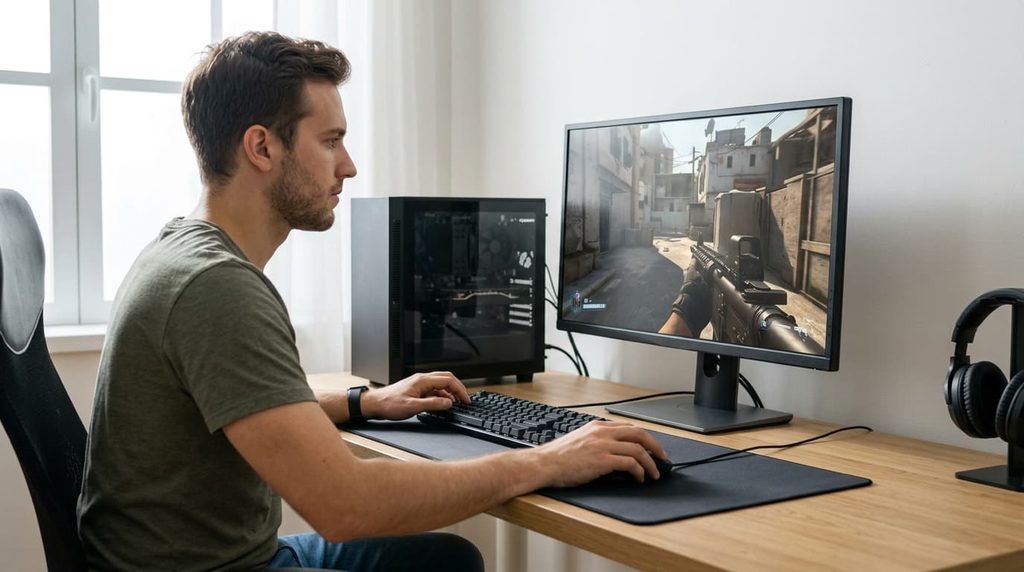
For many budget buyers, 1080p is the most practical target.
It generally puts less pressure on the graphics card than higher resolutions and allows a reasonably priced desktop to deliver a satisfying experience in many games.
1440p Gaming
Moving to 1440p increases the demand on the graphics card. If you plan to use a high-refresh 1440p monitor, you will want to pay closer attention to GPU performance.
4K Gaming
4K gaming requires substantially more graphics performance, especially in demanding modern games. A very inexpensive prebuilt may not be the right choice if 4K gaming is your primary goal.
Instead of trying to make one budget PC handle everything, choose the level of performance that matches your monitor and favorite games.
Check Upgrade Potential Before You Buy
One of the biggest advantages of a desktop PC is the ability to upgrade it later.
However, not every prebuilt system is equally easy to upgrade.
Before buying, check whether the motherboard has open RAM slots, whether the case has room for additional storage, whether the power supply can support a stronger GPU, and whether the cooling system can handle a future upgrade.
A slightly more expensive system with standard components can sometimes provide better long-term value than an extremely cheap machine built around difficult-to-replace parts.
This is particularly important if you expect to keep the computer for several years.
New or Refurbished: Which Should You Consider?
New prebuilts are the easiest option for most buyers because they typically come with straightforward warranties and known component configurations.
However, refurbished gaming desktops can sometimes provide attractive specifications at a lower price.
That does not mean every refurbished computer is a good deal.
Before purchasing a refurbished system, check:
- Who refurbished it
- What warranty is included
- Whether the internal components are clearly listed
- Whether the storage drive is new or used
- Whether the machine has been professionally inspected
- Whether the exact GPU and CPU models are disclosed
A refurbished PC can make sense when the seller provides clear information and reasonable warranty coverage.
How to Spot a Misleading Gaming PC Listing

Some listings sound more impressive than the actual hardware.
Be cautious when a product page emphasizes vague phrases such as:
“Powerful gaming computer”
“Ultra-fast performance”
“Extreme gaming machine”
“Professional RGB setup”
Those phrases mean very little without the exact specifications.
A good listing should clearly tell you:
CPU: Exact processor model
GPU: Exact graphics card model
RAM: Capacity and ideally configuration
Storage: SSD/HDD type and capacity
PSU: Brand, model, and wattage when available
Motherboard: Model or at least platform information
Operating system: Exact version
Cooling: Air or liquid cooling and configuration
The more detailed the listing, the easier it is to determine whether you are actually getting value.
Cheap Does Not Mean You Should Buy From an Unknown Brand
A low-priced PC from an unfamiliar company is not automatically bad. Some smaller system builders offer perfectly reasonable machines.
But you should research the seller before placing an order.
Look at warranty terms, return policies, customer support, component transparency, and reviews from verified buyers.
You should also be cautious if the manufacturer refuses to tell you what power supply, motherboard, or graphics card model is installed.
A trustworthy seller should make it reasonably easy to understand what you are paying for.
Where Should You Buy a Budget Prebuilt Gaming PC?
You can find prebuilt gaming desktops through major electronics retailers, PC manufacturers, system builders, and online marketplaces.
The important thing is not simply where you buy it. It is how clearly the seller presents the specifications and warranty.
Compare several systems with similar prices and look beyond the headline specifications.
For example, two PCs may cost almost the same but have very different graphics cards. Another may have the same GPU but include more RAM or a larger SSD.
That is why comparing the full specification list is more useful than comparing the product title.
Should You Buy Now or Wait for a Sale?
Gaming PC prices can change frequently.
A system that looks average at its regular price can become more attractive during a seasonal sale, retailer promotion, or manufacturer discount.
Instead of deciding that a PC is a good deal simply because it has a “sale” label, compare its current price with similar configurations.
A discount is only meaningful when the underlying hardware is competitive.
It is also worth remembering that newer hardware can push older components into lower price ranges. That can create opportunities for budget buyers who are less concerned about owning the newest generation.
A Simple Budget Gaming PC Checklist
Before placing your order, run through this checklist:
Graphics: What exact GPU is included?
Processor: Is the CPU modern enough for the games you play?
Memory: Does it have enough RAM for your workload?
Storage: Is the main drive an SSD, and is the capacity sufficient?
Power supply: Is the PSU clearly identified and appropriately rated?
Cooling: Does the case provide sensible airflow?
Upgrades: Can you add RAM, storage, or a stronger graphics card later?
Warranty: What happens if something fails?
Returns: Can you send it back if the system does not meet expectations?
Price: Is the hardware combination competitive at this price?
If you can answer all of these questions confidently, you are much less likely to end up with a disappointing bargain.
Are Cheap Prebuilt Gaming PCs Worth It?
They can be.
The biggest mistake is assuming that “cheap” and “gaming” automatically tell you what kind of computer you are getting. The actual value comes from the combination of components.
A relatively inexpensive prebuilt with a sensible CPU, capable GPU, 16GB of RAM, SSD storage, adequate cooling, and a reputable power supply can provide a very enjoyable gaming experience.
On the other hand, a flashy machine with a weak graphics card and poor upgrade options may leave you wanting more shortly after purchase.
Your priorities should depend on your games, monitor resolution, desired frame rates, and whether you plan to upgrade later.
Using official manufacturer specifications is also a smart way to verify the hardware listed by a retailer or system builder. NVIDIA’s official GeForce resources and AMD’s Ryzen desktop processor information can help you check the capabilities of the components before you buy.
Frequently Asked Questions
Are cheap prebuilt gaming PCs worth buying?
Yes, cheap prebuilt gaming PCs can be worth buying when the hardware is properly balanced. Look for a capable graphics card, modern processor, sufficient RAM, SSD storage, reliable power supply, and reasonable upgrade options. The lowest-priced PC is not always the best value.
How much should I spend on a cheap prebuilt gaming PC?
The right budget depends on the games and performance you want. For many budget gamers, a lower-priced 1080p gaming PC can provide a good starting point. Spending more may be worthwhile if you want higher frame rates, 1440p gaming, or hardware that will remain useful for several years.
What should I look for in a cheap prebuilt gaming PC?
Pay close attention to the exact CPU, GPU, RAM, storage, power supply, and cooling system. The graphics card is particularly important for gaming performance. You should also check the warranty, return policy, and whether the system uses standard components that can be upgraded later.
Is 16GB RAM enough for a budget gaming PC?
For many modern gaming and everyday tasks, 16GB of RAM is a practical amount. It provides enough memory for gaming while leaving room for applications such as web browsers, voice chat, and background programs. Your requirements may be higher if you also stream, edit videos, or run demanding software.
Are SSDs important in cheap gaming PCs?
Yes. An SSD can make Windows, applications, and games load much faster than a traditional hard drive. When comparing budget desktops, an SSD is generally a feature worth prioritizing. Also check the capacity, since a very small SSD can fill up quickly.
Can a cheap prebuilt gaming PC run modern games?
That depends on the specific hardware and the games you want to play. A budget system with a capable dedicated GPU can handle many modern games at 1080p, while more demanding games may require lower graphics settings. Always check the exact GPU and CPU rather than relying on the word “gaming” in the product title.
Can I upgrade a cheap prebuilt gaming PC later?
Many can be upgraded, but the possibilities vary between systems. Common upgrades include adding RAM, installing additional storage, or replacing the graphics card. Before buying, check the motherboard, case dimensions, power supply, available expansion slots, and cooling capacity.
Is a refurbished prebuilt gaming PC a good option?
A refurbished gaming PC can offer good value when it comes from a reputable seller and includes clear specifications, testing, warranty coverage, and a reasonable return policy. Always find out exactly which CPU, GPU, storage drive, and power supply are included before purchasing.
What is more important for gaming, the CPU or GPU?
Both matter, but the GPU often has a particularly strong impact on gaming performance because it handles graphics rendering. A balanced system is important, though. Pairing a powerful graphics card with a severely outdated processor can create performance limitations.
How can I avoid a bad cheap gaming PC?
Do not buy based on RGB lighting, vague performance claims, or a high RAM number alone. Check the exact graphics card and processor, SSD capacity, power supply, cooling, upgrade options, warranty, and overall price. Comparing the complete specifications with similar systems can help you avoid poor-value configurations.
Final Thoughts
The idea of finding cheap prebuilt gaming PCs that don’t feel cheap is really about finding balance.
You do not need the most expensive processor, the newest graphics card, or a case covered in RGB lighting. What you need is a machine where the major components make sense together.
Start with the GPU, check the CPU, make sure the system has enough RAM and SSD storage, investigate the power supply, and look closely at cooling and upgrade options. Then compare the complete specifications against the price.
A smart budget purchase is not necessarily the PC with the lowest price. It is the one that gives you the performance you need today while leaving you with a system that still makes sense tomorrow.
That approach can help you avoid flashy but weak machines and find a gaming desktop that delivers real value without making your wallet feel like it just lost a boss battle.