
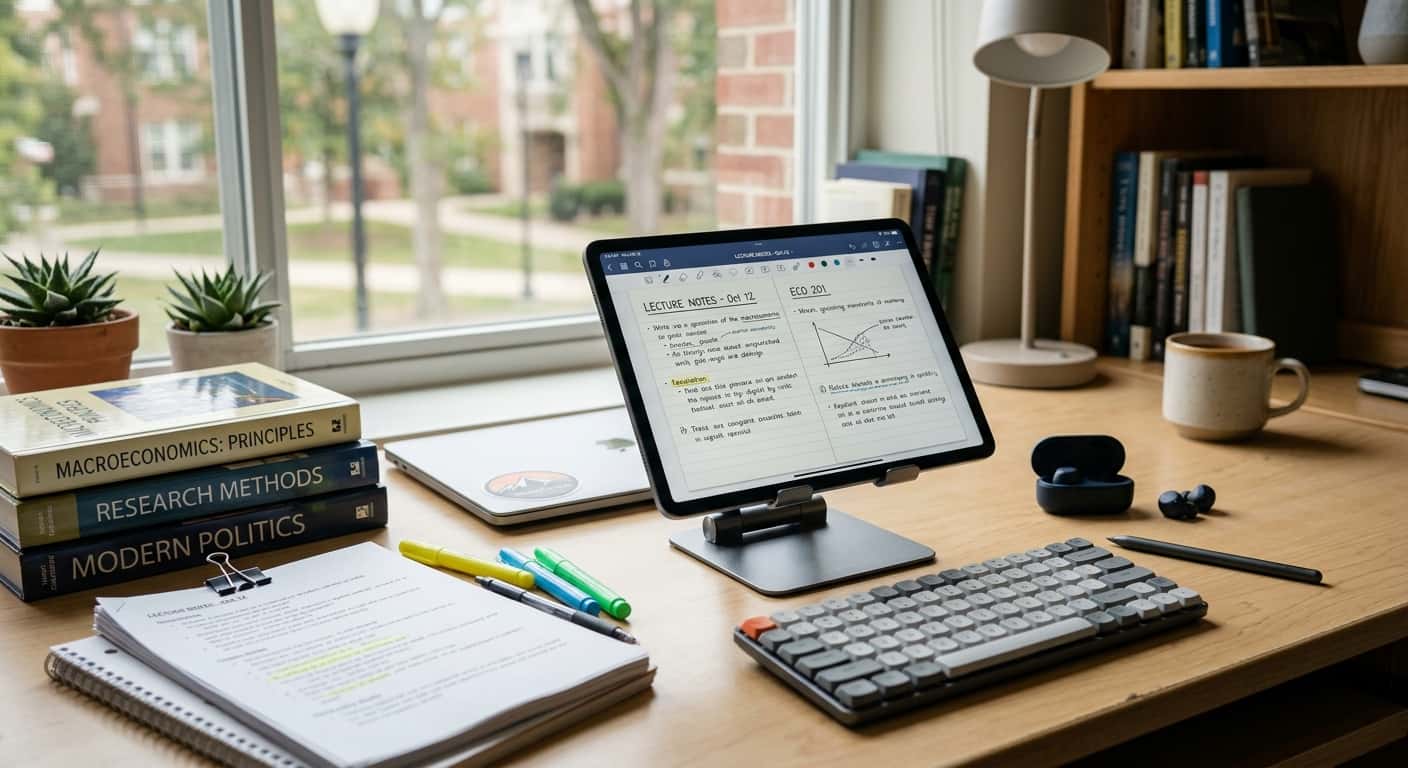
Finding the right tablet for school or college is about more than choosing the device with the biggest screen or fastest processor. Students need something that can handle notes, research, PDFs, online classes, assignments, presentations, and everyday entertainment without becoming difficult to carry or expensive to maintain.
The best tablets for students come in many forms. Some are inexpensive enough for basic schoolwork, while others can handle demanding creative projects and multitasking. There are also tablets designed around handwriting and reading, making them particularly appealing to students who prefer taking digital notes instead of carrying multiple notebooks.
The right choice ultimately depends on your budget, study habits, required software, and whether you want the tablet to replace a laptop or simply work alongside one.
What Makes a Good Student Tablet?
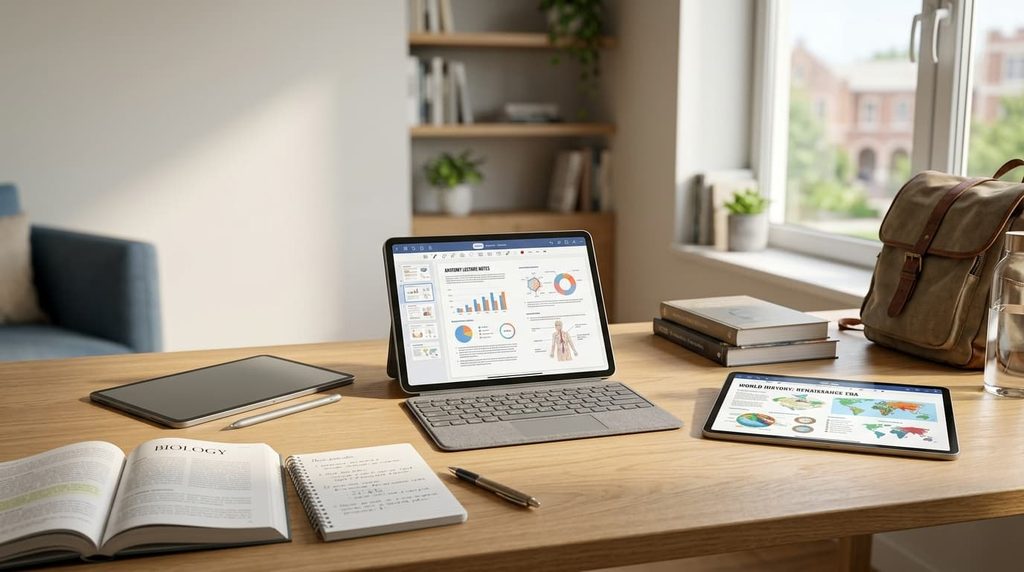
A tablet can look impressive on a store shelf, but specifications alone don’t tell you whether it will work well for school. Students should focus on the features that affect everyday studying.
Display
The screen is one of the most important parts of a student tablet because you’ll probably spend hours looking at it.
A display around 10 to 11 inches provides a useful balance between portability and workspace. It is large enough for reading textbooks, browsing websites, watching lectures, and taking notes without making the tablet excessively bulky.
Larger 12- or 13-inch models are better suited to split-screen work. For example, you could keep a PDF on one side while taking notes on the other.
Smaller tablets are easier to carry and can be excellent for reading, but they may feel cramped when you’re working with documents or multiple apps.
Stylus Support
A stylus can turn a regular tablet into a digital notebook.
Students can use one to write lecture notes, highlight textbooks, annotate PDFs, draw diagrams, solve equations, and sketch ideas. This can be especially useful for subjects involving mathematics, science, engineering, art, or design.
If handwriting is important to you, check whether the stylus is included before purchasing. Some tablets support a pen but require you to buy it separately.
Battery Life
Students aren’t always close to an outlet. You may use your tablet in a classroom, library, cafeteria, dorm, or while traveling.
A tablet with dependable battery life is therefore much more convenient than one that constantly needs charging.
Remember that real-world battery life depends on brightness, Wi-Fi or cellular use, applications, video playback, and other factors.
Storage
You don’t necessarily need huge amounts of storage for school.
Documents, notes, PDFs, and presentations generally don’t consume enormous amounts of space. However, downloaded videos, games, creative projects, and large files can quickly increase storage requirements.
Cloud storage can reduce the amount of local storage you need, while some Android tablets also provide microSD expansion.
Keyboard Support
If you frequently write essays, reports, emails, or presentations, a physical keyboard can make a tablet considerably more practical.
A keyboard can also make the tablet feel more like a small laptop when you need to type for extended periods.
However, don’t automatically buy a keyboard just because it’s available. If most of your work involves handwriting and reading, a stylus may be more useful.
Best Tablets for Students at a Glance
| Type of Tablet | Good For | Main Advantage |
|---|---|---|
| Standard iPad | General school and college work | Balanced experience |
| iPad Air | Demanding coursework | More performance |
| Galaxy Tab FE | Android students | S Pen and expandable storage |
| Premium Galaxy Tab | Power users | Large display and multitasking |
| Budget Android tablet | Basic schoolwork | Lower cost |
| E Ink tablet | Reading and handwritten notes | Distraction-free experience |
| Windows 2-in-1 | Laptop replacement | Desktop-style software |
This table is a starting point rather than a strict ranking. Your coursework should determine which category makes the most sense.
Standard iPad: A Versatile Choice for Students
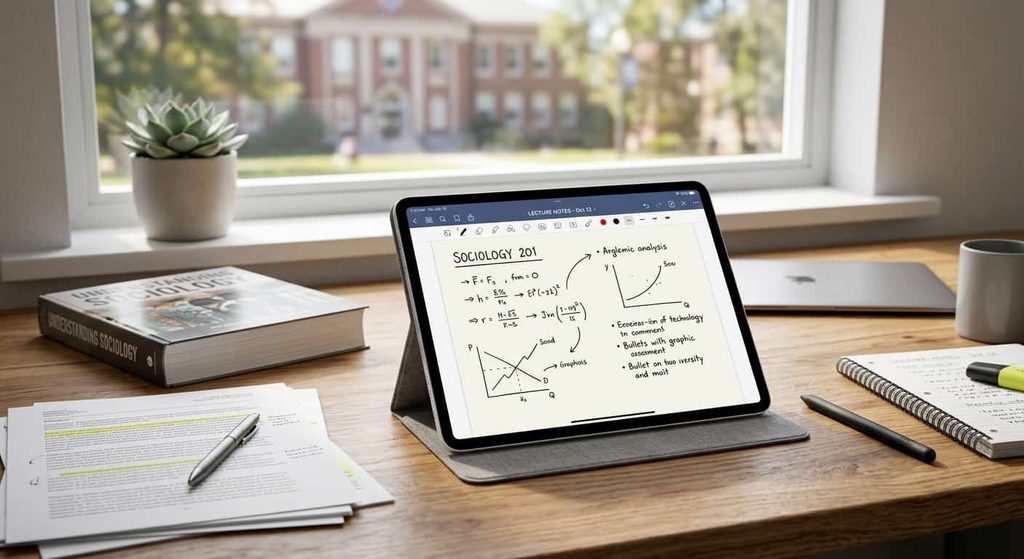
The standard iPad is a strong option for students who want a portable tablet with access to a broad selection of apps.
It can handle everyday activities such as browsing, taking notes, watching lectures, reading PDFs, communicating with classmates, and working on documents.
Apple’s current iPad lineup offers compatibility with accessories such as Apple Pencil and keyboard options, giving students the flexibility to build a setup around their preferred study style. You can check the current models and education options on Apple’s official education store.
That accessory support makes it possible to build a setup around the way you study.
For example, a student who prefers handwriting can add a compatible Apple Pencil, while someone who writes lots of assignments can add a keyboard.
Who Should Consider the iPad?
The standard iPad is worth considering if you want:
- A general-purpose student tablet
- Good app availability
- Digital note-taking
- PDF reading and annotation
- Video classes
- Web research
- A portable device for everyday campus use
It can also be a convenient choice if you already use an iPhone or Mac.
iPad Air: More Power for Demanding Students
The iPad Air makes more sense when your coursework demands more performance.
Students involved in graphic design, illustration, video editing, creative projects, programming-related work, or demanding multitasking may appreciate the additional capability.
The iPad Air is available in different screen sizes and supports Apple’s Pencil accessories, making it suitable for both traditional productivity and creative work.
The larger version is particularly interesting if you frequently work with large documents or multiple windows.
For students who want to use an iPad for several years, the additional performance can also provide more headroom as applications and workloads become more demanding.
Is an iPad Air Worth the Extra Cost?
That depends on what you do.
If you’re mostly reading PDFs, watching lectures, and writing occasional assignments, the standard iPad may already provide everything you need.
If you’re creating graphics, editing media, multitasking heavily, or using more demanding applications, the additional investment can make more sense.
Samsung Galaxy Tab FE: A Flexible Android Option
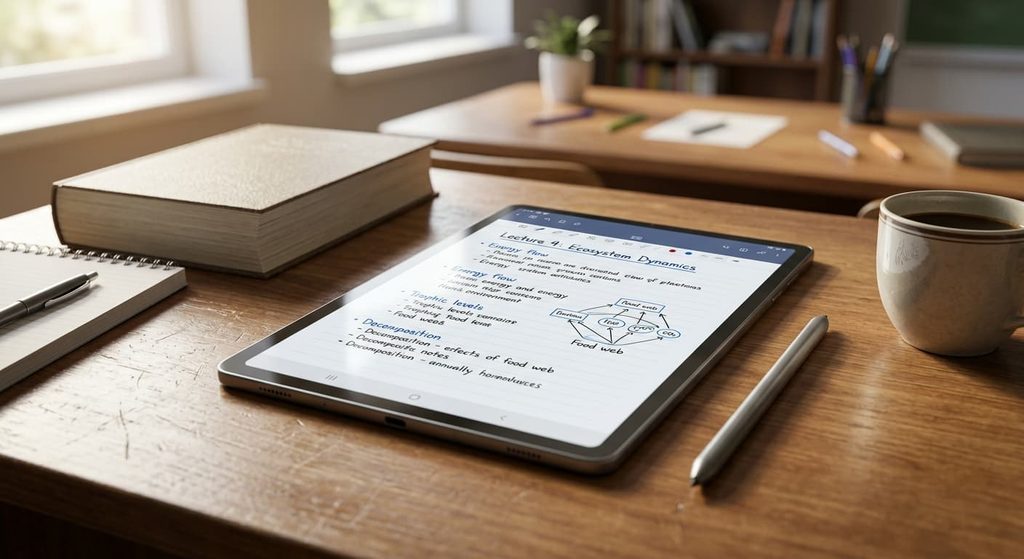
Students who prefer Android have several capable choices, and Samsung’s Galaxy Tab FE series deserves attention.
The Galaxy Tab S10 FE has a 10.9-inch display, a 90Hz refresh rate, an Exynos 1580 processor, and configurations that include up to 12GB of RAM and 256GB of storage. It also supports microSD expansion up to 1.5TB.
One of its biggest student-friendly features is the included S Pen.
The S Pen can be used for handwritten notes, drawing, navigation, and other tasks. Samsung also includes features designed around handwriting and organizing notes.
You can check the latest specifications and supported features on Samsung’s official Galaxy Tab support page.
Why the S Pen Matters
A stylus isn’t just useful for artists.
Students can use it to:
- Write lecture notes
- Annotate PDFs
- Highlight textbook material
- Draw diagrams
- Solve equations
- Mark up screenshots
- Create quick handwritten reminders
For students who prefer handwriting but want everything stored digitally, this can be one of the most useful tablet features.
Premium Samsung Galaxy Tabs: For Android Power Users
Students who want a larger and more powerful Android tablet can consider Samsung’s premium Galaxy Tab models.
These devices can be useful for students who frequently multitask, consume lots of media, create digital content, or want a more premium Android experience.
A large screen can make split-screen work more comfortable. You could have research open alongside a note-taking application or document.
Premium tablets can also be paired with keyboards, turning them into more laptop-like productivity machines.
The downside is cost. Once you add a keyboard cover and other accessories, a premium tablet can approach the price of a capable laptop.
That is why students should consider their actual workload before paying for premium hardware.
Budget Android Tablets: Keep It Simple
Not every student needs a premium tablet.
If your main activities involve reading PDFs, browsing the web, watching educational videos, checking email, and completing light assignments, an affordable Android tablet may be enough.
Budget models from established manufacturers can provide a surprisingly useful experience for basic tasks.
The compromises usually appear in areas such as:
- Processor performance
- Display quality
- Storage
- Cameras
- Accessory availability
- Software support
For simple schoolwork, however, these limitations may not matter much.
The key is to avoid buying a tablet that is so inexpensive that it becomes frustrating to use. A slightly more capable model can sometimes be worth the extra money if you plan to keep it for several years.
E Ink Tablets: Excellent for Reading and Handwriting
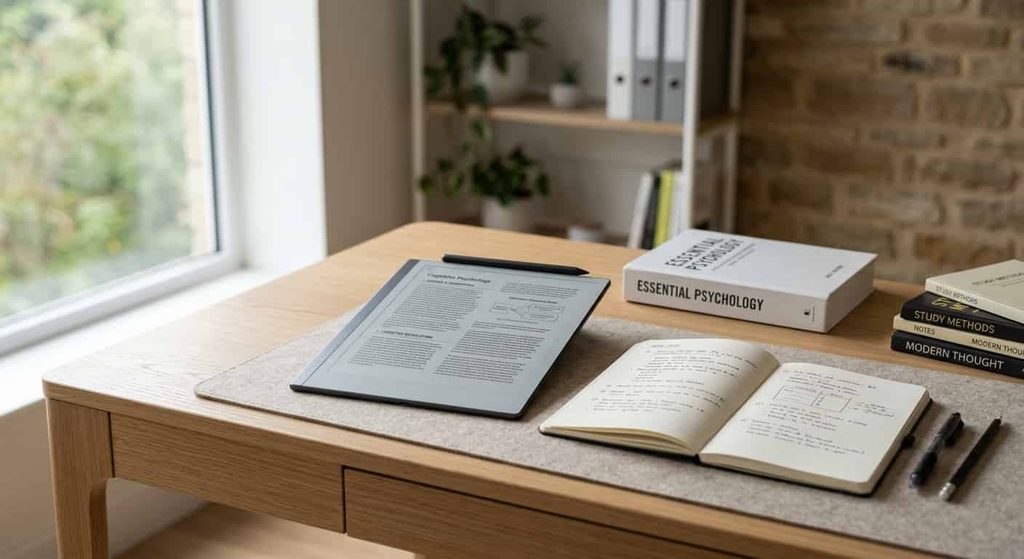
Traditional tablets are great for apps, videos, games, and general productivity. But some students don’t need all of that.
If your main activities are reading textbooks, reviewing PDFs, and taking handwritten notes, an E Ink tablet can be an interesting alternative.
E Ink screens are designed to provide a more paper-like reading experience and can offer a quieter environment than a conventional tablet packed with notifications and entertainment apps.
They are particularly appealing to students who want a digital notebook without many distractions.
However, E Ink devices aren’t ideal for everyone. If you need demanding applications, high-quality video playback, gaming, or a large selection of conventional tablet apps, a standard iPad or Android tablet will generally be more versatile.
Windows 2-in-1: When a Tablet Needs to Replace a Laptop
Some students shouldn’t choose a conventional tablet as their main computer.
If your course requires desktop applications, specialized engineering software, programming environments, advanced spreadsheets, or other Windows-specific programs, a Windows 2-in-1 may make more sense.
These devices combine a touchscreen with a more traditional computer operating system.
They can be used with a keyboard for conventional laptop work and with touch or a compatible pen for tablet-style tasks.
The trade-off is that Windows 2-in-1 devices are often heavier than traditional tablets, and battery life can vary considerably between models.
For students who need genuine desktop software, though, that additional flexibility can be more important than having the lightest possible device.
How Much Should You Spend?
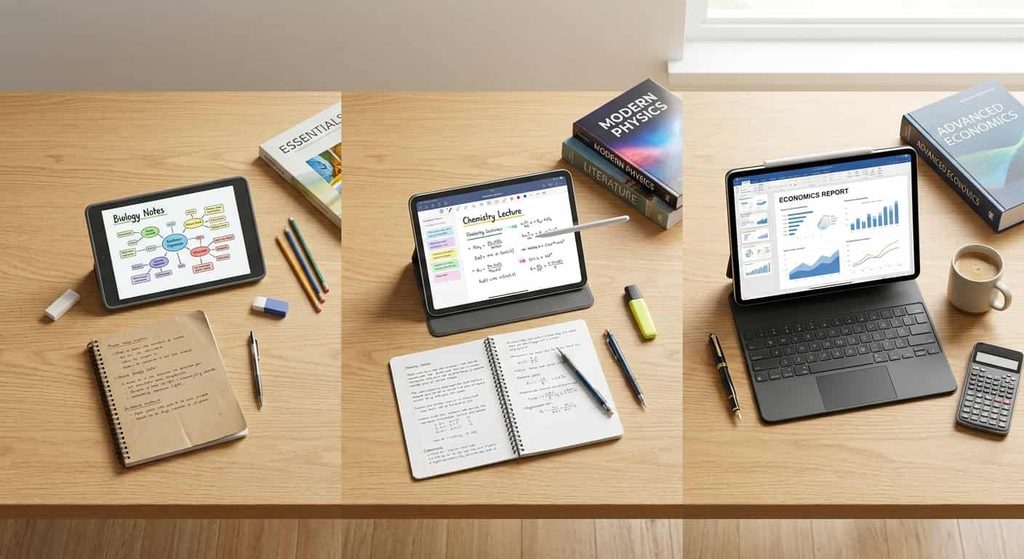
Your ideal budget depends on how important the tablet is to your education.
Under $200
Focus on basic tasks.
A tablet in this range can be suitable for:
- Reading
- Web browsing
- Video lectures
- Basic documents
- Casual entertainment
Don’t expect premium displays or powerful multitasking.
$200–$400
This is a useful middle ground.
You can find tablets with better displays, more capable processors, better storage options, and stronger accessory support.
For many students, this range provides enough performance without moving into premium pricing.
$400–$700
This range opens the door to stronger iPads, Samsung tablets, and other higher-end options.
It can make sense if you’re planning to keep the device for several years or need more performance for demanding applications.
$700 and Above
At this point, you’re entering premium tablet territory.
These devices can be appropriate for students involved in creative work, demanding multitasking, or workloads where performance really matters.
But expensive doesn’t automatically mean appropriate.
A student who only reads PDFs and takes notes may gain little from spending hundreds of extra dollars on premium hardware.
Do Students Need a Keyboard?
Not everyone does.
A keyboard is most useful when you regularly type:
- Essays
- Research papers
- Emails
- Reports
- Presentations
- Long assignments
If you mainly take handwritten notes, annotate PDFs, or read textbooks, a stylus may be a better accessory.
Think about how you spend most of your study time rather than buying every accessory available.
Do Students Need a Stylus?
A stylus is particularly useful for subjects where handwriting is important.
Math, science, engineering, architecture, medicine, art, and design students may find digital handwriting especially useful.
It also makes PDF annotation much easier.
For students who type almost everything, however, a stylus may not be essential.
Before buying one, check whether the tablet includes a pen or requires a separate purchase.
Don’t Forget Tablet Protection
Students carry their devices around frequently, so protection is worth considering.
A protective case can help reduce damage from accidental drops, while a screen protector can provide another layer of protection against scratches.
If you’re purchasing an iPad for school, an iPad screen protector can be a practical accessory. Just make sure the protector matches your exact iPad model and doesn’t interfere with the stylus or case you plan to use.
You don’t want to buy a protector designed for a different generation simply because the model names look similar.
How Much Storage Do Students Need?
The answer depends on what you keep locally.
For students who primarily use cloud storage, moderate internal storage can be sufficient.
But if you download:
- Video lectures
- Large PDFs
- Games
- Photos
- Creative projects
- Offline media
- Large applications
you’ll want more room.
Android tablets with microSD support offer another option because you can expand storage later on compatible models. The Galaxy Tab S10 FE, for example, supports microSD expansion up to 1.5TB.
Students should also remember that advertised storage isn’t always equal to the amount of space available for personal files because the operating system and preinstalled software use some of it.
iPad or Android Tablet for Students?
This is less about which operating system is universally better and more about which ecosystem fits your needs.
iPad may make sense if you want:
- Apple’s ecosystem
- Apple Pencil support
- A large selection of tablet applications
- Easy integration with other Apple devices
- Strong creative and productivity tools
Android may make sense if you want:
- More hardware choices
- Android customization
- Samsung’s S Pen experience
- Expandable storage on supported models
- Easy integration with Android devices
If you already own several devices from one ecosystem, that should be part of your decision.
Can a Tablet Replace a Laptop for College?
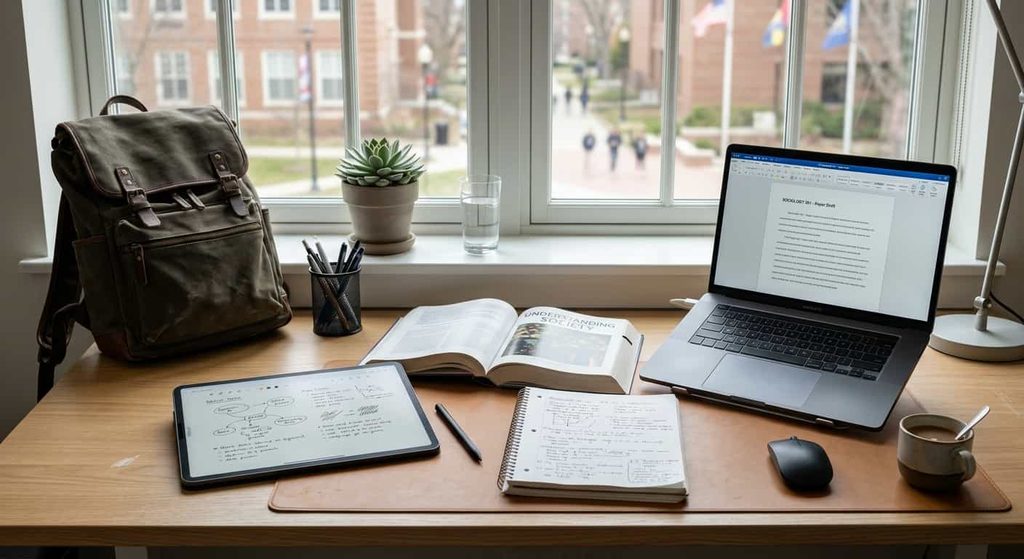
Sometimes, but not always.
A tablet can handle a large portion of everyday student work, including:
- Web research
- Note-taking
- Reading
- Video classes
- Presentations
- Light document editing
However, some college programs require desktop software that a conventional tablet can’t replace.
Before purchasing, check the software requirements for your course.
A tablet can also be an excellent secondary device even when you already own a laptop. You can use the laptop for demanding applications while using the tablet for notes, textbooks, research, and lectures.
Common Student Tablet Buying Mistakes
Choosing Based Only on Price
The cheapest tablet isn’t necessarily the cheapest long-term option.
A device that becomes slow or runs out of storage quickly can lead to another purchase sooner than expected.
Ignoring Accessory Costs
Remember to calculate the cost of the tablet plus its keyboard, stylus, case, screen protection, and other accessories.
Buying Too Much Power
A premium processor won’t make a noticeable difference for basic PDF reading.
Spend more only when your workload benefits from it.
Buying Too Little Storage
Running out of storage is frustrating, particularly during exam season when you may have hundreds of documents and files.
Forgetting Software Compatibility
Always check whether your school requires Windows-specific applications or other software unavailable on your preferred tablet platform.
Frequently Asked Questions
What is the best tablet for students?
The best tablet for students depends on their budget, coursework, and preferred operating system. A standard iPad is a versatile choice for general schoolwork, while Samsung Galaxy Tab models are worth considering for Android users who want strong note-taking features.
Is an iPad good for students?
Yes, an iPad can be an excellent choice for students. It can handle note-taking, research, PDFs, online classes, documents, and many productivity apps. Adding a compatible Apple Pencil and keyboard can make it even more useful for school or college.
How much should a student spend on a tablet?
A student can find useful tablets from under $200, while mid-range options around $200–$400 offer more performance and features. Students with demanding coursework may benefit from spending $400 or more, but the right budget depends on how the tablet will be used.
Do students need a tablet with a keyboard?
Not necessarily. A keyboard is most useful for students who frequently write essays, reports, emails, and other long documents. Students who mainly read, take handwritten notes, or annotate PDFs may prefer a stylus instead.
Do students need a stylus for a tablet?
A stylus can be very useful for handwritten notes, PDF annotation, diagrams, mathematics, art, and other coursework. However, students who mostly type assignments may not need one.
How much storage is enough for a student tablet?
For basic schoolwork, moderate storage is usually enough for documents, notes, PDFs, and apps. Students who download lots of videos, games, photos, or large creative projects should consider a higher-storage model or a tablet with expandable storage.
Is an Android tablet better than an iPad for students?
Neither is automatically better for every student. iPads offer Apple’s ecosystem and a broad selection of tablet apps, while Android tablets provide more hardware variety and, on some models, expandable storage and included stylus support. Your coursework and existing devices should guide the decision.
Can a tablet replace a laptop for college?
A tablet can replace a laptop for some students who mainly browse the web, take notes, read PDFs, attend online classes, and work on basic documents. However, students who need specialized desktop software, advanced programming tools, or professional applications may still need a laptop.
Are cheap tablets good for students?
Affordable tablets can be good for students with basic needs such as reading, browsing, watching lectures, and light document work. Before buying, check the tablet’s performance, storage, software support, display quality, and compatibility with the apps you need.
Should students buy a screen protector for their tablet?
A screen protector can be useful for students who frequently carry their tablet between classes or other locations. If you use an iPad, make sure an iPad screen protector is designed specifically for your model and works properly with your case and stylus.
Final Thoughts
The best tablets for students depend on the student, not simply the specification sheet.
A standard iPad can be a practical choice for everyday school and college work, while the iPad Air makes more sense for students who need additional performance. Samsung’s Galaxy Tab FE models are worth considering for Android users who value S Pen-based note-taking and expandable storage.
Students on tighter budgets don’t necessarily need to compromise on the ability to study, either. An affordable Android tablet can handle basic reading, browsing, video lessons, and document work when expectations are realistic.
Meanwhile, E Ink tablets can appeal to students who want a focused reading and handwriting experience, while Windows 2-in-1 devices can be more appropriate when desktop software is part of the coursework.
Before buying, make a simple checklist: budget, screen size, storage, stylus support, keyboard needs, software compatibility, and portability. Then choose the tablet that fits your actual study habits.
The smartest student tablet isn’t necessarily the most expensive one. It’s the device that makes your everyday schoolwork easier without paying for features you don’t need.