
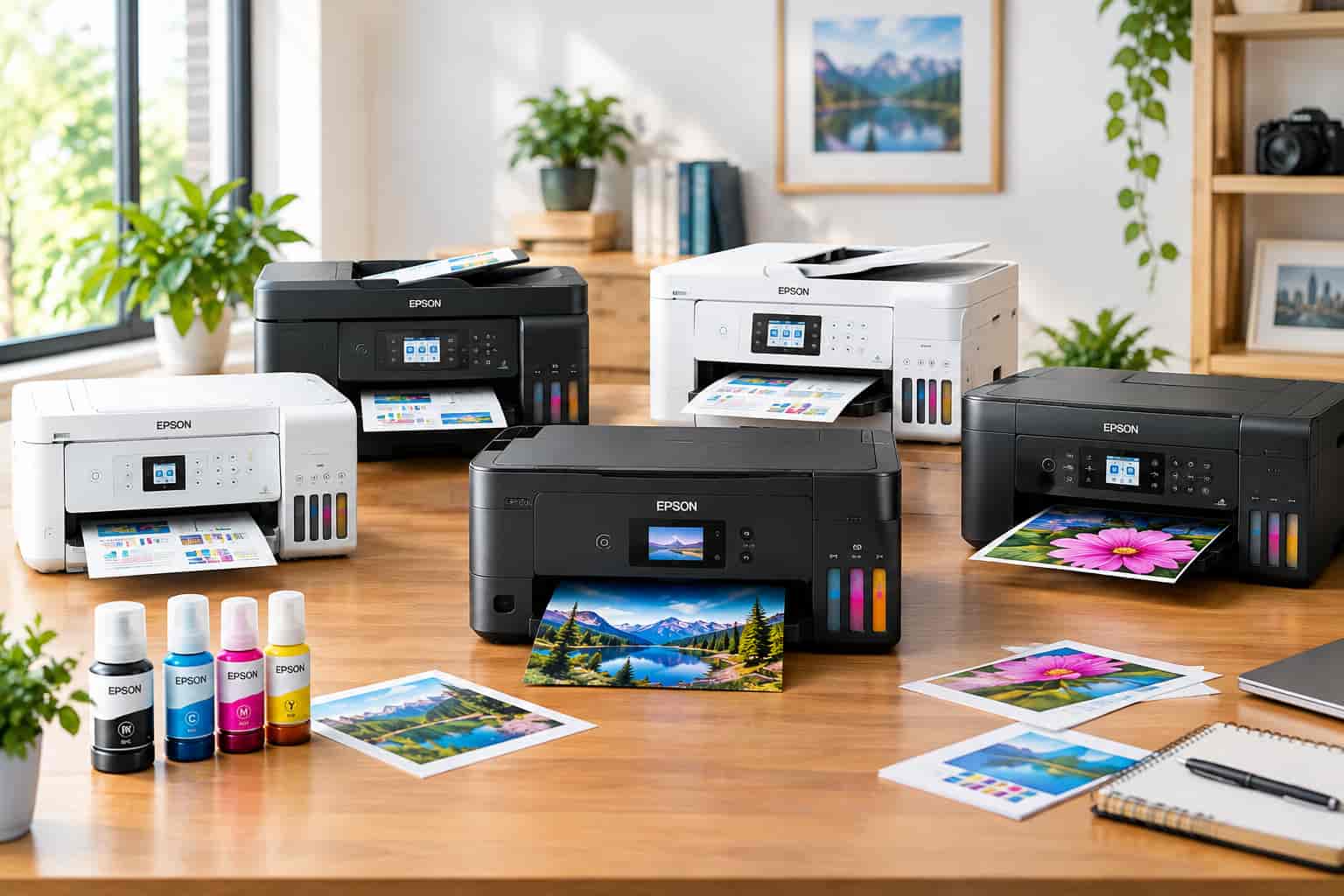
Shopping for a printer can get confusing fast. There are traditional inkjet printers, laser printers, photo printers, and newer refillable systems that promise to make printing less expensive over time. Epson EcoTank printers have become especially popular with people who print regularly and are tired of replacing small ink cartridges every few weeks. Instead of relying on conventional cartridges, EcoTank models use large built-in ink reservoirs that you refill with bottles.
That simple change makes a noticeable difference in how a printer fits into everyday life. You can monitor the ink levels, refill individual tanks when needed, and print large numbers of pages before worrying about another ink purchase. Epson’s current lineup also goes far beyond basic family printers, with models designed for home offices, wide-format work, photography, creative projects, and small businesses.
But choosing the right EcoTank is not as simple as picking the newest or most expensive model. Different printers are built around very different needs. A college student may need a compact all-in-one, while a home office may benefit from an automatic document feeder and larger paper tray. A photographer has completely different priorities from someone printing invoices.
This guide looks at the EcoTank models worth knowing in 2026 and explains what makes each one different, who it suits, and what you should consider before buying.
What Is an Epson EcoTank Printer?
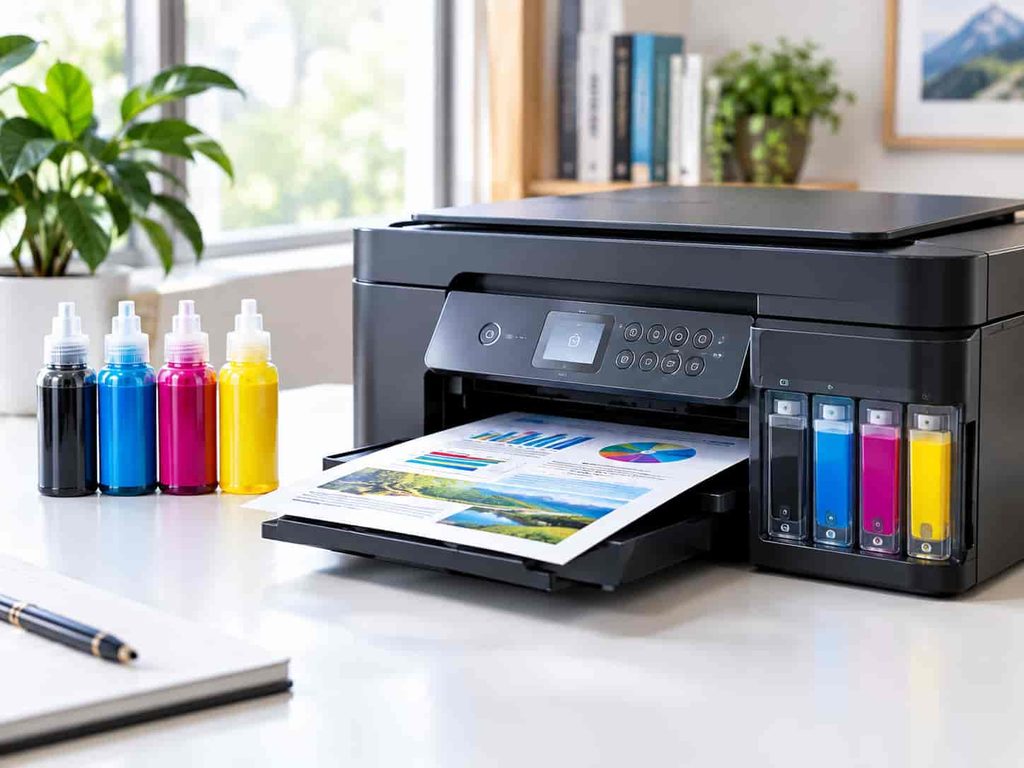
EcoTank is Epson’s refillable ink-tank printer system. Instead of replacing a cartridge every time one color runs out, you fill built-in tanks using bottles made for the printer.
The idea is straightforward: put more ink into the printer at one time and reduce the need for frequent cartridge purchases.
Epson says newer EcoTank models can include enough ink to last up to three years under its stated testing conditions, while some replacement bottle sets are designed to produce thousands of pages. Actual results vary based on the printer, print settings, document coverage, and how often you use the machine. Epson’s official EcoTank lineup provides the model-specific details.
The refillable design also changes the economics of printing. The printer may cost more initially than a basic cartridge machine, but the ongoing ink expense can be much lower for people who print often.
That makes EcoTank particularly interesting for homes, students, home offices, creators, and small businesses that regularly print documents or images.
Why Are EcoTank Printers So Popular?
The biggest reason is running cost.
Traditional cartridges can be convenient, but frequent printing can become expensive. With a refillable tank system, you are purchasing bottles containing a much larger quantity of ink rather than repeatedly buying small cartridges.
There is also a convenience advantage. Instead of keeping several spare cartridges around, users can refill the appropriate tank when its level gets low. Epson’s EcoFit bottle system is designed with keyed bottles to make it easier to fill the correct color tank.
Another advantage is the variety of printers available under the EcoTank name. The lineup includes simple home models, multifunction office machines, wide-format printers, photo-focused models, and EcoTank Pro products intended for more demanding workloads.
The important lesson is that “EcoTank” describes the ink system, not a single type of printer.
Epson EcoTank ET-2980: A Straightforward Home Printer
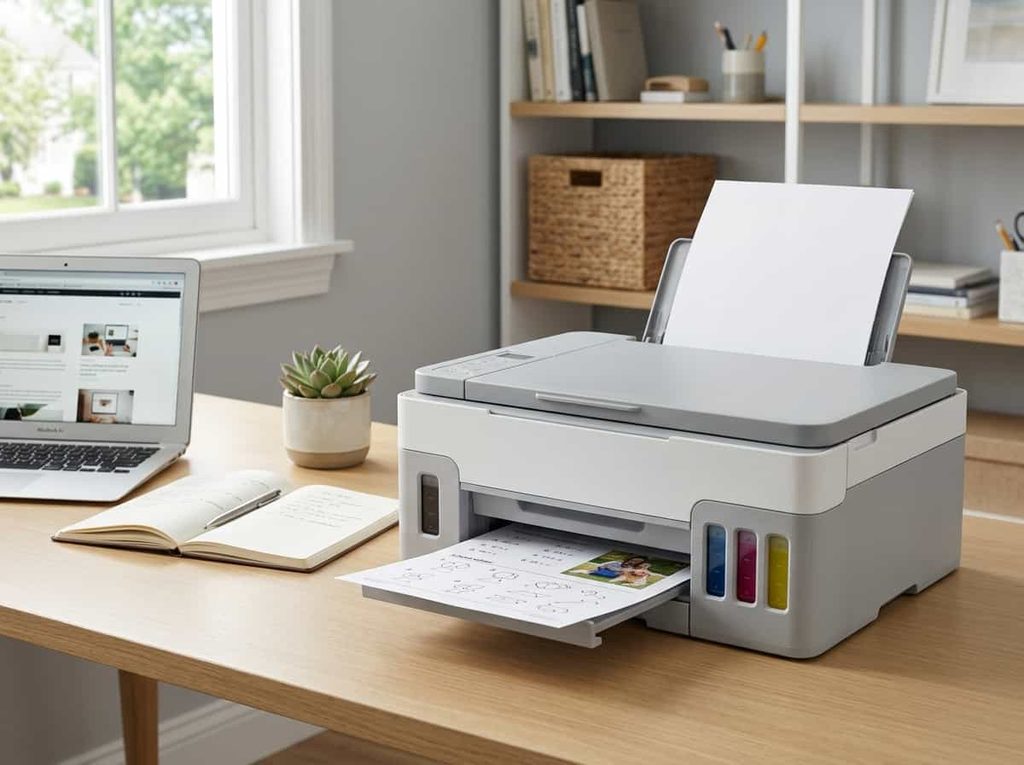
The ET-2980 is part of Epson’s seventh generation of EcoTank printers and is aimed at everyday home printing.
It is an all-in-one machine that can print, copy, and scan. Epson lists a 100-sheet paper tray, automatic two-sided printing, wireless and mobile printing, and a 1.44-inch color display. It has a rated speed of up to 15 pages per minute for black printing and 8 ISO pages per minute for color.
The biggest attraction here is simplicity.
You do not need a large office printer taking over your desk if your main jobs are school assignments, forms, recipes, shipping documents, homework, and occasional photos. The ET-2980 is designed around those kinds of everyday tasks.
It also makes sense for people who want an EcoTank but do not need advanced office features.
Who is the ET-2980 for?
It is a sensible fit for:
- Families with moderate printing needs
- Students
- Casual home users
- People who need printing, scanning, and copying
- Buyers who want automatic two-sided printing
Its 100-sheet capacity is worth considering before buying. A household that prints large batches frequently may be happier with a model that holds more paper.
Epson EcoTank ET-3950: A Better Fit for Busy Homes and Home Offices
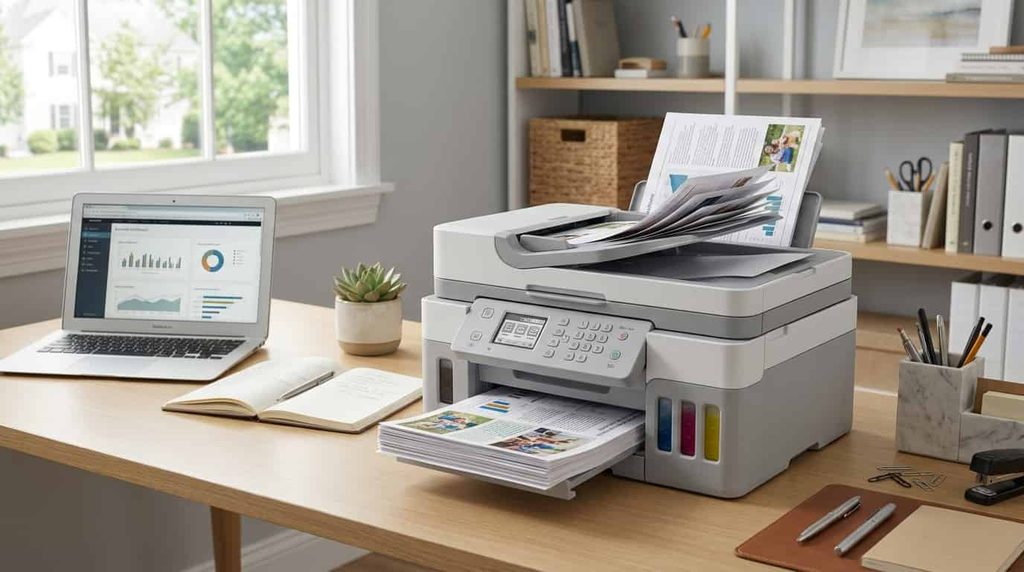
If your printer has to do more than occasional homework and documents, the ET-3950 is much more interesting.
This model steps up to a 250-sheet paper tray and adds an automatic document feeder. It also supports automatic two-sided printing, copying, and scanning. Epson lists speeds of up to 18 ISO pages per minute in black and 9 ISO pages per minute in color.
The automatic document feeder is particularly useful if you scan or copy multi-page documents. Instead of placing every sheet on the scanner glass individually, you can load a stack and let the printer handle the pages.
That makes the ET-3950 a natural choice for a home office, busy family, freelancer, or student who regularly deals with larger document jobs.
Independent testing also found the ET-3950 to have very high page yields, low ink costs, detailed text output, and a useful automatic document feeder. RTINGS notes that it supports USB, Wi-Fi, Ethernet, Apple AirPrint, and Mopria, giving users plenty of connectivity options.
One thing to know about the ET-3950
It is not a tiny printer.
RTINGS specifically notes that the machine is relatively large, so you should make sure you have enough desk or shelf space before buying it.
That is an easy detail to overlook when comparing printers online.
Epson EcoTank ET-4950: For Users Who Still Need Fax
The ET-4950 is closely related to the ET-3950 but adds fax functionality.
It includes a 250-sheet paper tray, automatic duplex printing, copying and scanning, an automatic document feeder, wireless printing, and the same listed 18 ISO pages-per-minute black and 9 ISO pages-per-minute color speeds.
The deciding question is therefore simple: do you actually need fax?
For many households, the answer is no. In that situation, paying more for a fax-equipped model may not make much sense.
For certain home businesses, offices, administrative workflows, and professional environments, however, fax capability can still be useful.
ET-3950 vs. ET-4950
These models are close enough that buyers should compare features instead of simply assuming the higher model number is automatically better.
The ET-3950 already provides a robust print, copy, and scan setup. The ET-4950 adds fax and is aimed at users who need that extra office functionality. Independent testing similarly identifies the fax feature as a key difference between the two families.
Epson EcoTank ET-15000: When You Need Bigger Prints
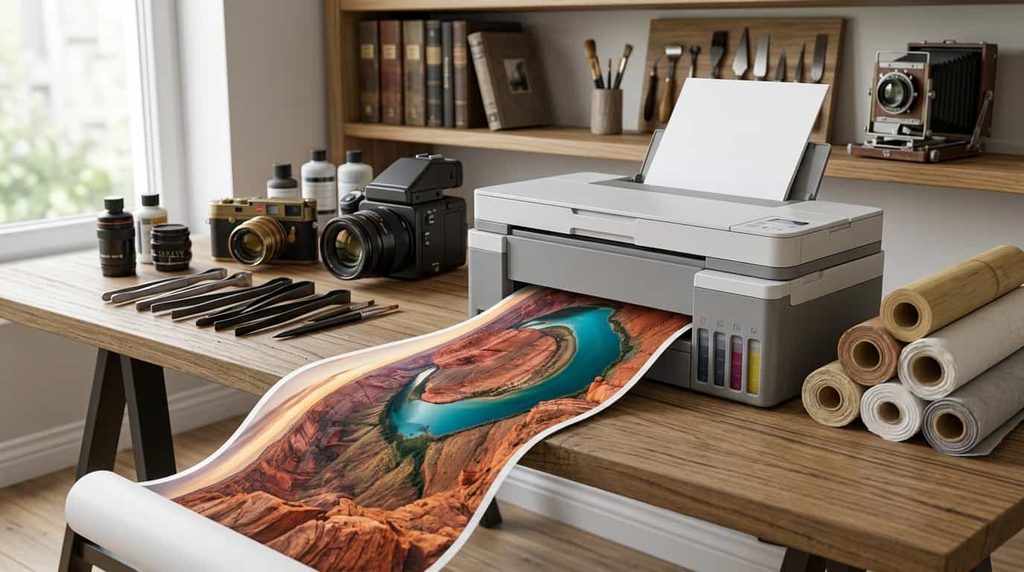
Most home printers are built around standard letter-size documents. The ET-15000 is different.
This multifunction EcoTank can print up to 13 by 19 inches through its rear feed, while its automatic document feeder supports scanning and copying documents up to 8.5 by 14 inches. Epson also lists automatic two-sided printing, a 250-sheet paper tray, fax, wireless connectivity, and Ethernet.
That makes the ET-15000 much more versatile for people who occasionally need larger output.
Think about presentations, spreadsheets, posters, graphics, school projects, marketing materials, artwork, and other jobs where standard letter paper feels restrictive.
It also offers the advantage of a large ink-tank system, so you get wide-format capability without going back to a conventional cartridge setup.
Who should consider the ET-15000?
This model makes more sense for:
- Home businesses
- Creators who need larger prints
- Users who work with spreadsheets and graphics
- People printing marketing materials
- Anyone who occasionally needs 13-by-19-inch output
For basic document printing, however, it may simply be more printer than you need.
EcoTank Photo ET-8500: Built With Photography in Mind
The EcoTank Photo lineup changes the conversation from everyday documents to image quality.
The ET-8500 uses a six-color Claria ET Premium ink system and is designed for photos, graphics, and creative projects. Epson lists borderless printing up to 8.5 by 11 inches and a maximum resolution of 5,760 by 1,440 dpi.
Why does the six-color setup matter?
A standard four-color printer is designed to handle a broad mix of everyday printing. A photo-oriented system uses additional colors to provide more control over shades, gradients, and photographic output.
That does not automatically make the ET-8500 the right printer for everyone. If you mostly print black-and-white documents, paying for a photo-focused ink system may not add much value.
For photographers and creative users, though, the extra focus on image quality makes more sense.
Who is the ET-8500 for?
It is worth considering if you regularly print:
- Family photographs
- Artwork
- Scrapbook projects
- Creative designs
- High-quality color graphics
Epson also supports specialty media, including cardstock and certain creative materials, making this type of printer more flexible than a basic home office machine.
EcoTank Photo ET-8550: The Wide-Format Choice for Creators
The ET-8550 takes the photo-oriented concept even further.
It also uses six-color Claria ET Premium inks, but its standout feature is its ability to produce borderless prints up to 13 by 19 inches. Epson lists the same maximum 5,760 by 1,440 dpi resolution and describes the printer as designed for lab-quality photos, graphics, and creative projects.
This model is particularly appealing to photographers, artists, designers, and serious hobbyists who want to produce large work at home.
The ET-8550 can also handle specialty media, including cardstock and media up to 1.3 mm thick, giving creative users more room to experiment.
For someone who only needs everyday paperwork, those capabilities may be unnecessary. For a creator, they can be the entire reason to choose the printer.
EcoTank Pro ET-5850: For High-Volume Printing
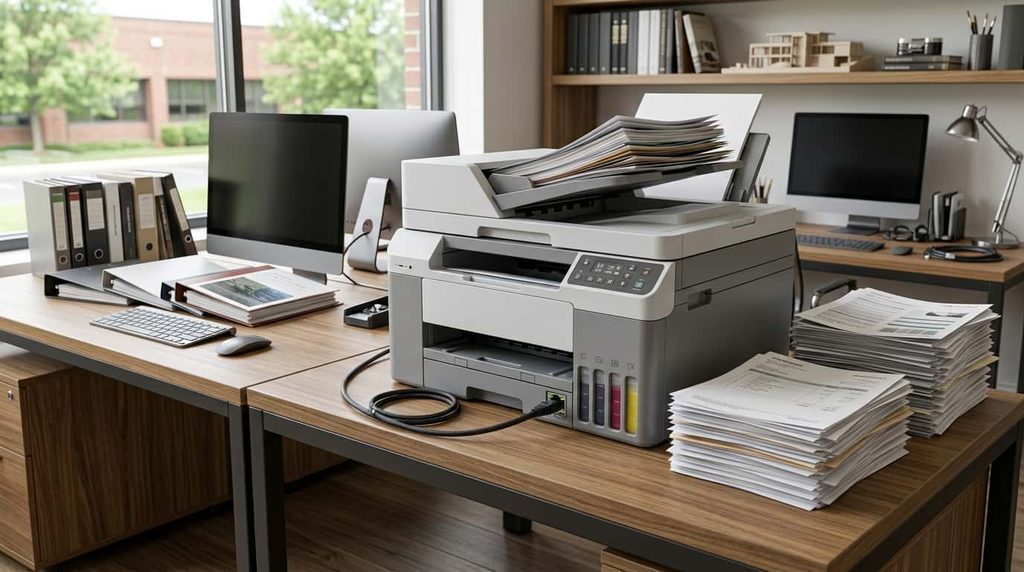
When printing becomes a serious part of your workday, a consumer-focused model may not be enough.
The EcoTank Pro ET-5850 is designed with heavier workloads in mind. Epson lists print speeds of up to 25 ISO pages per minute in both black and color, a 500-sheet front paper capacity, automatic two-sided printing, scanning, copying, faxing, Wi-Fi, and Ethernet connectivity.
It also uses pigment-based DURABrite ink and PrecisionCore Heat-Free technology.
The larger paper capacity is a particularly important advantage for offices. Constantly refilling a small paper tray gets annoying when you’re printing dozens or hundreds of pages.
The ET-5850 is therefore aimed at a different type of customer than the ET-2980. The question is not just how much ink you use. It is how much work the printer is expected to handle.
Who should look at the ET-5850?
The Pro model is more appropriate for:
- Small businesses
- Busy home offices
- Freelancers with high print volumes
- Professional users
- Offices that need print, scan, copy, and fax functions
It is a more substantial investment, so it should be evaluated based on your workload rather than simply its specifications.
Are EcoTank Printers Cheaper to Run?
This is one of the biggest reasons people consider the EcoTank system in the first place.
Epson promotes its refillable bottles as a lower-cost alternative to traditional ink cartridges, and its current EcoTank lineup emphasizes high page yields. For example, Epson says the ET-2980’s included ink can produce up to 6,600 black pages and 5,500 color pages under its testing methodology.
The ET-5850 is designed for substantially heavier printing, with Epson listing replacement ink yields of up to 7,500 black pages and 6,000 color pages.
However, advertised yields should always be viewed as estimates rather than a promise of exactly how many pages you personally will get.
A page filled with dense graphics uses much more ink than a simple text document. Photo printing can also consume ink differently from office printing.
The real benefit is the combination of large ink capacity and refillable bottles, which can make the cost of frequent printing much easier to manage.
Are EcoTank Printers Good for Home Use?
Yes, but the best model depends on what “home use” means for you.
A household that prints a few school assignments each week does not necessarily need an advanced office printer.
A family with multiple students may benefit from faster printing and a larger paper tray.
Someone working remotely may want an automatic document feeder, duplex scanning, or Ethernet.
A photographer may care almost entirely about color and media handling.
That is why the EcoTank lineup works best when you choose according to your workload rather than trying to find one universal model.
What Should You Look For Before Buying?
Before ordering, think beyond the ink tank.
1. How much do you actually print?
Estimate your normal monthly workload.
If you print 20 pages a month, a high-volume business printer may be unnecessary. If you print hundreds of pages, a larger model can save time and reduce maintenance.
2. Do you need an automatic document feeder?
An ADF is a major convenience for multi-page scanning and copying.
If you regularly deal with receipts, forms, contracts, school papers, or business documents, this feature can quickly become one of the most useful parts of the printer.
3. Do you need duplex printing?
Automatic two-sided printing helps reduce paper consumption and makes professional-looking documents easier to produce.
It is particularly useful for reports, manuals, school assignments, and office paperwork.
4. What paper sizes will you use?
Standard letter paper is enough for most people.
But if you need 11-by-17-inch or 13-by-19-inch output, you need to select a printer specifically designed for larger media.
The ET-15000 and ET-8550 are examples of EcoTank models that move beyond basic home printing.
5. Are you printing photos?
If photography is a major priority, look beyond general-purpose EcoTank models.
The ET-8500 and ET-8550 are designed specifically around creative and photographic printing, including six-color ink systems and support for specialty media.
6. What connections do you need?
Wireless printing is convenient, especially in homes where everyone uses different devices.
Current EcoTank models support combinations of Wi-Fi, USB, Ethernet, mobile printing, AirPrint, and Mopria depending on the model.
If you are buying for an office, check the networking options before purchasing.
EcoTank vs. Traditional Cartridge Printers
The difference can be understood in one sentence:
Cartridge printers are often cheaper to buy, while refillable tank printers are designed to reduce the cost of frequent printing.
That does not mean every EcoTank is automatically a better purchase.
A person who rarely prints may not get enough use from the larger ink capacity to justify paying more upfront.
But for frequent printing, refillable tanks can make much more sense.
There is also a convenience factor. Instead of constantly replacing individual cartridges, you can go much longer between refills.
The trade-off is that you need to take care of the printer properly. Like other inkjet printers, EcoTank models can have issues when left unused for very long periods. RTINGS specifically notes that infrequent use can contribute to clogged printheads on the ET-3950.
For that reason, an EcoTank is often a better fit for someone who prints regularly than someone who turns the printer on only a few times a year.
Which Epson EcoTank Printer Fits Your Needs?
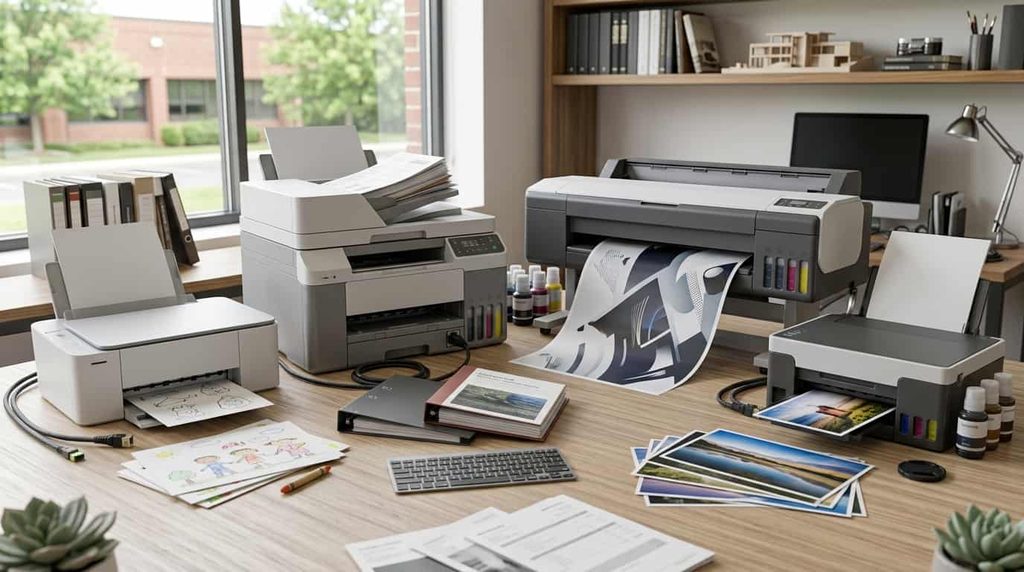
The lineup becomes much easier to understand once you look at it by user type.
For basic home printing, the ET-2980 is a straightforward option.
For a busy household or home office, the ET-3950 offers more paper capacity and a more capable document workflow.
For users who need faxing, the ET-4950 adds that office-focused feature.
For wide-format home and business printing, the ET-15000 is worth examining.
For photography and creative work, the ET-8500 is designed specifically around high-quality photo and graphics output.
For large photographic prints, the ET-8550 stands out because of its 13-by-19-inch borderless capability.
For high-volume business printing, the EcoTank Pro ET-5850 is built for a considerably heavier workload.
What About Older EcoTank Models?
You may still find older EcoTank printers through retailers, especially when stores are clearing inventory.
That does not automatically make an older model a bad purchase. A previous-generation printer can still offer excellent page yields and useful features.
The key is price.
If an older model is heavily discounted and gives you everything you need, it may be worth considering. But compare its specifications with the current generation before buying.
For example, independent testing identifies the ET-3950 as the successor to the ET-3850, while the ET-4950 is closely related to the older ET-4850 generation.
A discount only matters when the older model still fits your needs.
Do You Really Need an Expensive EcoTank?
Not necessarily.
One of the easiest mistakes is assuming that the model with the most features must be the smarter purchase.
A home user who prints worksheets and occasional photos does not need a large office machine.
A photographer may have little reason to spend extra on a business-oriented model.
A small business that prints constantly, on the other hand, may quickly outgrow an entry-level printer.
Think of the purchase as matching a tool to a job.
The goal is not to buy the most advanced printer. The goal is to avoid paying for features you will never use while making sure the features you depend on are included.
Frequently Asked Questions
Are Epson EcoTank printers worth it in 2026?
They can be a strong option for people who print regularly and want to reduce their dependence on traditional ink cartridges. The value depends on your print volume, the model you choose, and how long you keep the printer.
Do EcoTank printers use cartridges?
No. EcoTank printers use refillable ink tanks and bottles instead of conventional replaceable cartridges.
Which EcoTank printer is good for home use?
The ET-2980 is designed for everyday family printing, while the ET-3950 is better suited to households and home offices with heavier printing and scanning needs.
Which EcoTank is best for photos?
The EcoTank Photo ET-8500 and ET-8550 are specifically designed for photographic and creative printing. The ET-8550 supports borderless printing up to 13 by 19 inches.
Which EcoTank printer is suitable for a small business?
The EcoTank Pro ET-5850 is designed for high-volume printing and includes a 500-sheet paper capacity, 25 ISO pages-per-minute black and color speeds, plus print, copy, scan, and fax functionality.
Do EcoTank printers dry out?
Like other inkjet printers, EcoTank machines can experience ink or printhead issues when they sit unused for long periods. Regular use can help avoid problems associated with dried ink. RTINGS specifically notes clogging as a consideration with the ET-3950.
Can EcoTank printers print photos?
Yes. Many EcoTank models can print photos, while the EcoTank Photo ET-8500 and ET-8550 are specifically designed for higher-quality photographic and creative output.
Final Thoughts
The EcoTank lineup in 2026 is broad enough to cover very different printing needs.
The ET-2980 keeps things simple for everyday home use. The ET-3950 moves toward busy-family and home-office needs, while the ET-4950 adds fax functionality. The ET-15000 is designed for users who need larger prints, and the ET-8500 and ET-8550 shift the focus toward photography and creative work. At the higher end, the EcoTank Pro ET-5850 is aimed at users who need high-volume office printing.
The most important thing is to shop based on how you print.
Look at your monthly volume, the paper sizes you use, whether you scan multi-page documents, whether you need faxing, and whether photo quality is important. Those factors will tell you much more than a model number alone.
EcoTank printers are not designed for every possible user, but for people who print consistently, the refillable ink approach can offer a compelling combination of convenience and lower ongoing ink costs.
Before purchasing, check the manufacturer’s current specifications, warranty, ink compatibility, and retailer pricing for the exact model. Printer availability and pricing can change, so the model that fits your needs should be compared at the time you are ready to buy.
For independent testing and real-world performance observations, RTINGS’ Epson EcoTank ET-3950 review is also useful, particularly for understanding page yields, document quality, connectivity, and everyday usability.