
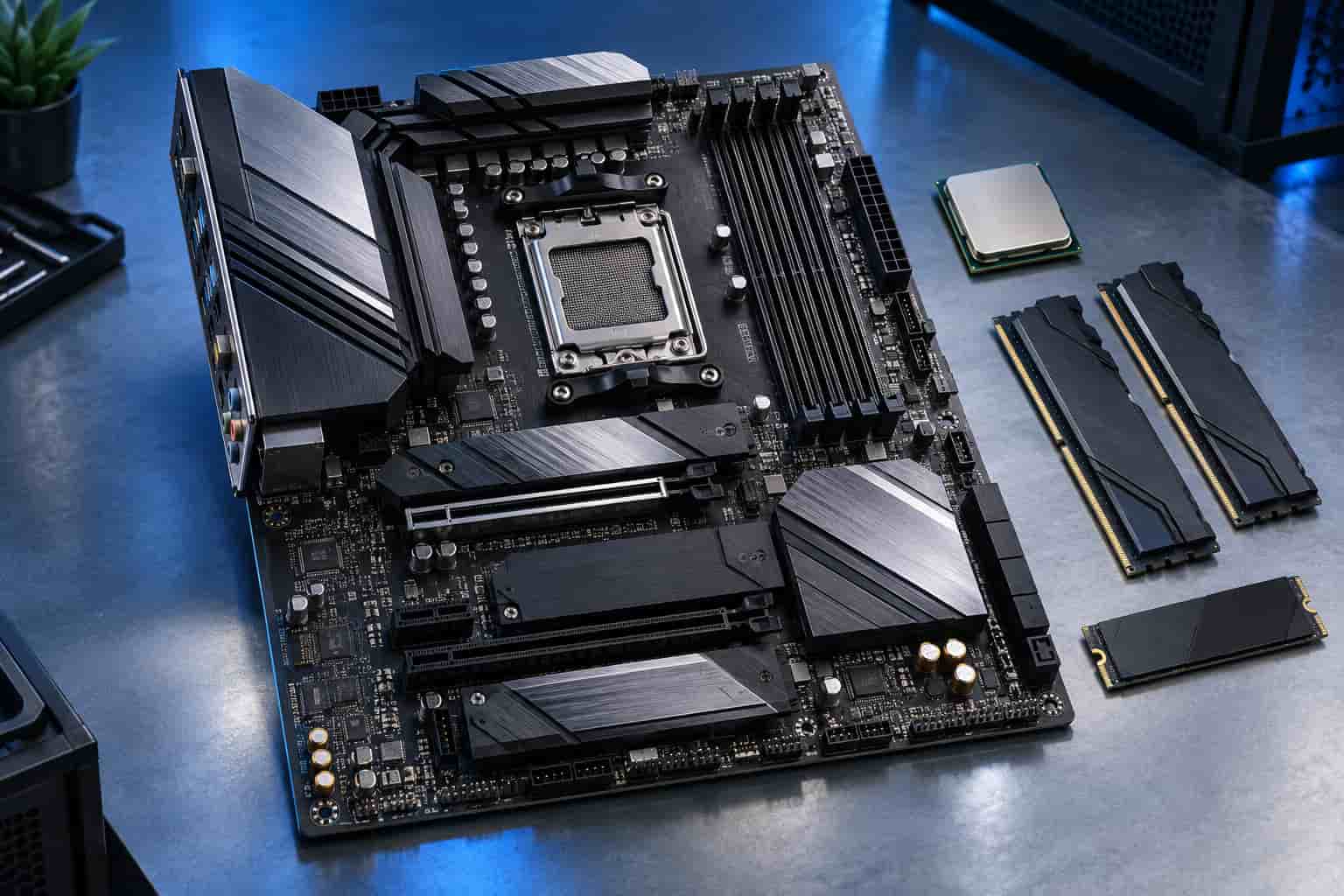
Choosing the best motherboard for ryzen 7 7700x comes down to features, expansion, build size, and budget rather than raw CPU performance alone. For most builders, a well-equipped B650 or B850 board provides everything needed for gaming, streaming, and everyday content creation. Premium X870E models make more sense when you need USB4, 10Gb Ethernet, several high-speed drives, or extensive expansion.
The MSI MAG B850 TOMAHAWK MAX WIFI is our strongest all-around recommendation. More affordable builders should consider the GIGABYTE B650 AORUS ELITE AX V2 or ASRock B650M Pro RS WiFi, while the ASUS ProArt X870E-CREATOR WIFI suits demanding professional systems.
Quick Motherboard Recommendations
For most builders, the best motherboard for ryzen 7 7700x is the MSI MAG B850 TOMAHAWK MAX WIFI because it combines modern connectivity, strong expansion, and practical build features without moving into flagship pricing.
| Motherboard | Recommended Use | Form Factor | GPU Interface | M.2 Slots | Networking |
|---|---|---|---|---|---|
| MSI MAG B850 TOMAHAWK MAX WIFI | Overall choice | ATX | PCIe 5.0 x16 | 4, including two Gen 5 | Wi-Fi 7 and 5GbE |
| GIGABYTE B650 AORUS ELITE AX V2 | Value-focused ATX build | ATX | PCIe 4.0 x16 | 3, including one Gen 5 | Wi-Fi 6E and 2.5GbE |
| ASRock B650M Pro RS WiFi | Affordable compact build | Micro-ATX | PCIe 4.0 x16 | 3, including one Gen 5 | Wi-Fi 6E and 2.5GbE |
| ASUS ROG STRIX B650E-F GAMING WIFI | Premium gaming build | ATX | PCIe 5.0 x16 | 3, including one Gen 5 | Wi-Fi 6E and 2.5GbE |
| ASUS ROG STRIX B650E-I GAMING WIFI | Mini-ITX system | Mini-ITX | PCIe 5.0 x16 | 2, including one Gen 5 | Wi-Fi 6E and 2.5GbE |
| ASUS ProArt X870E-CREATOR WIFI | Professional workstation | ATX | PCIe 5.0 x16 | 4, including two Gen 5 | Wi-Fi 7, 10GbE and 2.5GbE |
Specifications above apply when the boards are paired with a Ryzen 7 7700X. Some secondary expansion and M.2 slots share bandwidth, so always review the motherboard manual before planning a multi-drive system.
What the Ryzen 7 7700X Requires From a Motherboard
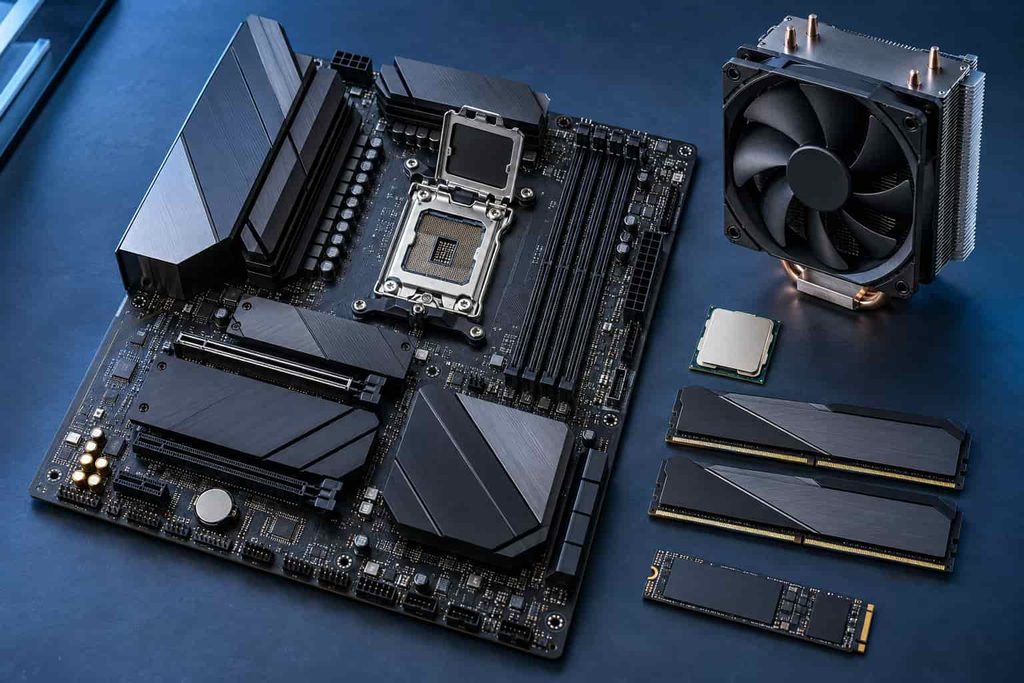
The Ryzen 7 7700X is an eight-core, 16-thread Zen 4 processor with a 4.5 GHz base clock, boost speeds up to 5.4 GHz, and a 105-watt default TDP. According to the official AMD Ryzen 7 7700X specifications, it uses the AM5 socket, supports DDR5 memory, and provides PCIe 5.0 connectivity.
Your motherboard must therefore have:
- An AMD AM5 socket
- Support for Ryzen 7000 processors
- DDR5 memory slots
- Suitable CPU power delivery and VRM cooling
- A compatible case form factor
- The storage and connectivity needed for your build
AM4 motherboards and DDR4 memory are not compatible. The processor also arrives without a boxed cooler, so your budget must include a capable tower air cooler or liquid cooler.
A motherboard connects the processor with the RAM, graphics card, storage, network controllers, USB devices, and other components. It does not normally create a major gaming-performance difference between correctly configured boards. Its quality mainly determines stability, connectivity, expansion capacity, tuning options, and the ease of future upgrades.
How We Chose the best motherboard for ryzen 7 7700x
These recommendations are based on published specifications, platform capabilities, connectivity, layout, upgrade flexibility, and overall value. They are not presented as results from original hands-on benchmark testing.
Each selected board offers power delivery suitable for a Ryzen 7-class processor, DDR5 support, practical M.2 storage, and modern networking. BIOS Flashback or an equivalent feature also received priority because it can simplify firmware recovery and future CPU upgrades.
Expensive features were considered only when they served a clear purpose. A gaming computer rarely needs 10Gb Ethernet or several PCIe 5.0 drives, while a professional editing workstation may benefit from both.
Recommended Motherboards for Ryzen 7 7700X
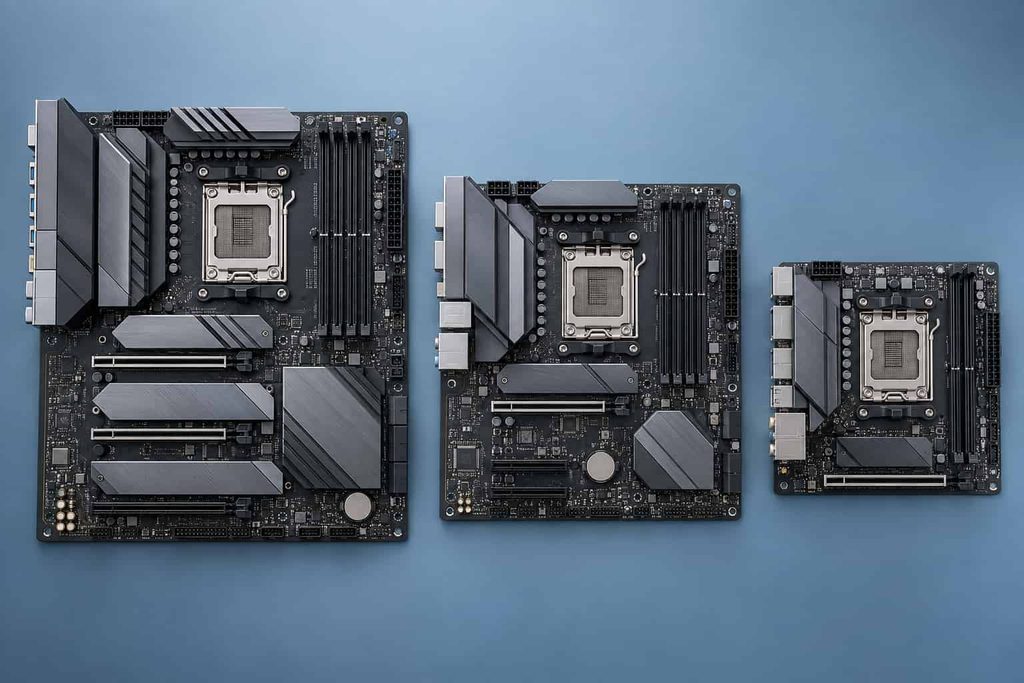
MSI MAG B850 TOMAHAWK MAX WIFI: Strongest Overall Choice
The MSI MAG B850 TOMAHAWK MAX WIFI offers the most balanced feature set for a new 2026 build. It provides a PCIe 5.0 x16 graphics slot, four M.2 sockets, two PCIe 5.0 storage connections, four SATA ports, Wi-Fi 7, and 5Gb Ethernet.
Its Flash BIOS button, diagnostic LEDs, preinstalled I/O shield, and tool-free component features make installation and troubleshooting easier. It is particularly suitable for a gaming and streaming PC that may receive a faster AM5 processor or additional SSDs later.
The main drawback is the absence of onboard USB4. Builders who need 40Gbps external storage or specialized creator equipment should consider an X870 board instead.
GIGABYTE B650 AORUS ELITE AX V2: Smart Value Option
The GIGABYTE B650 AORUS ELITE AX V2 remains a practical choice when it costs noticeably less than newer B850 alternatives. It includes three M.2 slots, one PCIe 5.0 M.2 connection, four SATA ports, Wi-Fi 6E, 2.5Gb Ethernet, and Q-Flash Plus for updating the BIOS without entering the operating system.
Its main graphics slot runs at PCIe 4.0 x16 with the Ryzen 7 7700X. That should not concern most gaming builders because the motherboard still provides the full x16 connection expected by modern graphics cards.
The board lacks Wi-Fi 7, 5Gb Ethernet, and a PCIe 5.0 graphics slot. If its price approaches that of a well-equipped B850 model, the newer board will generally offer better long-term value.
ASRock B650M Pro RS WiFi: Affordable Micro-ATX Pick
The ASRock B650M Pro RS WiFi is designed for builders who want useful AM5 features in a smaller, less expensive package. It offers four DDR5 slots, three M.2 sockets, four SATA connectors, 2.5Gb Ethernet, Wi-Fi 6E, and BIOS Flashback.
One M.2 connection supports PCIe 5.0 storage, while the graphics slot operates at PCIe 4.0 x16. Its 8+2+1 power-stage layout and VRM heatsinks make it a sensible match for running the 7700X at stock settings or with moderate Precision Boost Overdrive tuning, provided the case has reasonable airflow.
Its audio implementation and expansion layout are more basic than premium alternatives. The Micro-ATX format also provides less space for add-in cards, although it fits both Micro-ATX and standard ATX cases.
ASUS ROG STRIX B650E-F GAMING WIFI: Premium Gaming Option
The ASUS ROG STRIX B650E-F GAMING WIFI combines the mature B650 platform with PCIe 5.0 support for both the main graphics slot and primary M.2 connection. It also supplies three M.2 sockets, four SATA ports, twelve rear USB ports, Wi-Fi 6E, 2.5Gb Ethernet, and higher-grade onboard audio.
It is a good fit for a premium gaming build with multiple peripherals, a high-end graphics card, and an interest in future PCIe hardware. The debug indicators and BIOS FlashBack button are also helpful during assembly.
Buyers should examine its lane-sharing rules. Using the third M.2 slot in PCIe mode disables the secondary full-length expansion slot. It can also cost more than B850 boards offering newer networking.
ASUS ROG STRIX B650E-I GAMING WIFI: Compact Mini-ITX Choice
The ASUS ROG STRIX B650E-I GAMING WIFI brings strong AM5 features to small-form-factor systems. It supports PCIe 5.0 for the graphics card and primary SSD, along with two M.2 drives, two SATA devices, Wi-Fi 6E, 2.5Gb Ethernet, and eight rear USB ports.
Its two DDR5 slots are normal for Mini-ITX, but they limit future memory expansion. Installing two adequately sized modules from the beginning is therefore important. Cooling and cable management also require more planning in a compact case.
Choose it when small size is a genuine priority. A less expensive ATX or Micro-ATX motherboard offers more expansion if desk space is not a concern.
ASUS ProArt X870E-CREATOR WIFI: Choice for Content Creation
The ASUS ProArt X870E-CREATOR WIFI targets video editors, designers, developers, and other professionals who move large files or use high-bandwidth equipment. Its standout features include two 40Gbps USB4 ports, 10Gb and 2.5Gb Ethernet, Wi-Fi 7, four M.2 sockets, and two CPU-connected PCIe 5.0 x16 slots that can operate at x8/x8.
The second Gen 5 M.2 slot shares bandwidth with an expansion slot, so complex workstation configurations require careful planning. For gaming alone, the board is unnecessarily expensive and will not produce a proportional frame-rate improvement.
It becomes worthwhile when its faster networking, USB4 connections, storage capacity, or multi-card layout can save time in daily professional work.
AM5 Chipsets Compared
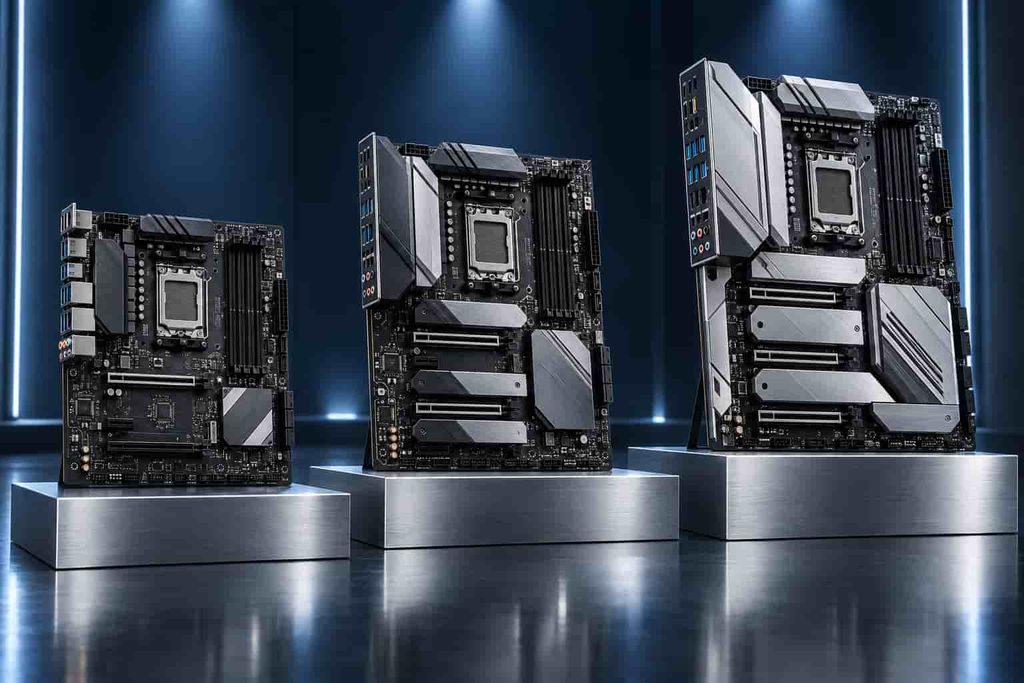
AMD lists B650, B650E, X670, X670E, B840, B850, X870, and X870E among the supported chipsets for the Ryzen 7 7700X. The company’s AM5 chipset comparison confirms that AM5 600-series and 800-series motherboards support Ryzen 7000 processors.
| Chipset Class | Main Strength | Main Limitation | Suitable Buyer |
|---|---|---|---|
| A620 or B840 | Low entry cost | Reduced expansion and no CPU overclocking | Basic productivity build |
| B650 | Affordable, mature, and widely equipped | Features vary considerably by model | Budget and mainstream gaming |
| B850 | Newer connectivity and Gen 5 NVMe support | USB4 remains optional | Most new midrange builds |
| B650E | Gen 5 graphics and NVMe connectivity | Older networking on some models | Performance-focused gaming |
| X670 or X670E | More chipset lanes and storage options | Often expensive for a 7700X | Large multi-drive systems |
| X870 or X870E | USB4 and extensive modern connectivity | Highest platform cost | Premium and professional builds |
A more expensive chipset does not automatically make the processor faster. It primarily adds lanes, ports, storage connections, and advanced expansion capabilities. A capable B650 or B850 motherboard can deliver the same core gaming performance as a premium X870E model when both are configured correctly.
Important Motherboard Features to Check
Power Delivery and VRM Cooling
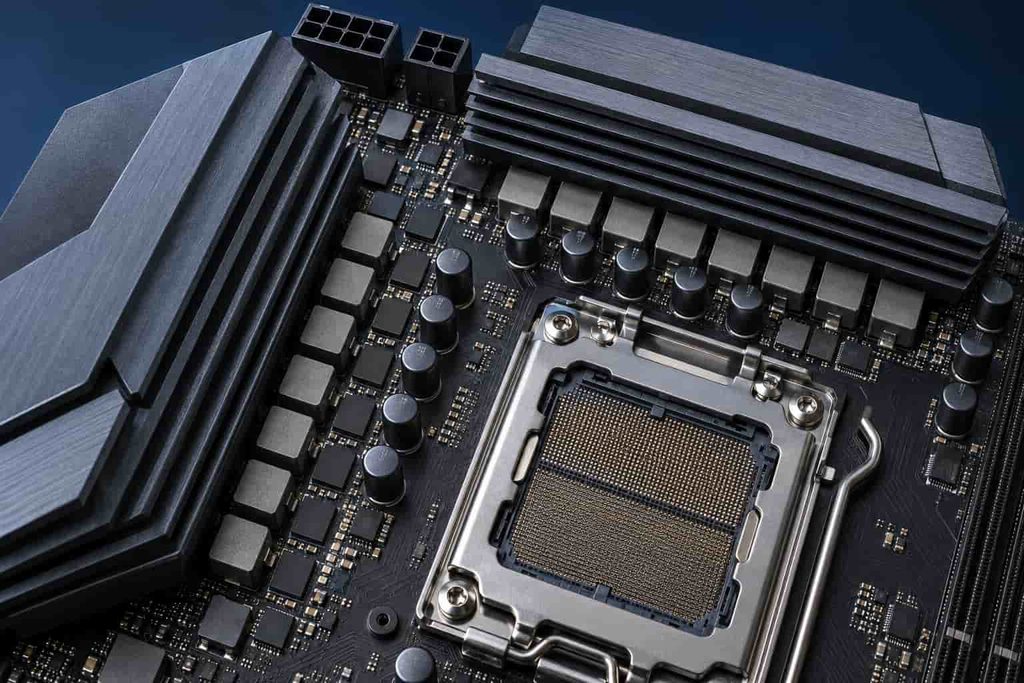
The Ryzen 7 7700X can sustain demanding workloads and supports Precision Boost Overdrive. Look for substantial VRM heatsinks and a reputable power implementation, especially if you plan to render video, compile code, or run the processor under heavy loads for hours.
Do not judge power delivery by phase count alone. Controller quality, power-stage capability, cooling, firmware tuning, and airflow all influence the result.
DDR5 Memory Compatibility
A 32GB kit consisting of two 16GB DDR5 modules is a practical starting point for gaming and general productivity. DDR5-6000 with an AMD EXPO profile is a popular pairing, but memory stability still depends on the CPU, BIOS, module layout, and motherboard firmware.
Check the board’s memory support list when choosing a high-speed kit. Two modules are generally easier to run at higher speeds than four, so buy the capacity you expect to need instead of filling every slot immediately.
Storage and PCIe Lane Sharing
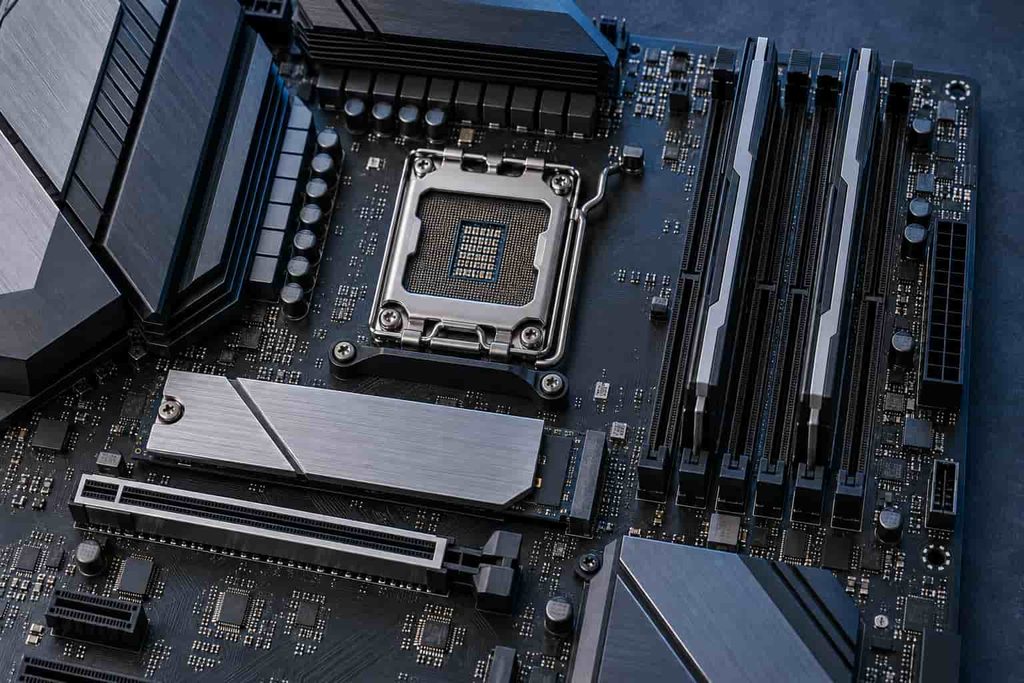
When comparing the best motherboard for ryzen 7 7700x options, consider the number and speed of M.2 connections rather than focusing only on the chipset name. PCIe 4.0 SSDs remain responsive and cost-effective for gaming, while Gen 5 drives are more relevant to storage-heavy professional work.
Read the manual for lane-sharing details. Installing an SSD in a particular socket can reduce the speed of a secondary expansion slot or disable it completely.
Networking, USB, and Internal Headers
Wi-Fi 6E and 2.5Gb Ethernet are sufficient for most homes. Wi-Fi 7, 5Gb Ethernet, and 10Gb Ethernet matter only when the rest of your network can use those speeds.
Count rear USB ports and check for a front-panel USB-C header, enough fan headers, and the correct audio connections. These everyday features often affect ownership more than decorative lighting or extreme memory-speed claims.
Benefits and Drawbacks of Different Motherboard Tiers
A properly selected midrange motherboard offers several benefits:
- Stable CPU performance during sustained workloads
- Enough storage and USB connectivity for normal upgrades
- Easier troubleshooting through debug LEDs and BIOS Flashback
- Support for faster future AM5 processors
- Better control over fan curves, EXPO, and boost settings
However, premium boards introduce tradeoffs. Extra controllers increase price, Gen 5 SSDs require substantial cooling, and lane-sharing rules can complicate expansion. Mini-ITX boards reduce system size but limit RAM slots, storage connections, and internal headers.
Paying more for a motherboard also leaves less money for the graphics card, monitor, storage, or cooling. Those components may produce a more noticeable improvement in real-world use.
Matching a Motherboard to Your Real-World Build
For a gaming PC, prioritize stable power delivery, enough USB ports, reliable networking, and at least two M.2 sockets. The GIGABYTE B650 AORUS ELITE AX V2 offers strong value, while the MSI B850 TOMAHAWK MAX WIFI provides a more modern upgrade path.
Streamers and general content creators can also choose the MSI board unless their workflow specifically requires USB4 or 10Gb Ethernet. The ProArt X870E model is better suited to editors working with network-attached storage, several NVMe drives, and high-speed external equipment.
For a compact living-room or desk PC, the ROG STRIX B650E-I provides full Ryzen performance in a Mini-ITX layout. The 7700X also contains basic integrated Radeon graphics, allowing display output and troubleshooting without a dedicated GPU, although a discrete graphics card remains necessary for demanding gaming.
Common Buying Mistakes and Practical Setup Tips
Avoid these common errors before ordering your components:
- Buying an AM4 motherboard: The Ryzen 7 7700X requires an AM5 socket.
- Reusing DDR4 memory: AM5 desktop boards for this processor require DDR5.
- Ignoring case compatibility: ATX boards will not fit in most Micro-ATX or Mini-ITX cases.
- Choosing by chipset alone: Two boards with the same chipset can have very different ports, cooling, and expansion.
- Overlooking shared bandwidth: An occupied M.2 socket may disable or slow another slot.
- Forgetting the CPU cooler: AMD does not include one with the 7700X.
- Overspending on unused features: USB4 and 10Gb Ethernet offer no advantage when your devices and network cannot use them.
Before assembly, download the board manual and confirm the recommended RAM slots. Most four-slot boards direct a two-module kit to the A2 and B2 positions.
After the first successful boot, install the latest stable BIOS and chipset drivers before applying aggressive tuning. Enable EXPO separately, test memory stability, and then configure Precision Boost Overdrive if desired. Initial AM5 memory training may make the first boot slower than expected, so allow the system time to complete the process before assuming a fault.
Frequently Asked Questions
What is the best motherboard for ryzen 7 7700x in 2026?
The MSI MAG B850 TOMAHAWK MAX WIFI is a strong overall choice because it offers PCIe 5.0, four M.2 slots, Wi-Fi 7, 5Gb Ethernet, and useful troubleshooting features. However, a lower-priced B650 motherboard may provide better value if you do not need its newer connectivity.
Is a B650 motherboard enough for the Ryzen 7 7700X?
Yes. A well-designed B650 motherboard can run the Ryzen 7 7700X reliably at stock settings and with Precision Boost Overdrive. Prioritize adequate VRM cooling, suitable storage connections, BIOS Flashback, and the ports you need. A premium chipset is unnecessary for most gaming systems.
Does the Ryzen 7 7700X require a BIOS update?
Most B650 and X670 motherboards support the Ryzen 7 7700X out of the box because both launched for the Ryzen 7000 platform. B850 and X870 boards also support it. Nevertheless, installing the latest stable BIOS can improve memory compatibility, security, stability, and hardware support.
What DDR5 memory speed works well with the Ryzen 7 7700X?
A two-module DDR5-6000 kit with an AMD EXPO profile is a popular choice for balancing speed and compatibility. Check the motherboard’s memory support list before purchasing. Higher advertised speeds are not guaranteed with every processor, BIOS version, memory capacity, or four-module configuration.
Can the Ryzen 7 7700X work without a graphics card?
Yes. The Ryzen 7 7700X includes basic integrated Radeon graphics and can provide display output through a compatible motherboard’s HDMI or DisplayPort connection. It is useful for setup, troubleshooting, office tasks, and media playback, but a dedicated graphics card is recommended for demanding games and graphics-intensive applications.
Is an X870E motherboard worth buying for the Ryzen 7 7700X?
An X870E motherboard is worthwhile when you need USB4, additional PCIe lanes, several high-speed SSDs, advanced networking, or extensive expansion. It generally will not improve gaming performance compared with a capable B650 or B850 board. Most users should invest the savings in a better GPU, cooler, or storage.
Can the Ryzen 7 7700X be overclocked on any AM5 motherboard?
The processor is unlocked, but CPU overclocking support depends on the motherboard chipset and firmware. B650, B650E, B850, X670, X670E, X870, and X870E boards support CPU tuning. A620 and B840 are more restricted. Effective cooling and conservative settings remain important for stable operation.
Final Thoughts
The best motherboard for ryzen 7 7700x is the one that supports your actual storage, networking, case, and upgrade requirements without consuming money better spent elsewhere. The MSI MAG B850 TOMAHAWK MAX WIFI is the strongest all-around option for a new build, while the GIGABYTE B650 AORUS ELITE AX V2 and ASRock B650M Pro RS WiFi deliver better value on tighter budgets.
Choose the ROG STRIX B650E-I for a compact system and the ProArt X870E-CREATOR WIFI only when professional connectivity justifies its higher cost. For most gaming and everyday productivity builds, a properly equipped B650 or B850 board is the smartest match for the Ryzen 7 7700X.